Over the lifespan of managing a property, there can be multiple change overs of Lease Agreements.
This help article will guide you through the process of a change of Lease Agreement in Rex PM.
Once you know a tenant is vacating their property for any reason there are a few things to update to ensure that rent isn't overcharged and you have a clear view of your portfolio.
To help manage a tenant moving out we recommend using our Move Out Task where you can incorporate your internal processes using Rex PM Checklists.
When the tenants vacate date is confirmed you will want to follow the below steps to enter a Charge to Date to ensure rent charges are stopped at the vacate date.
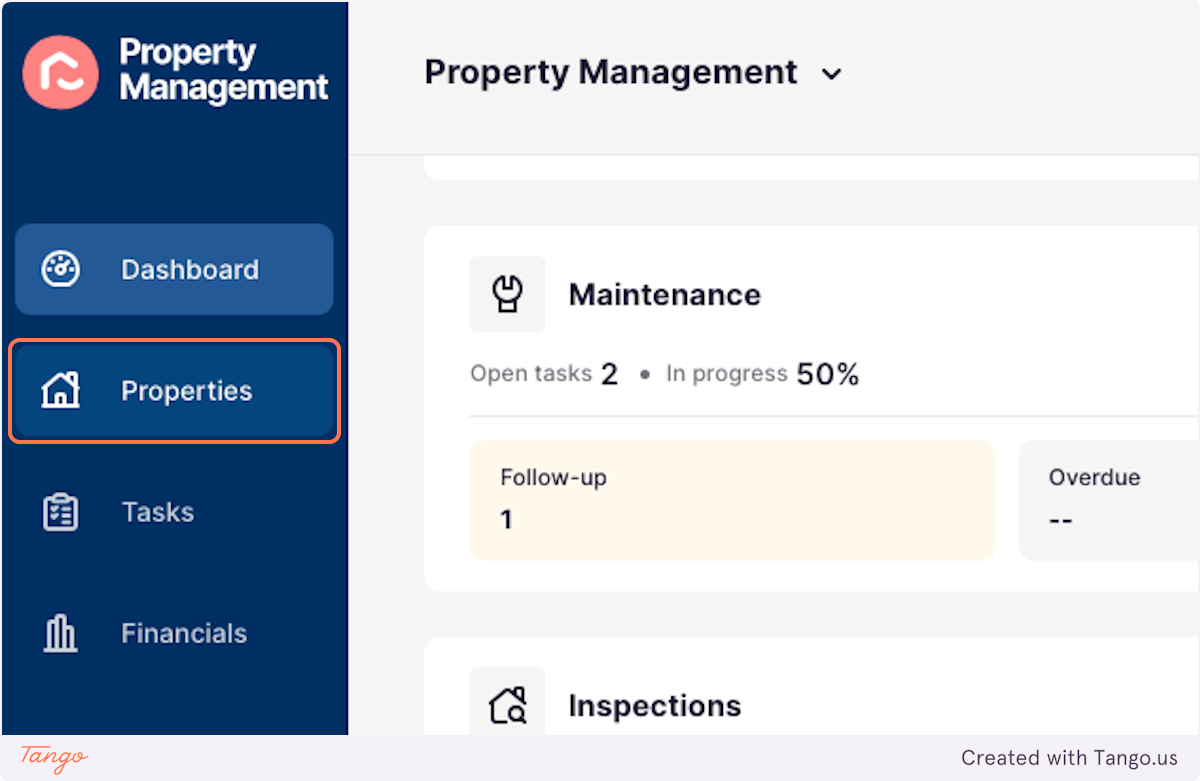
1. Click on Properties
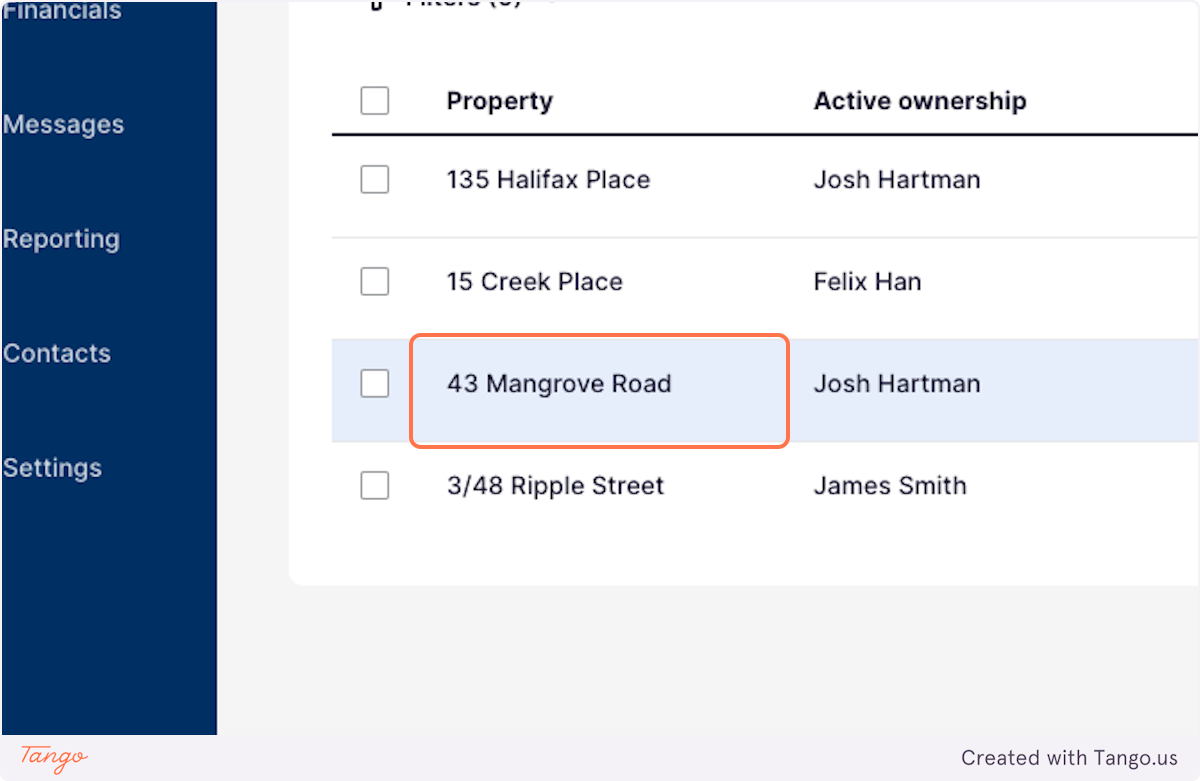
2. Select the Property you wish to update
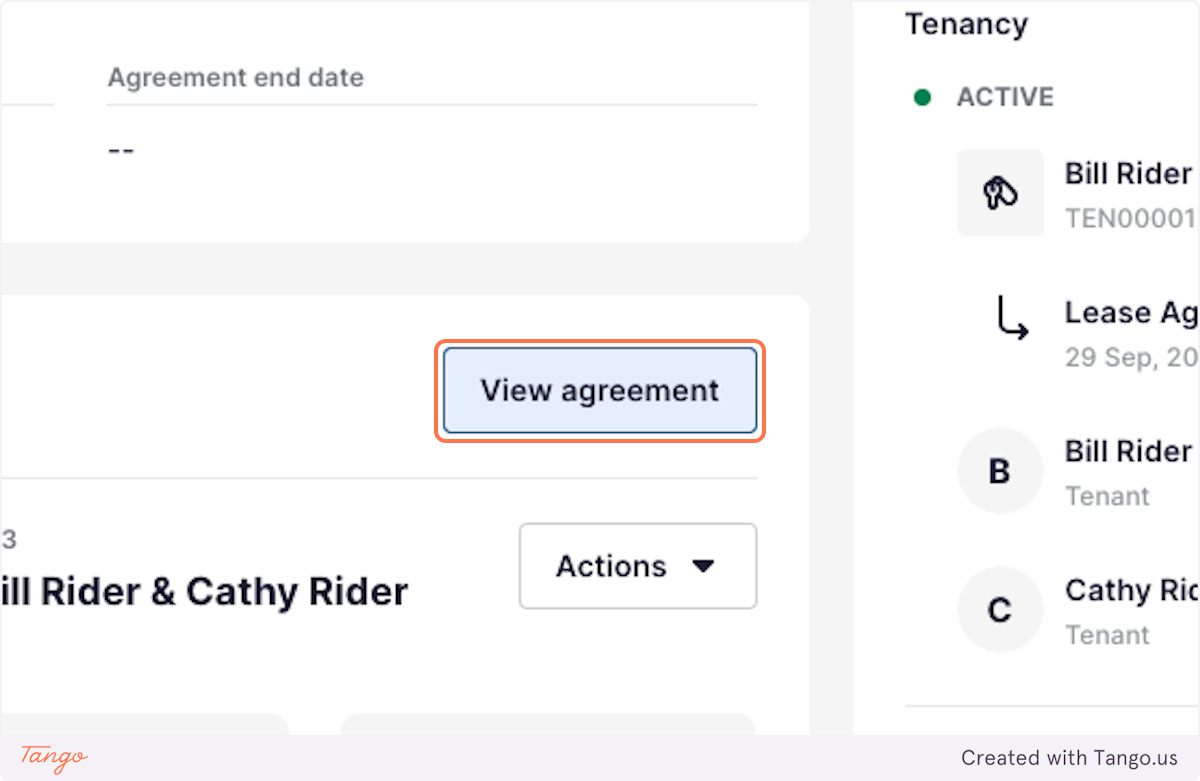
3. Click on View agreement
4. Click on Edit block
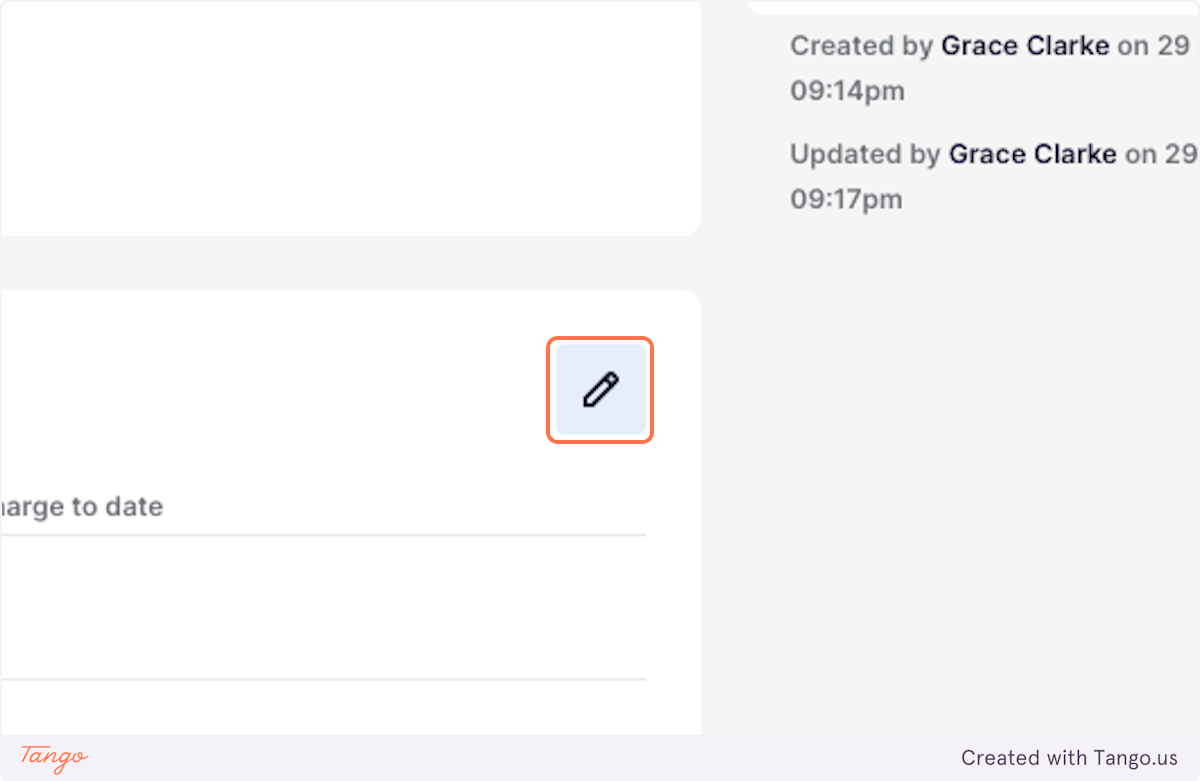
5. Click on Charge to date
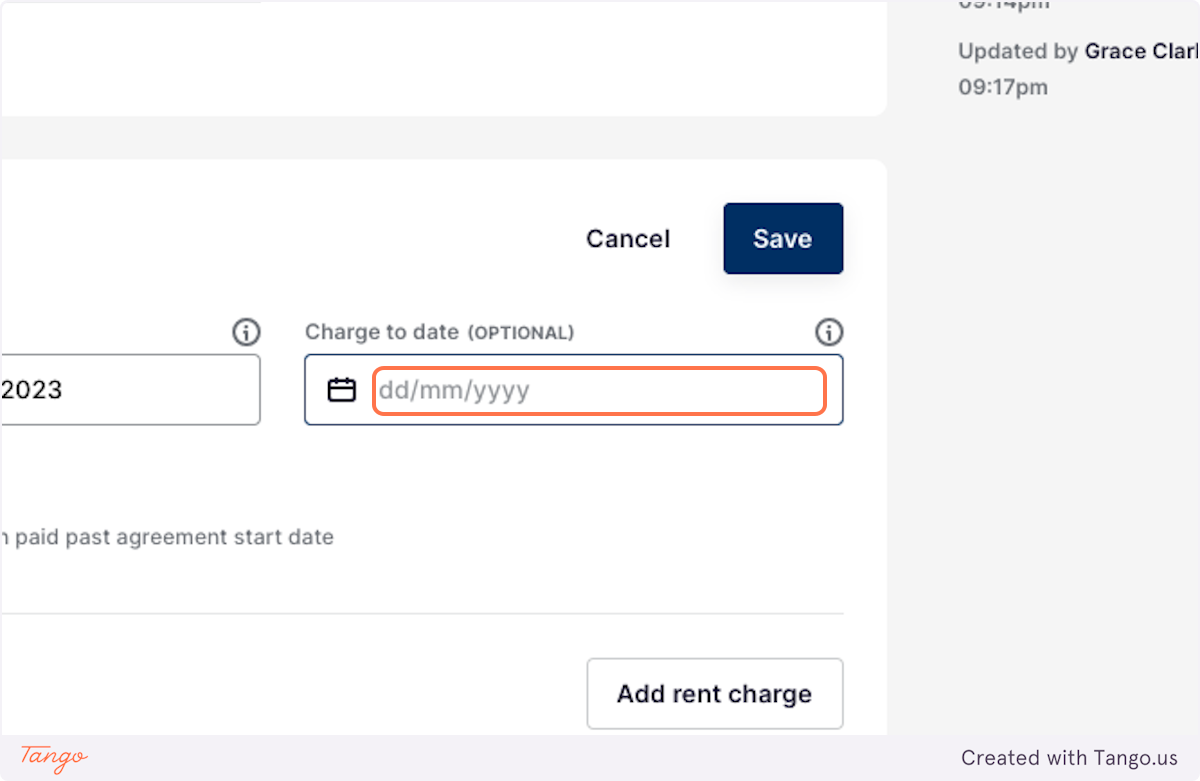
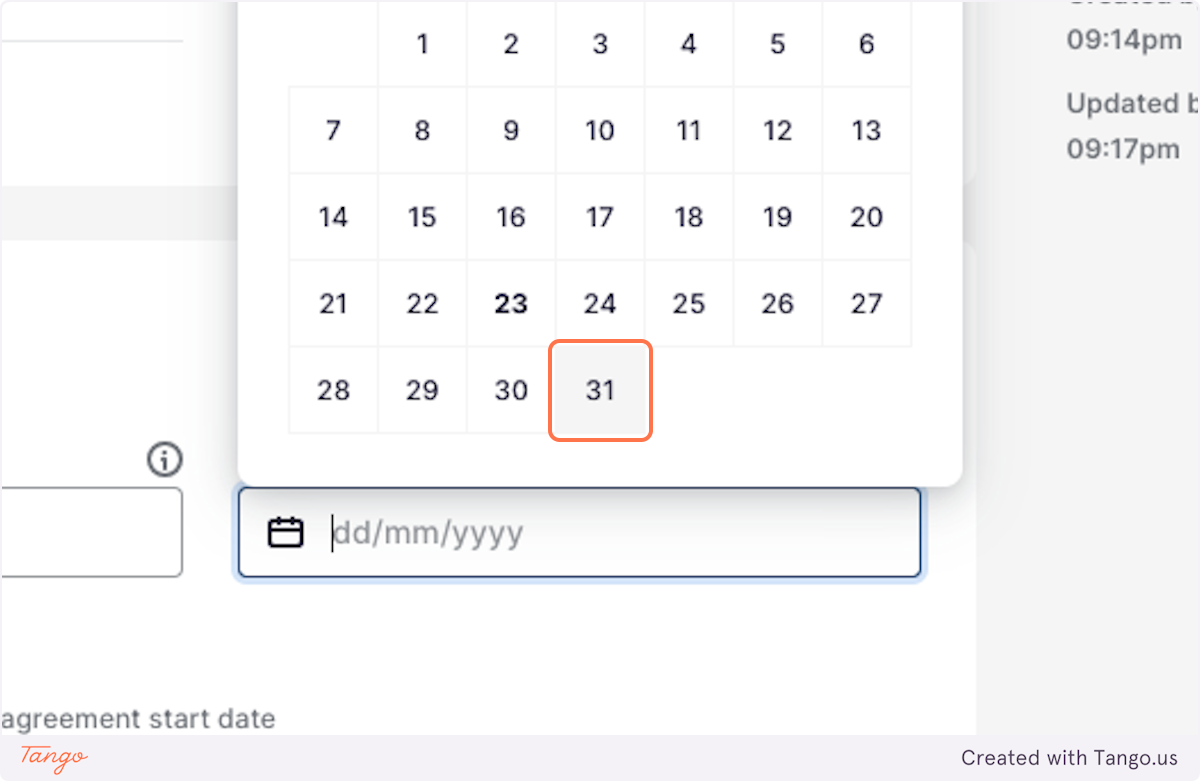
6. Enter the Vacate Date or the date Rent Charges are to end
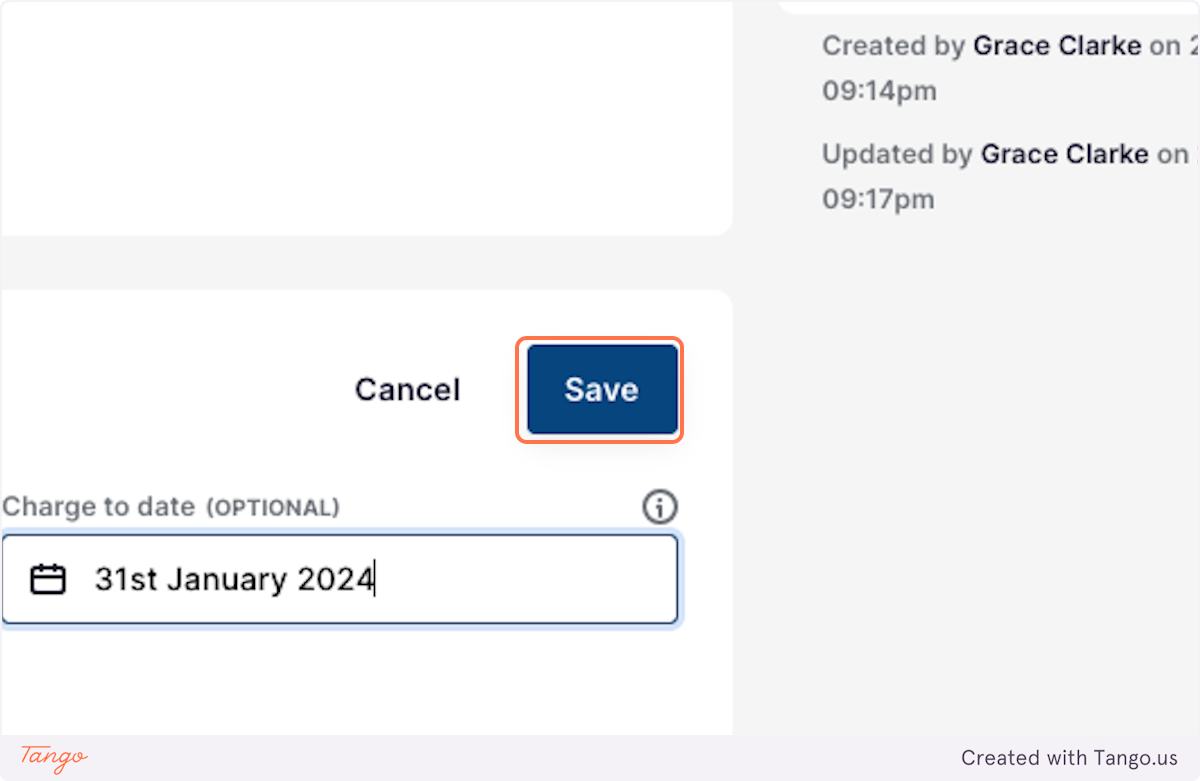
7. Click on Save
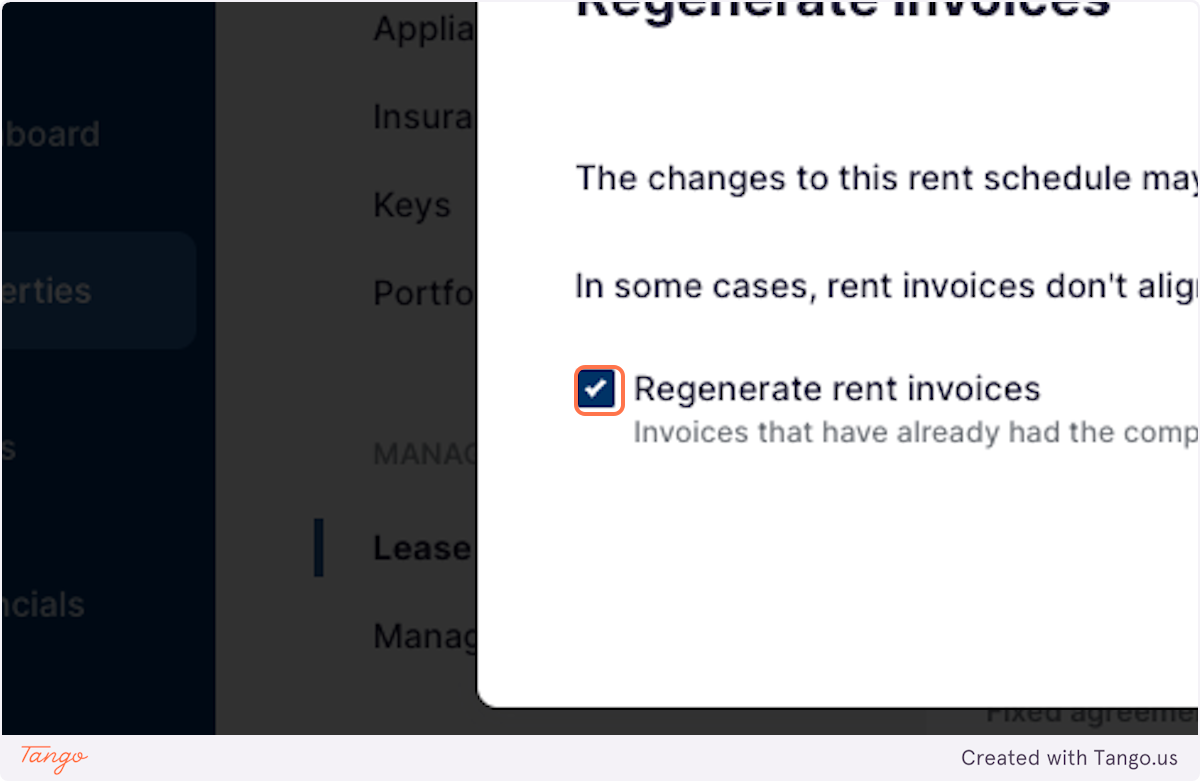
8. Check Regenerate rent invoices
This will ensure that any current invoices are updated to reflect the entered Charge to Date
9. Click on Confirm