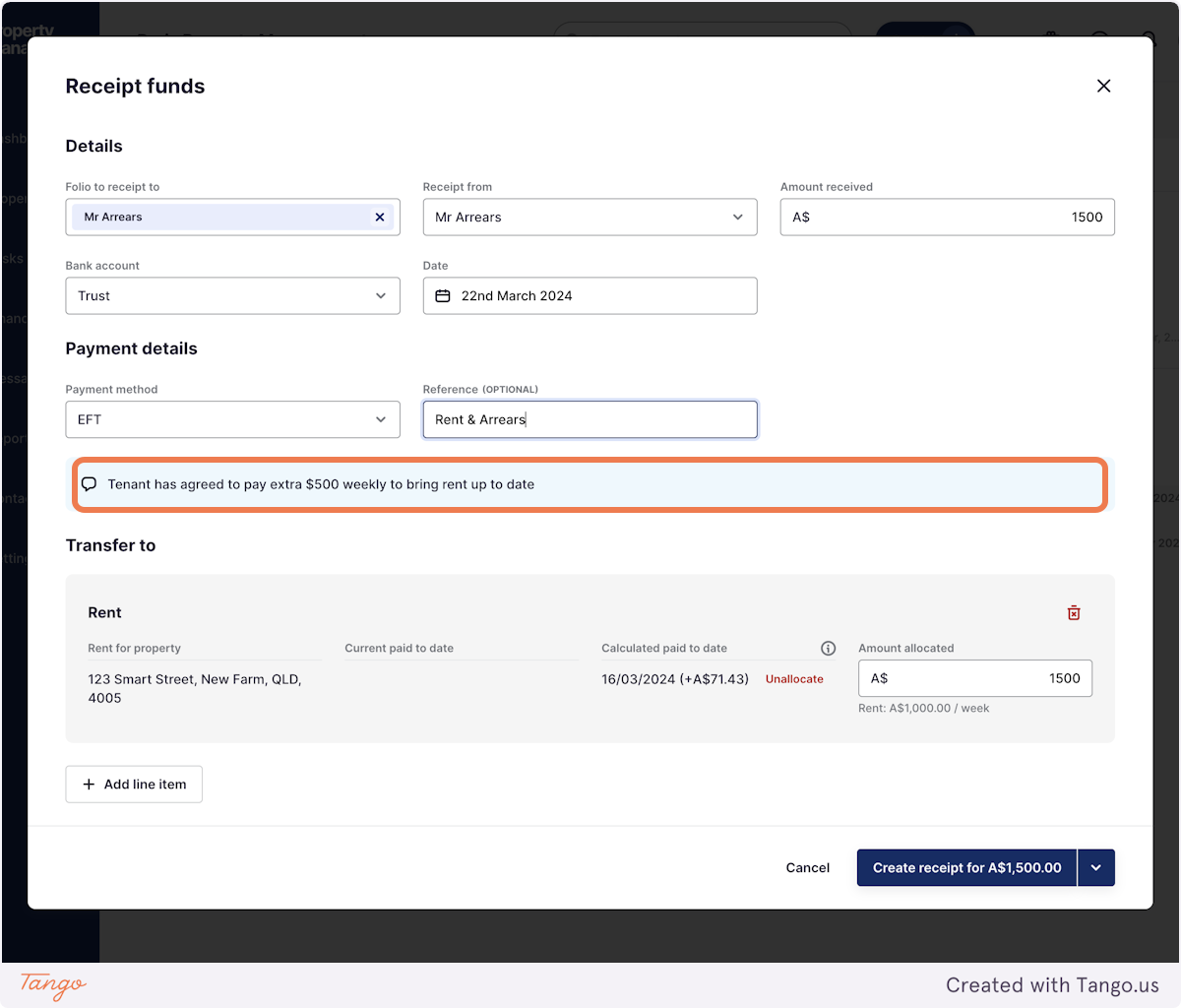
Rex PM wants you to never miss a beat. Thats why, if for any reason your client needs receipting instructions, we introduced this feature.
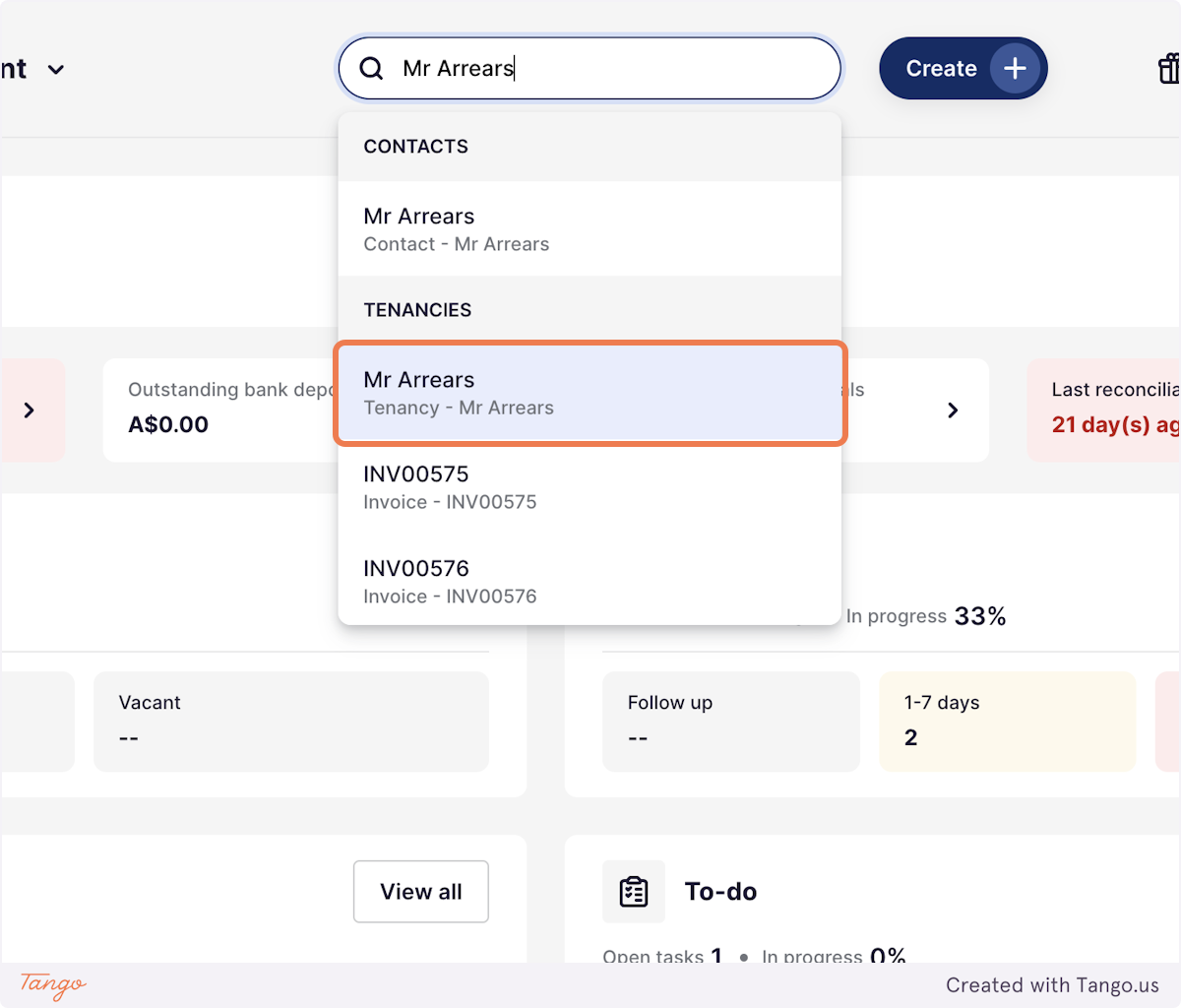
1. Using the global search bar, search for the record you wish to edit
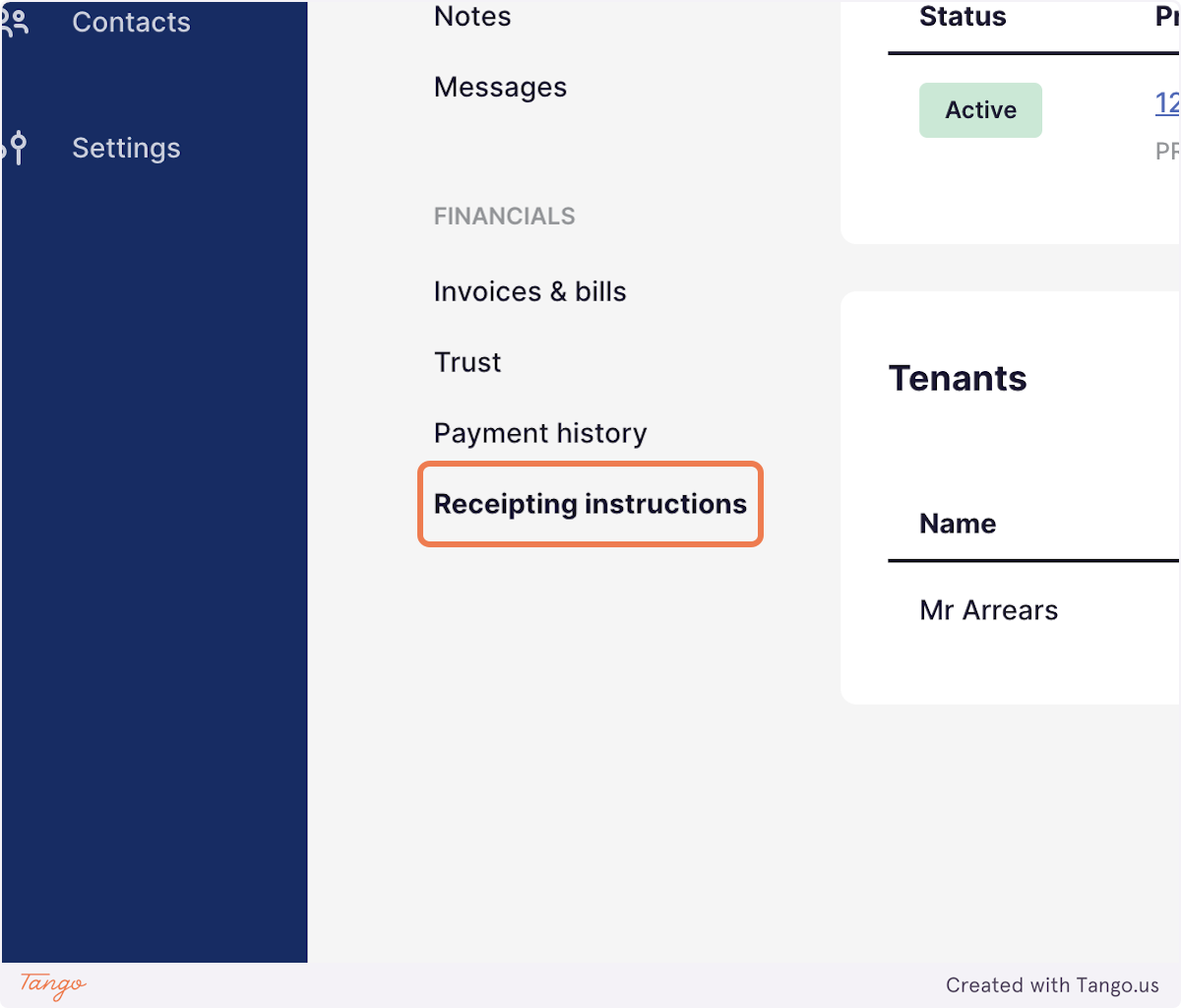
2. Click on Receipting instructions
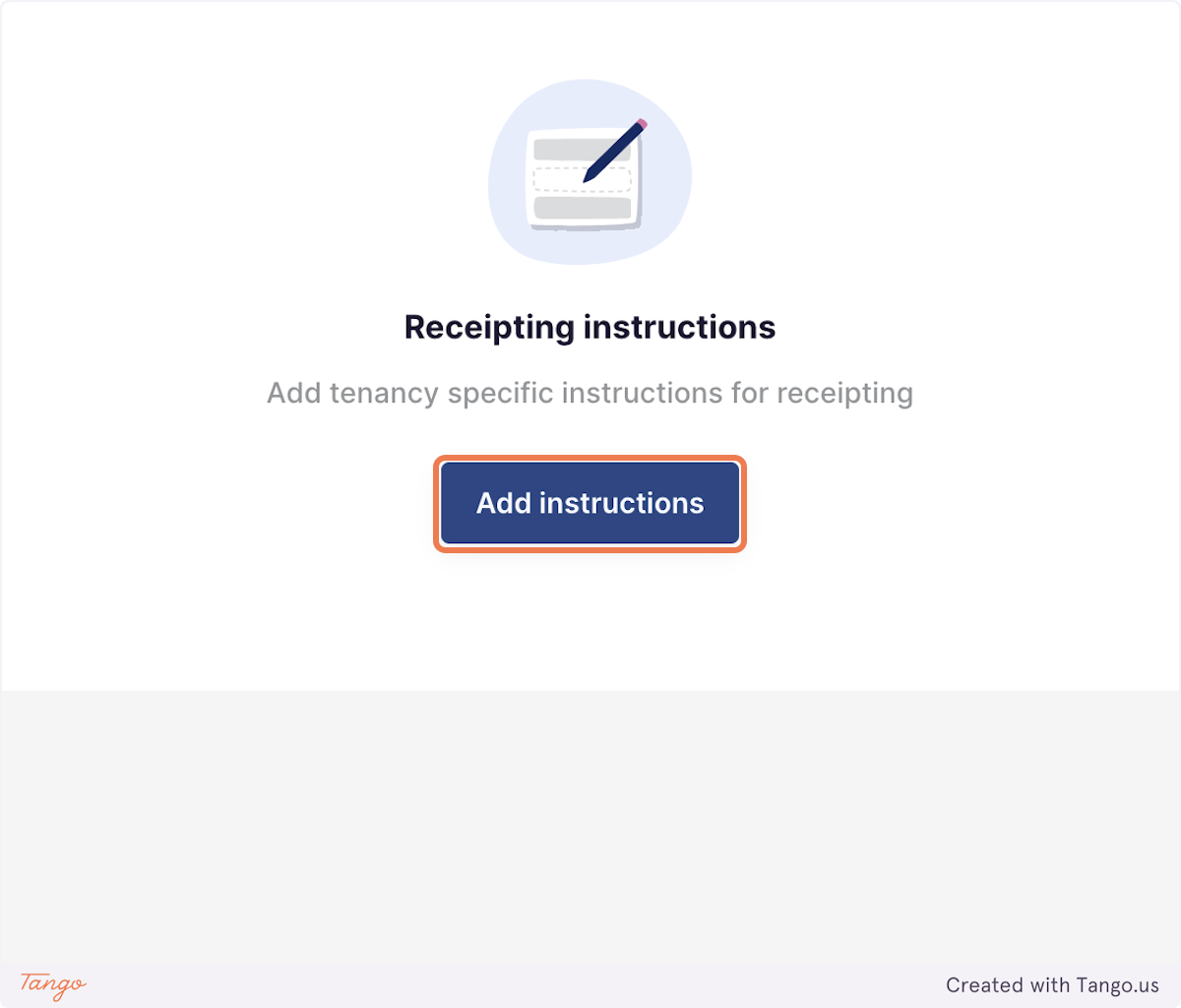
3. Click on Add instructions
4. Enter the receipting instructions
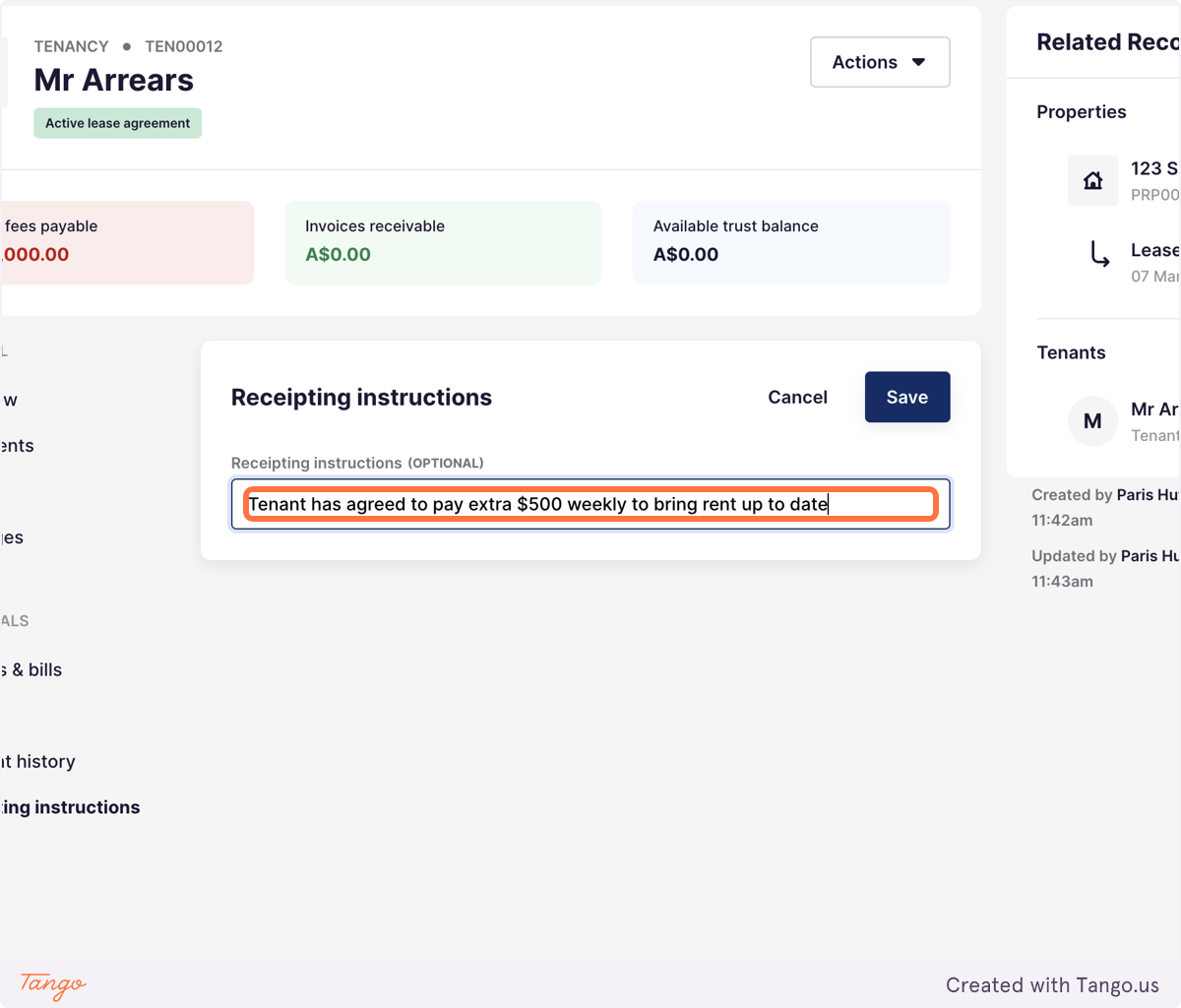
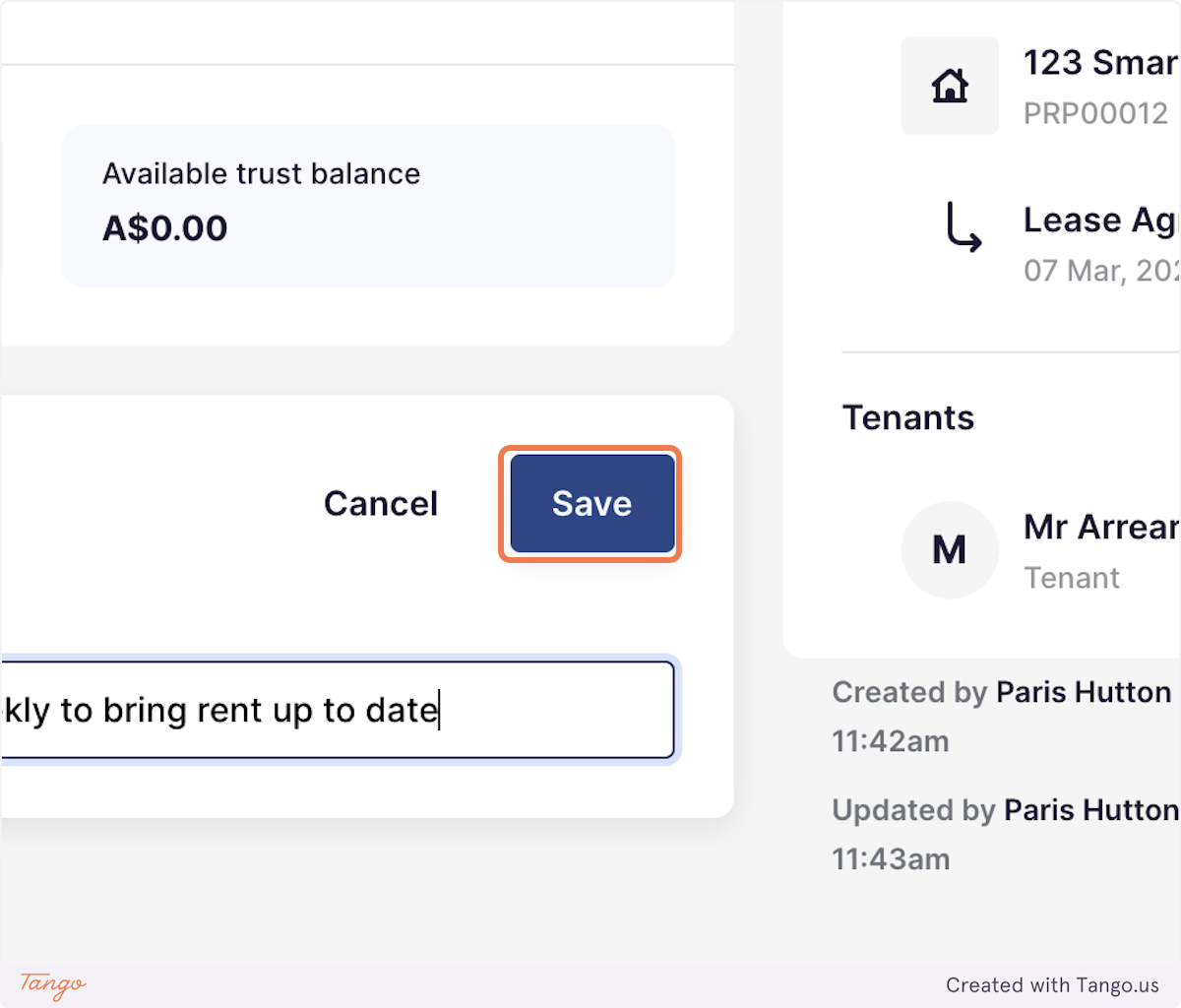
5. Click on Save
6. The Receipting instructions will now appear as a note during all future receipts for this record
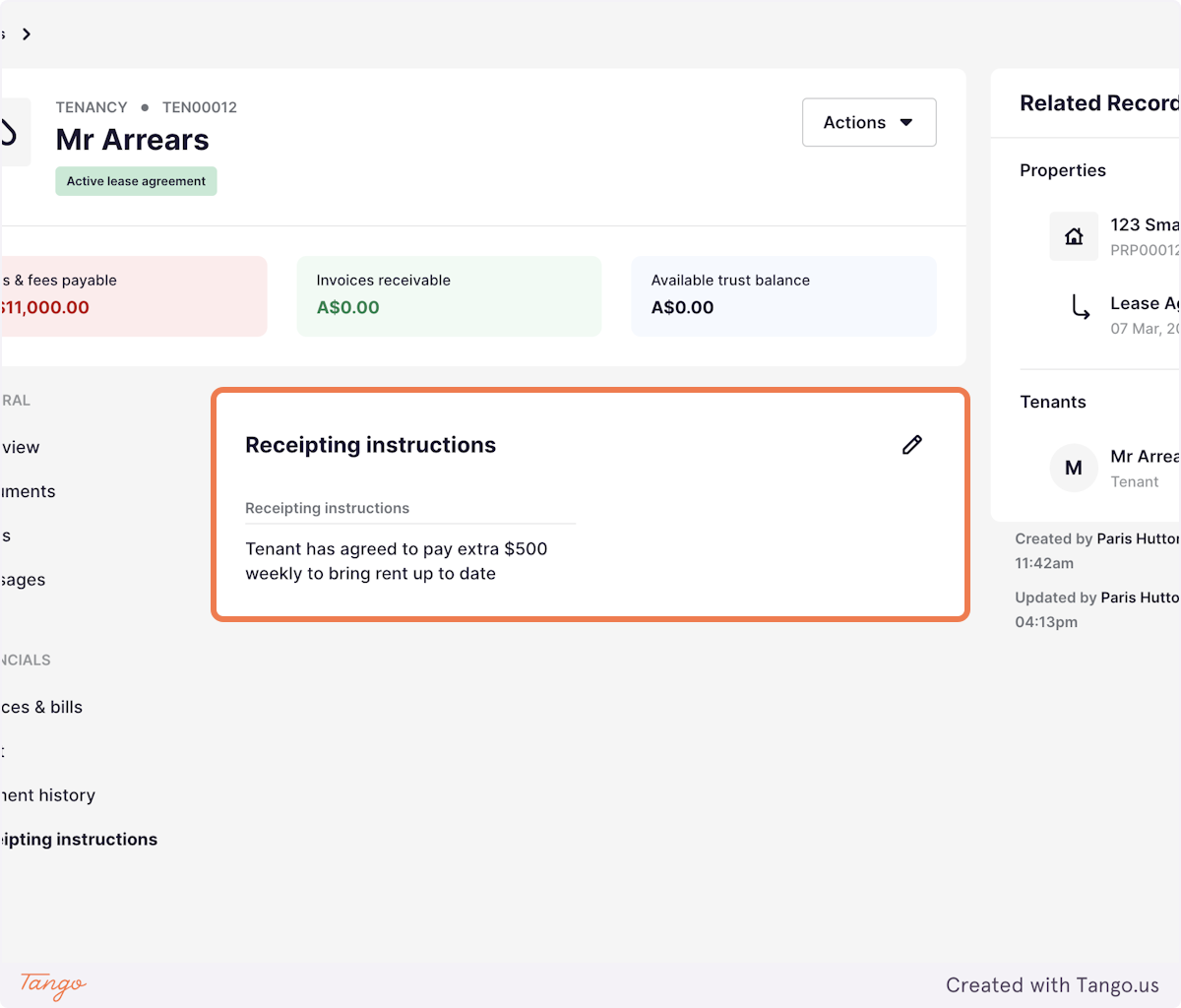
7. As below!