This feature allows you to select multiple invoices and organise a funds transfer to pay those invoices without having to process an ownership disbursement.
Simplify your invoice management and pay Suppliers on time, every time!
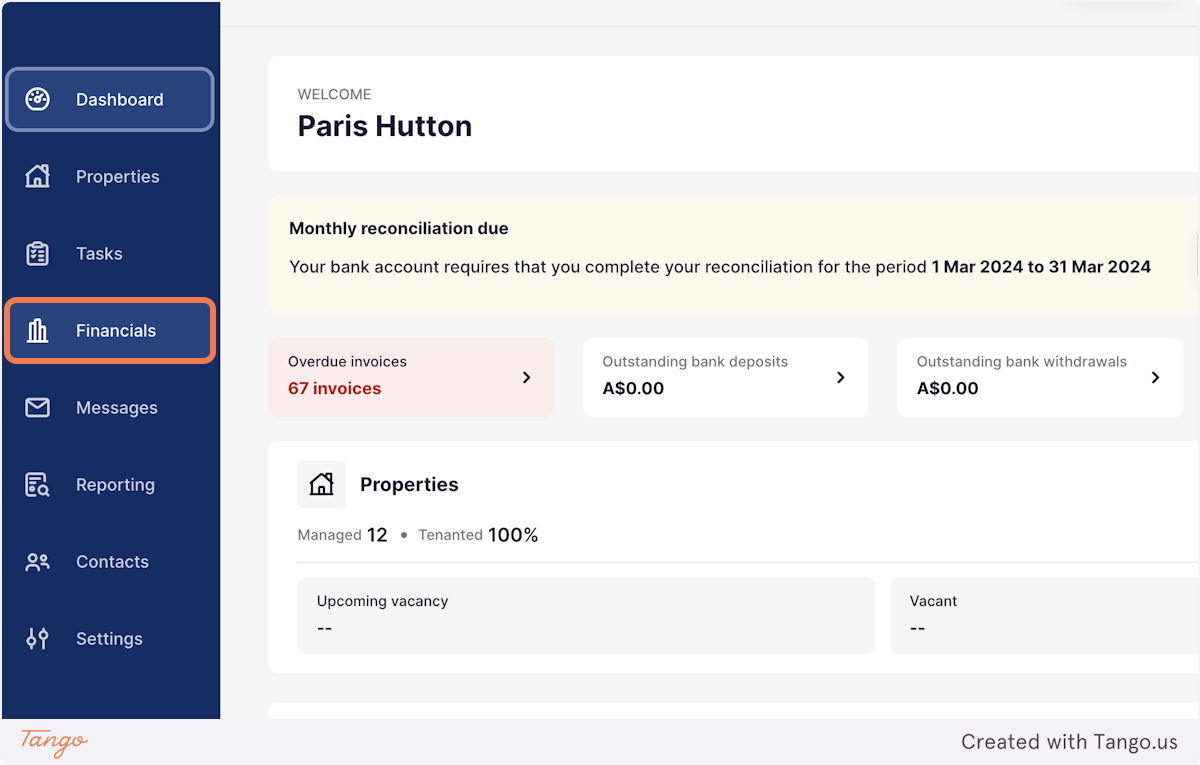
1. On the left hand menu, select Financials
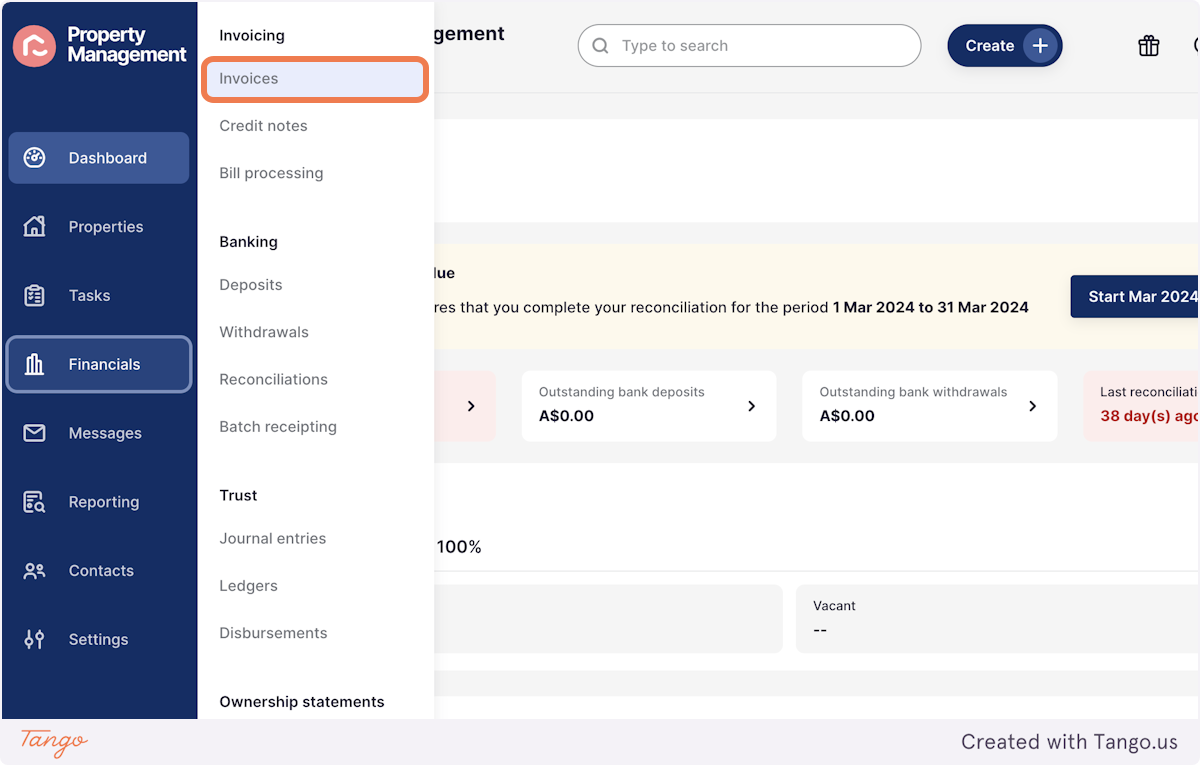
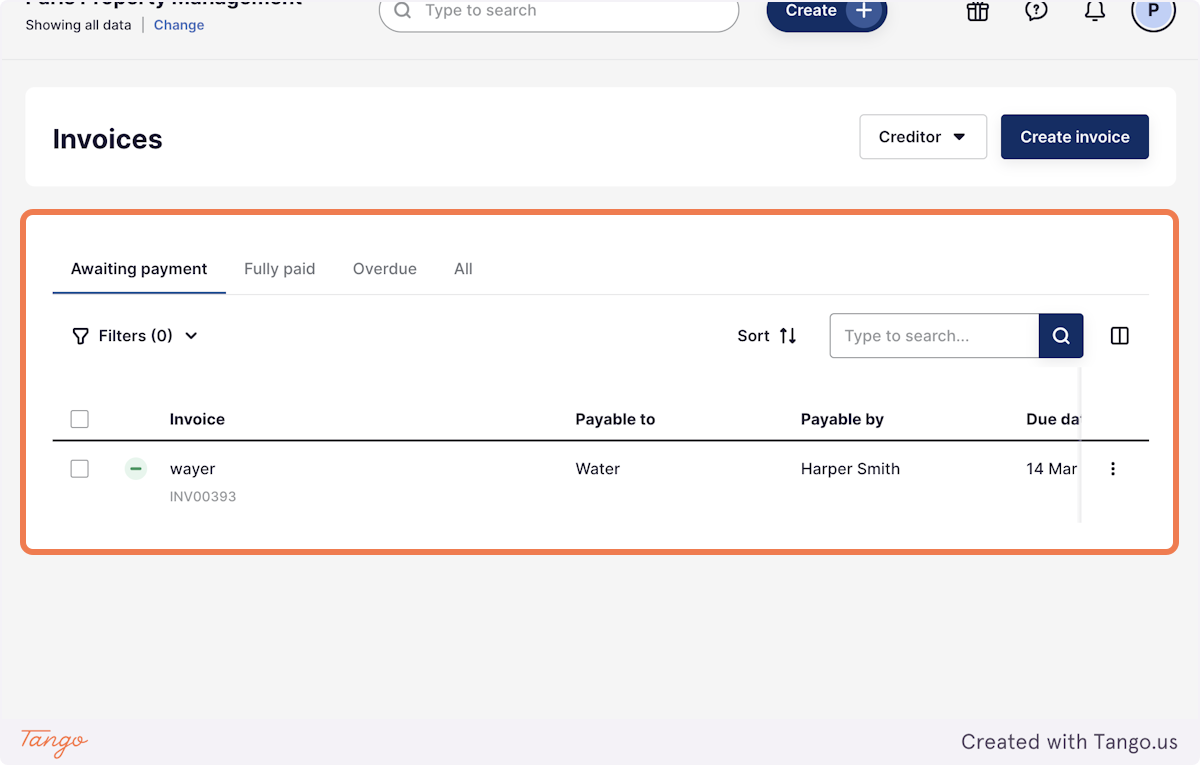
2. Select Invoices
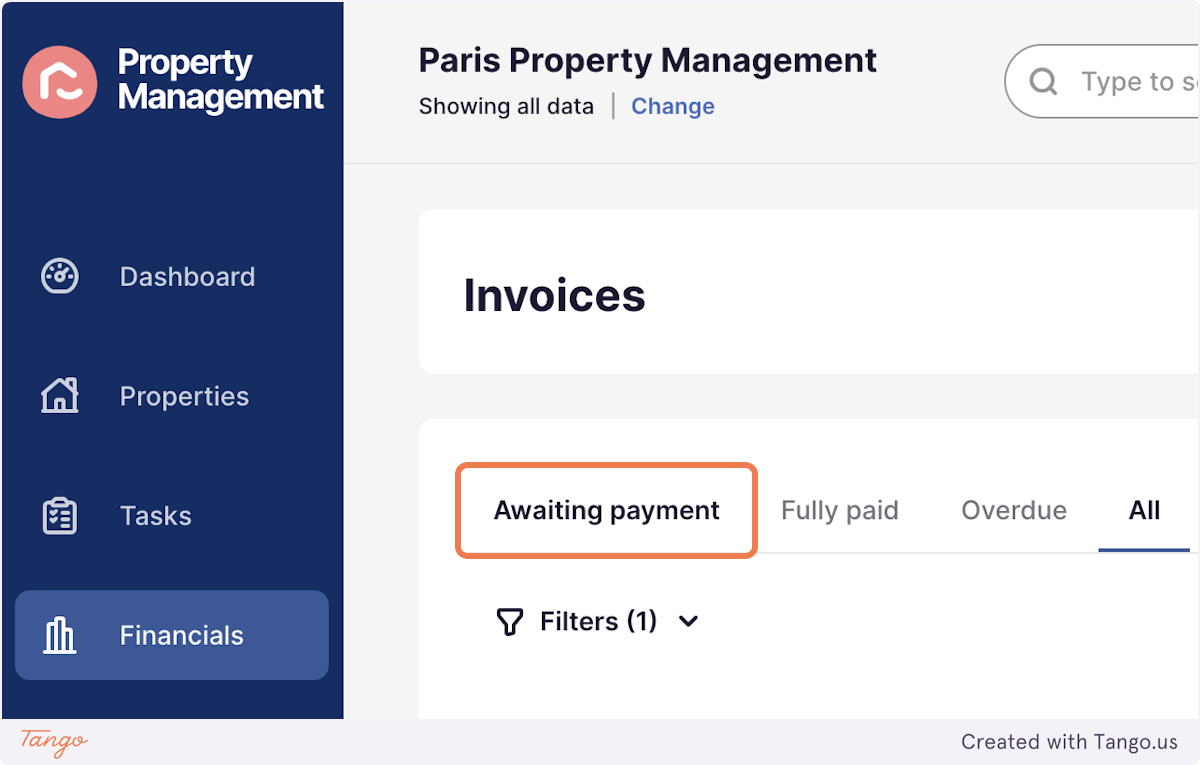
3. Click on Awaiting payment
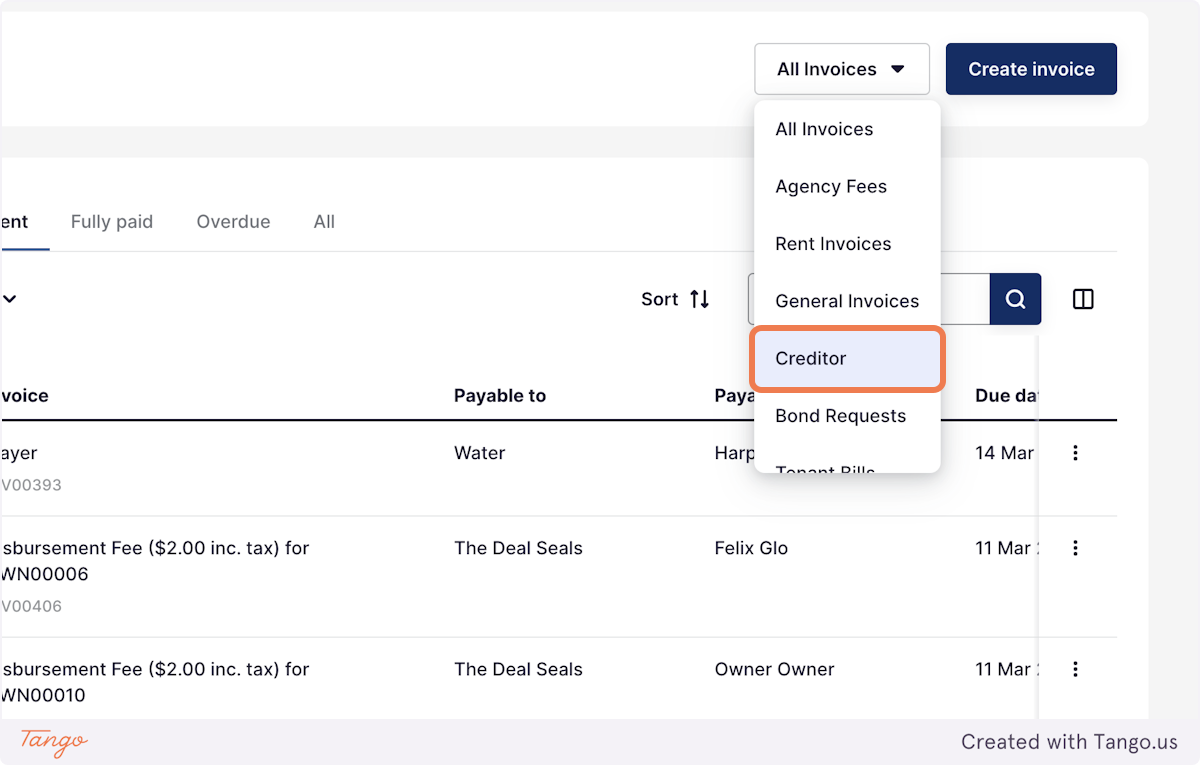
4. You can also filter the invoices by type, in this example I want to only look at Creditor invoices
5. Using the tick box, check the invoices you would like to pay
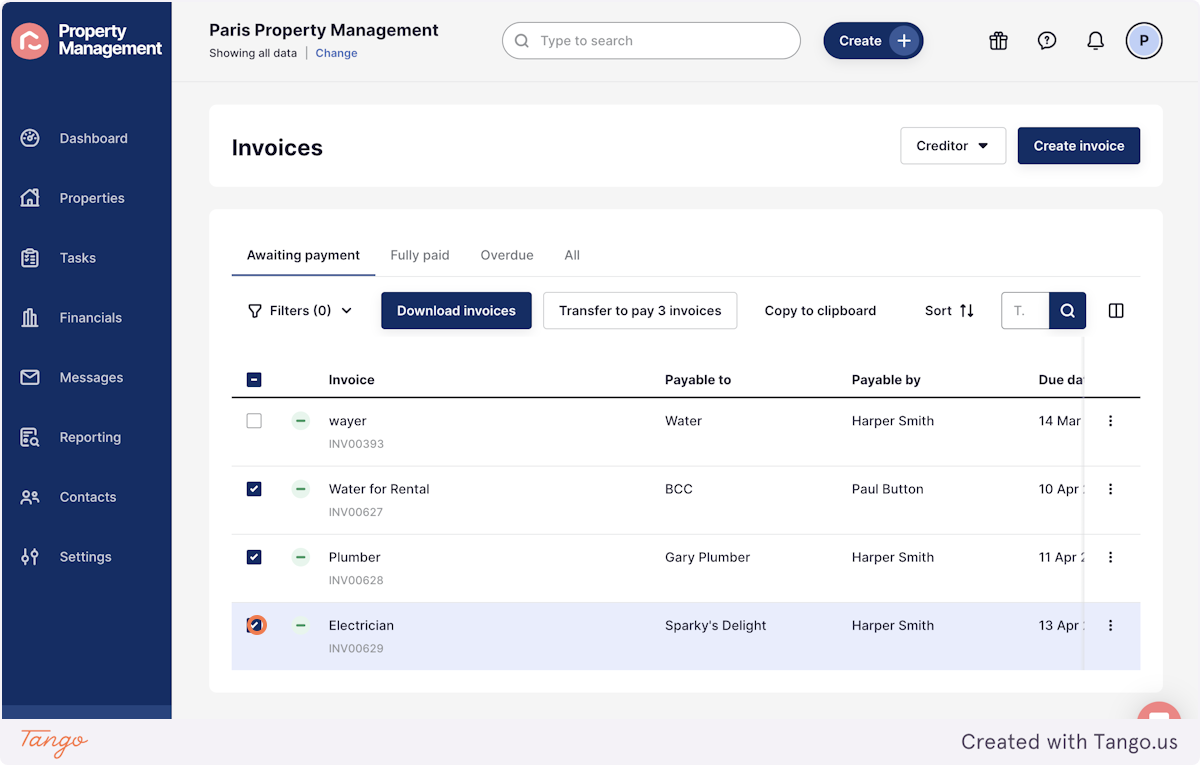
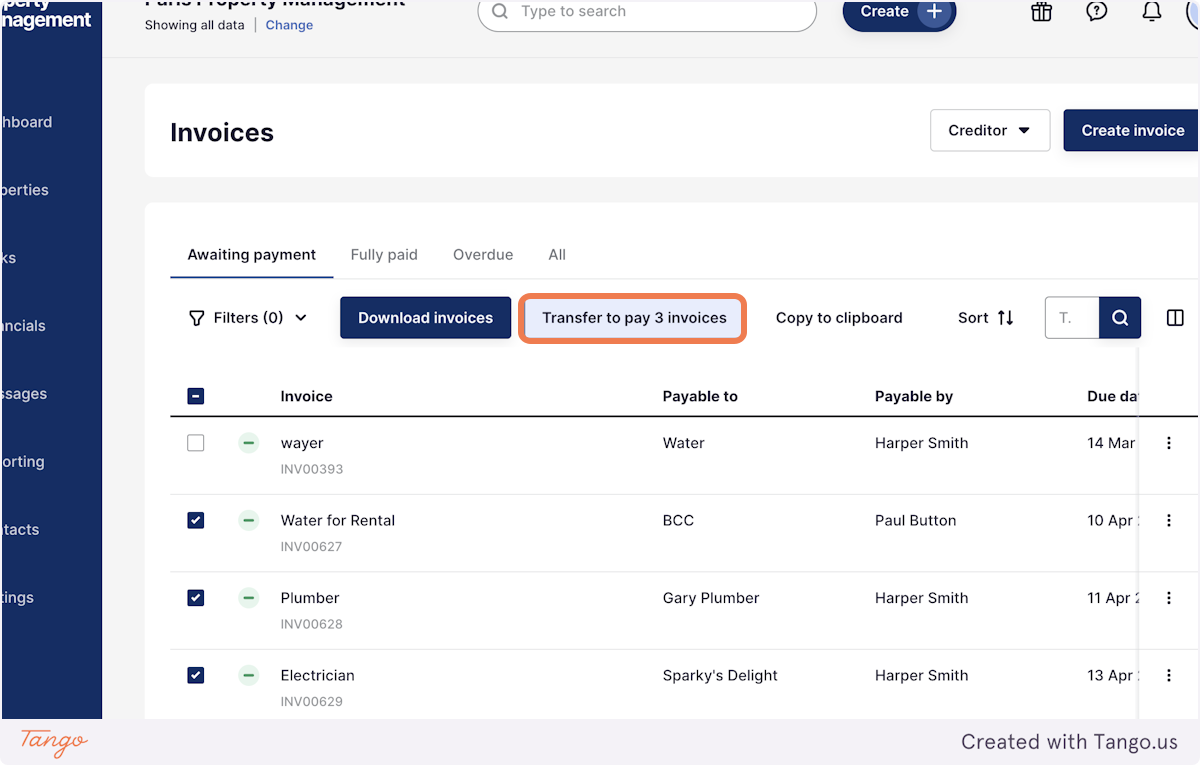
6. Select 'Transfer to pay'
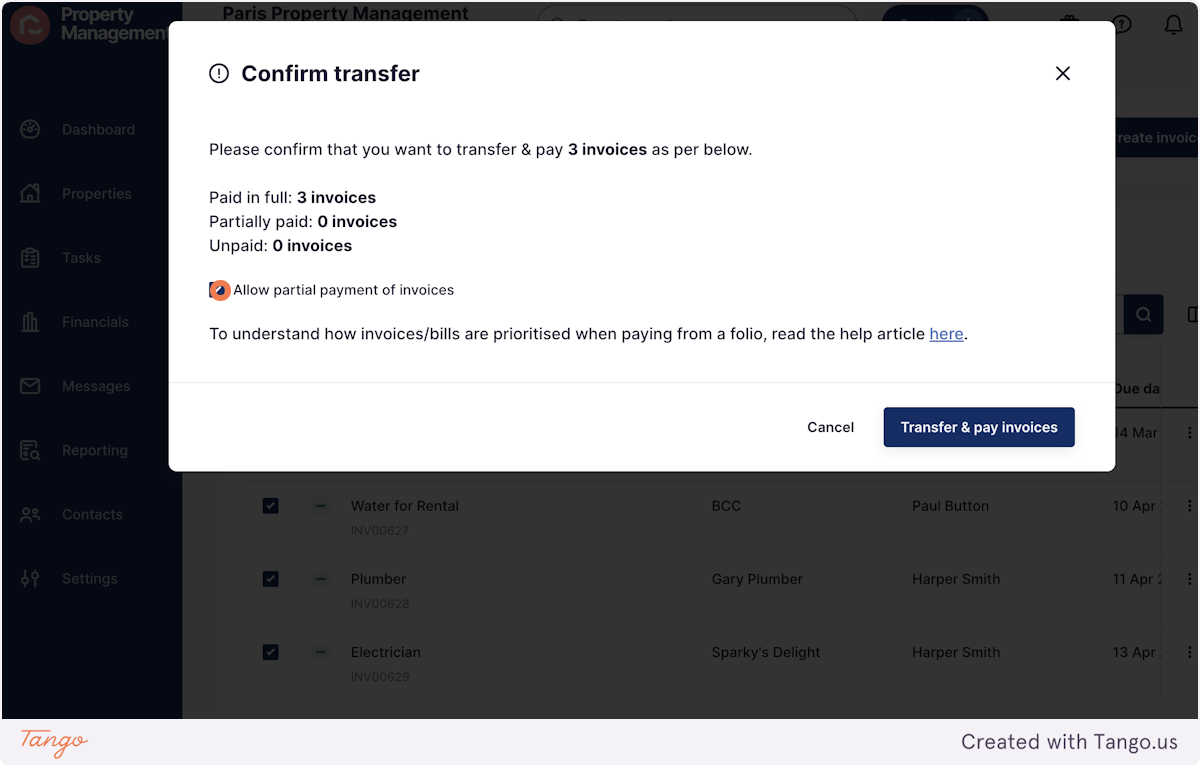
7. In this pop up, you can select to Allow partial payment of invoices if you're not holding enough funds to pay the invoice in full
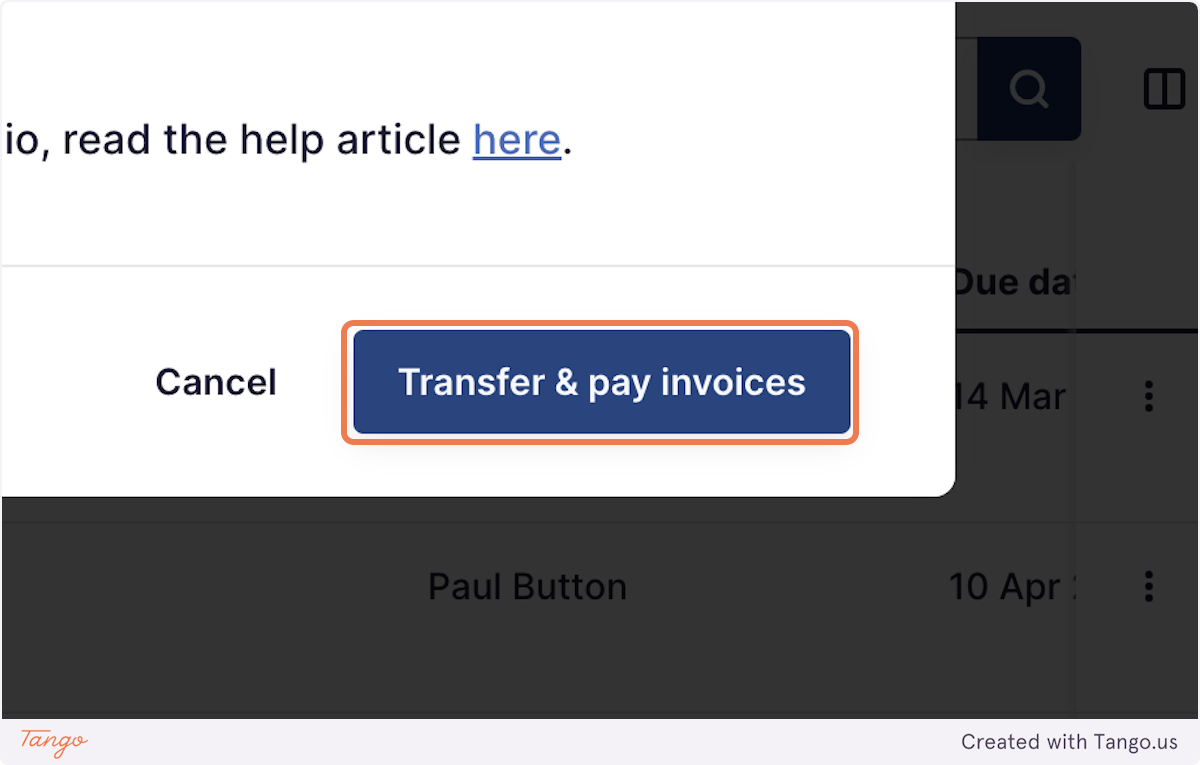
8. Click on Transfer & pay invoices
9. After refreshing the screen, the outstanding invoices will update and the paid invoices will no longer appear
10. You can now process the Suppliers disbursement without processing the Owners disbursement
*See our Processing Disbursements article for more information!