Service Packages are created for any group of fees that need to be automatically deducted for Management or Ownership fees.
It is best to ensure this is set up prior to adding in your Management and Ownerships so that these are applied from your very first agreement.
You can follow the below steps to set up all your necessary Service Packages.
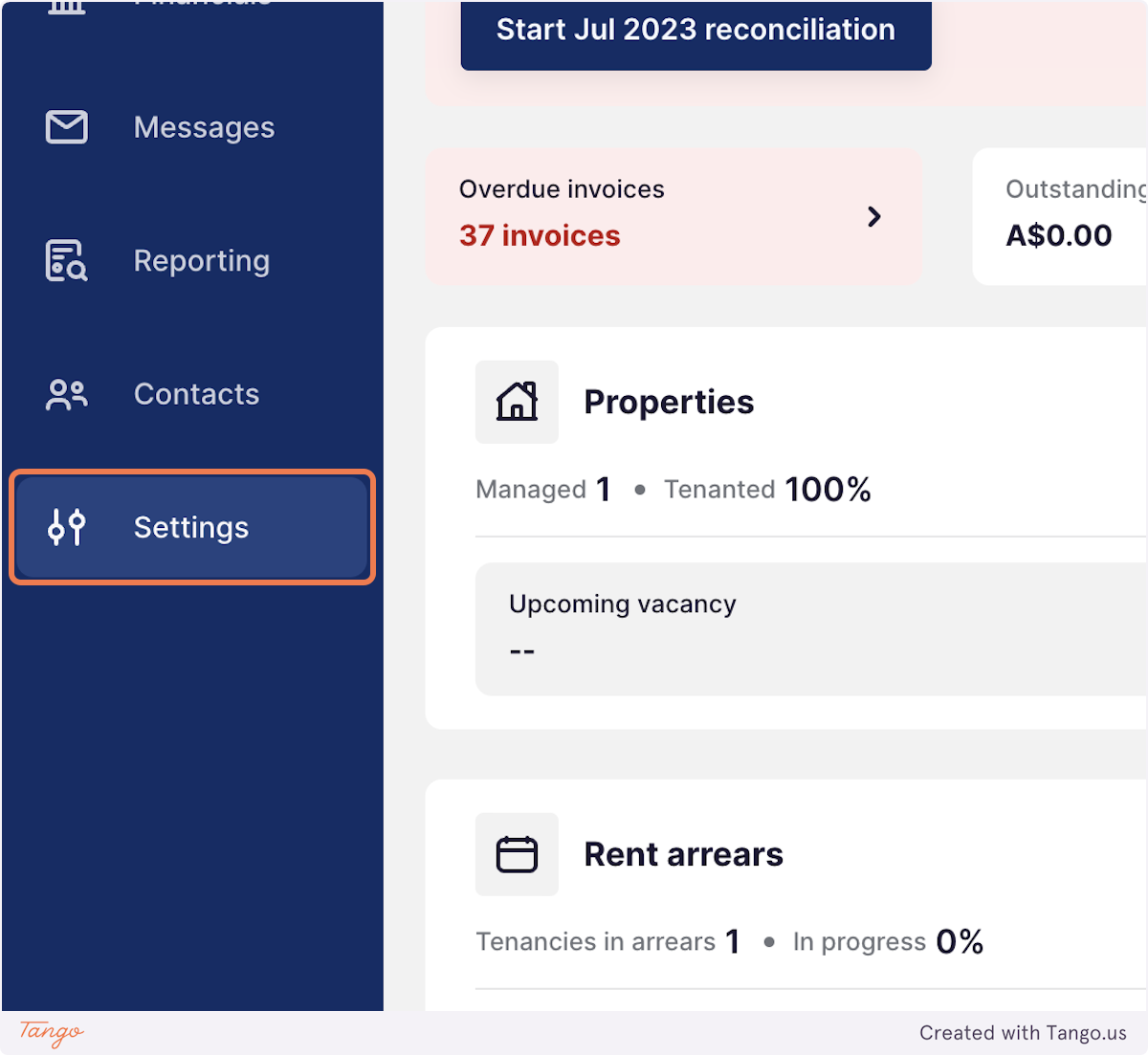
1. Click on Settings
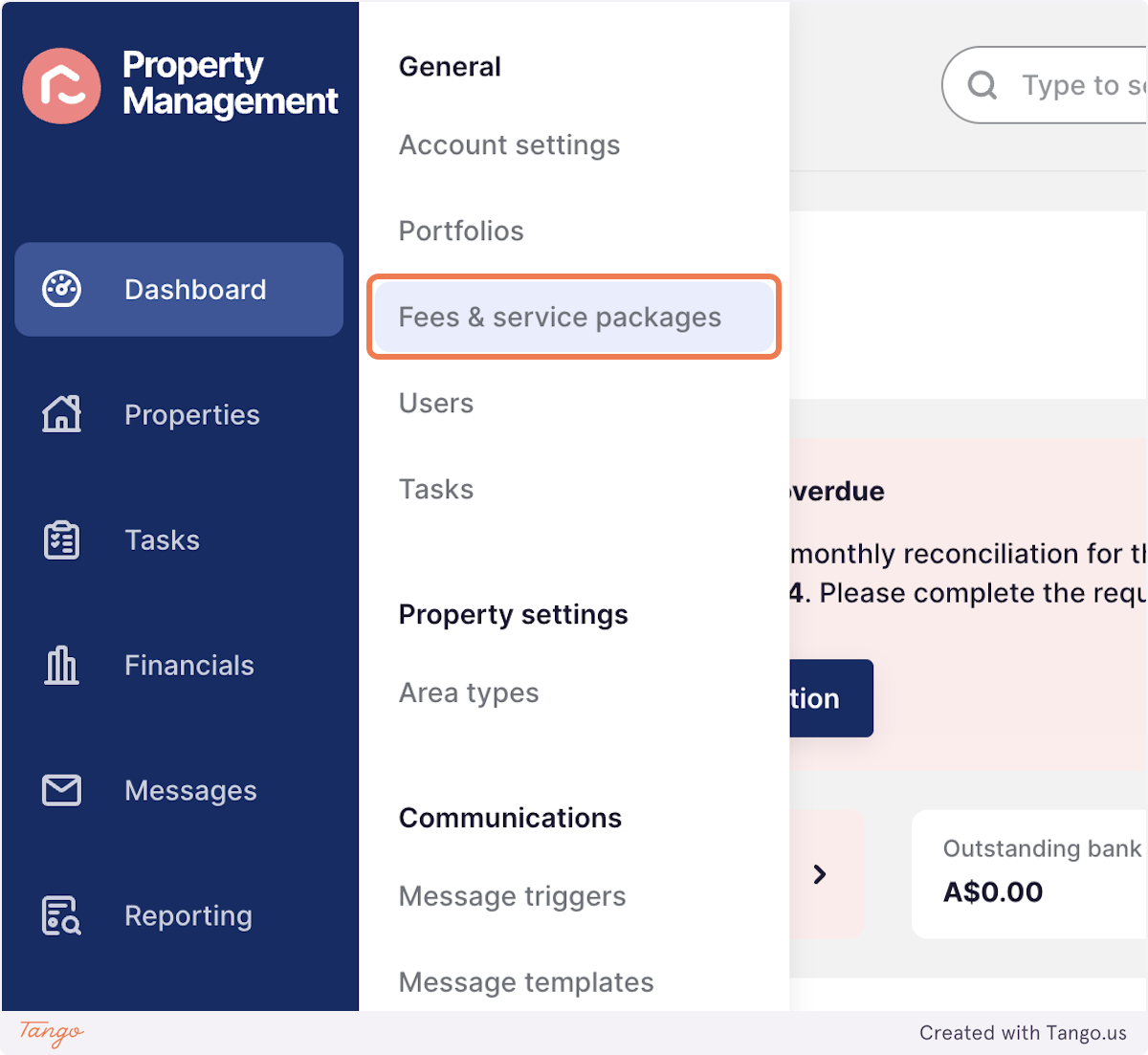
2. Click on Fees & service packages
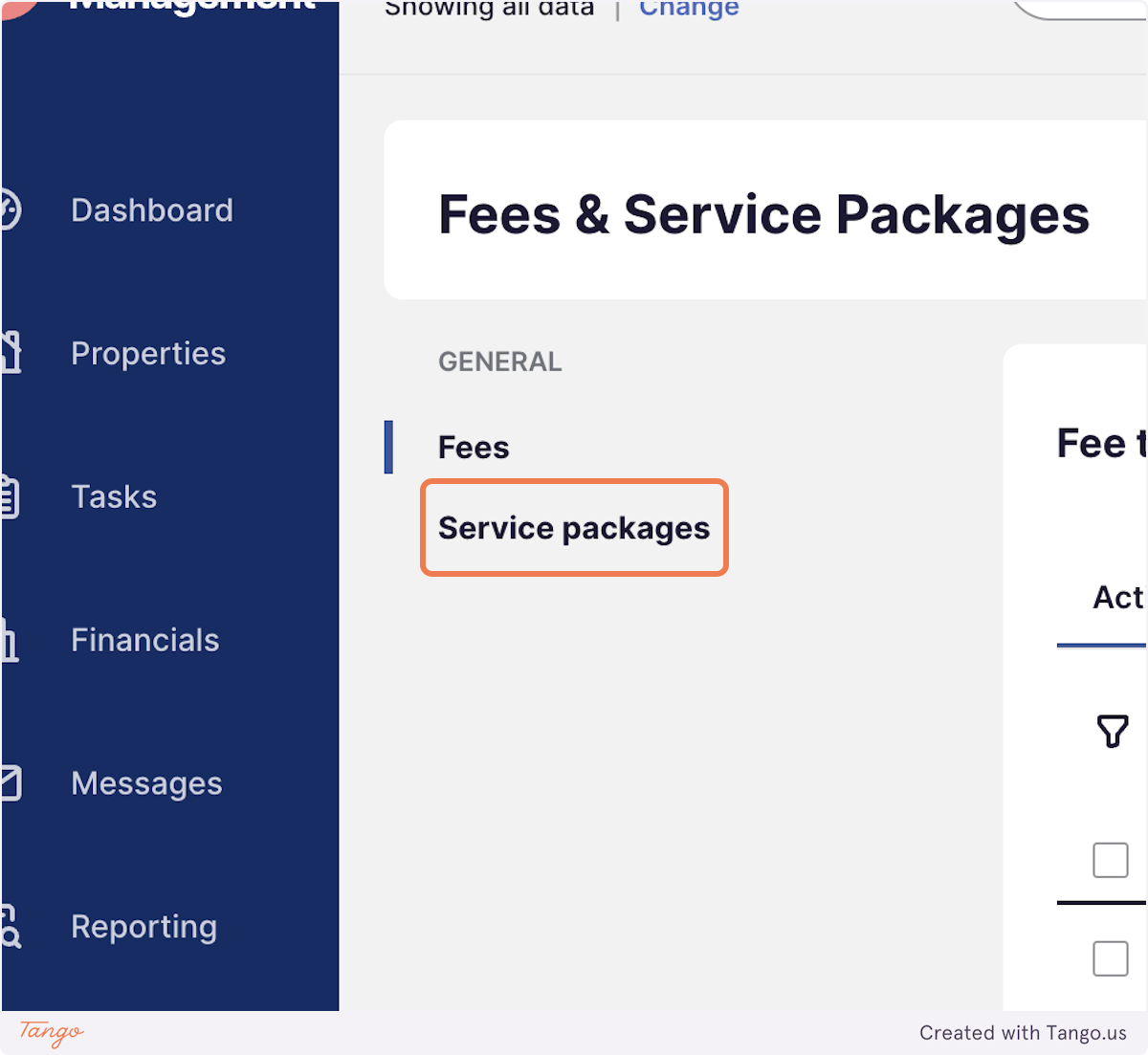
3. Click on Service packages
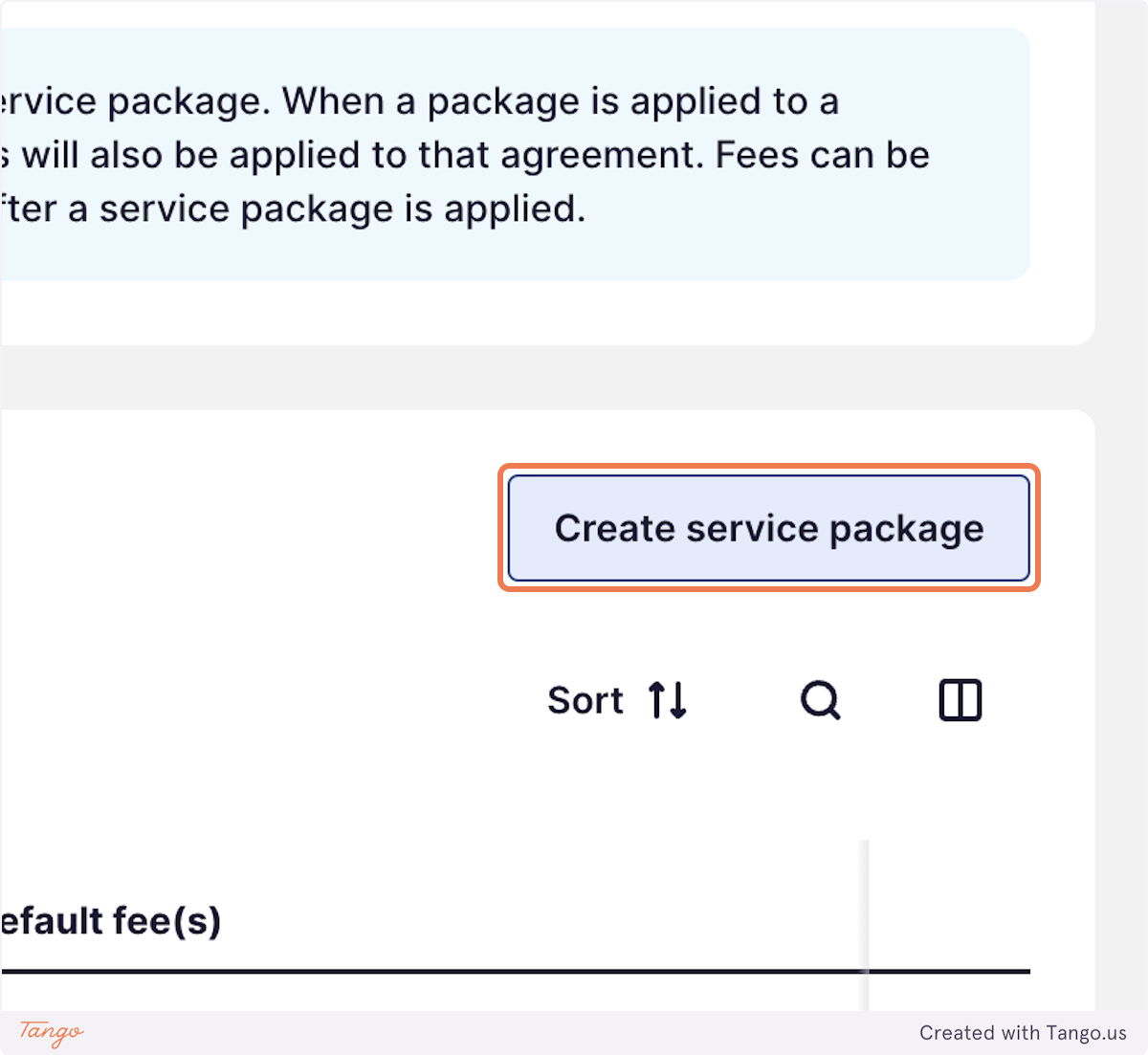
4. Click on Create service package
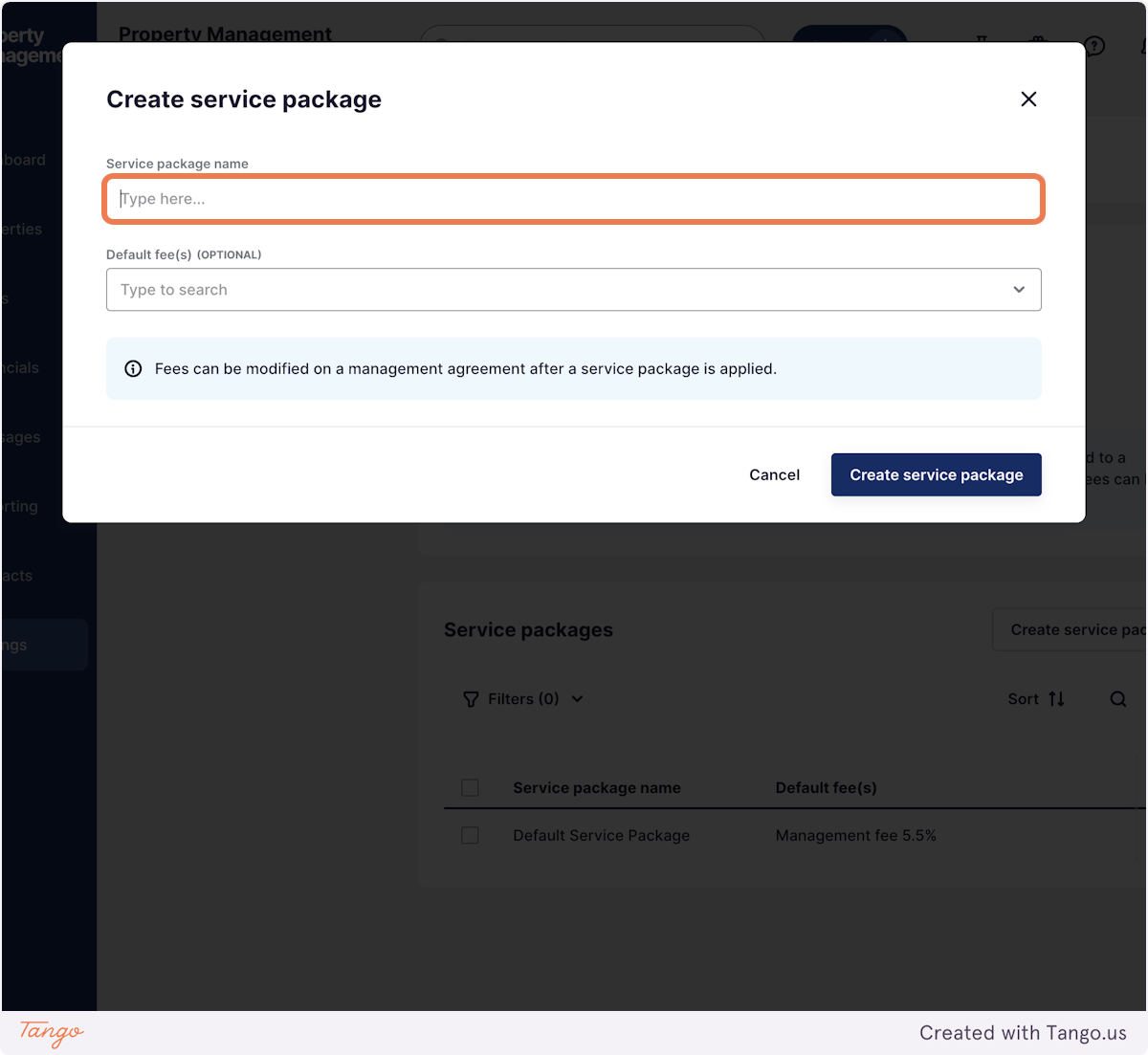
5. Name your Package
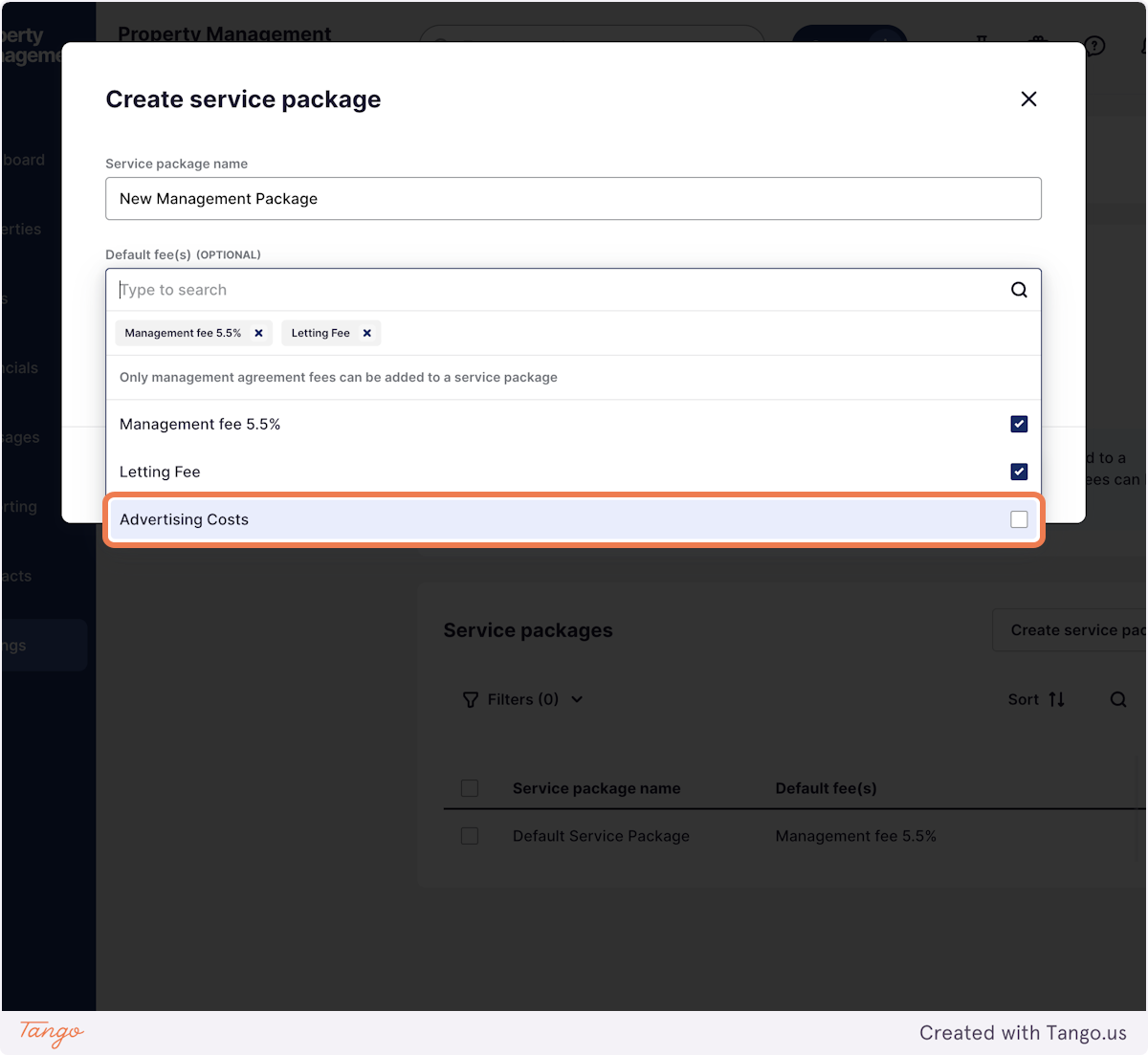
6. Add the fee's included in this service package
For more information on adding fee's please see our help article on Agency Fee's
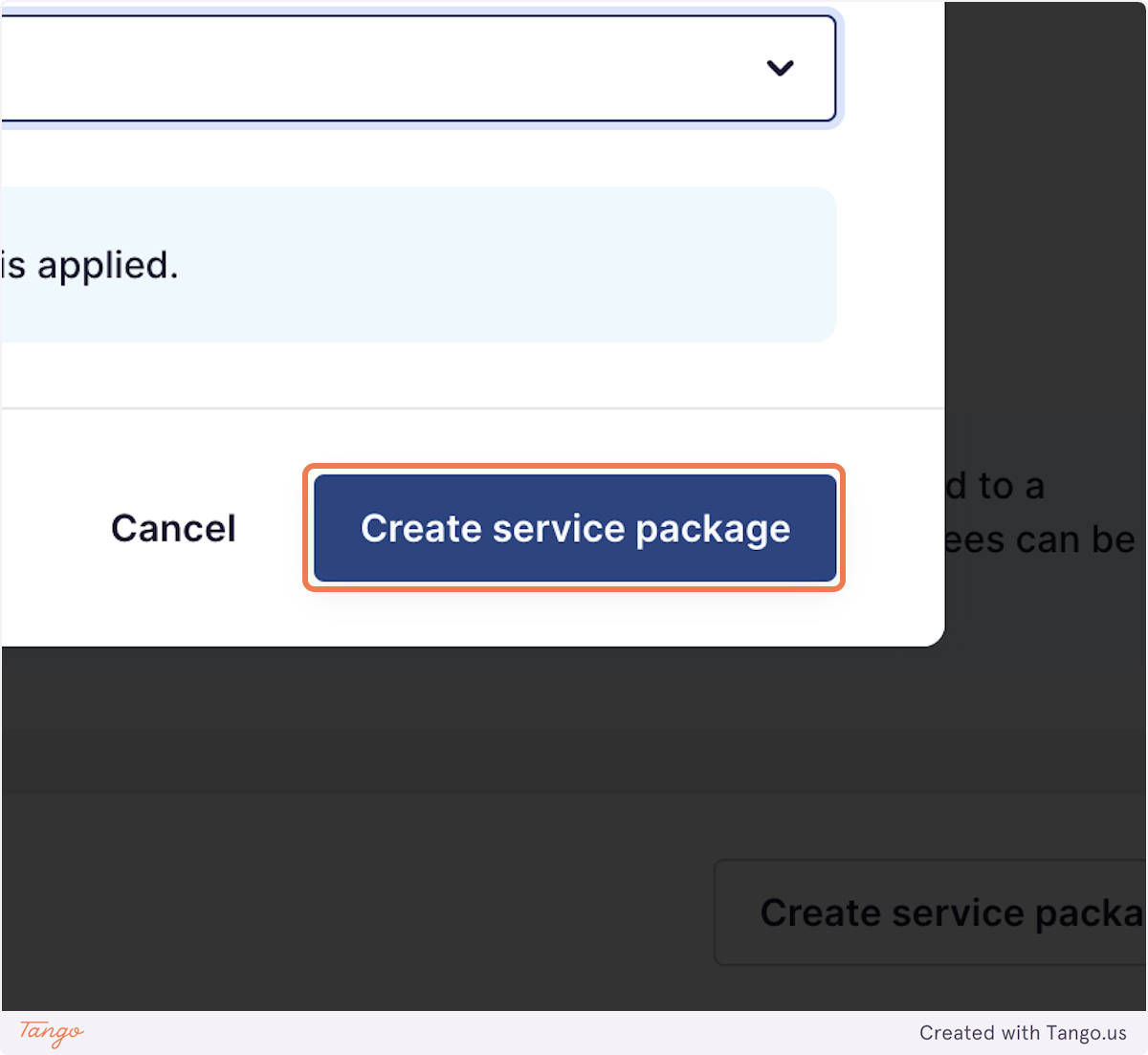
7. Click on Create service package
Please also see our other help article on adding a service package to a management agreement, and changing your default service package!