1. Go to the Lease Agreement
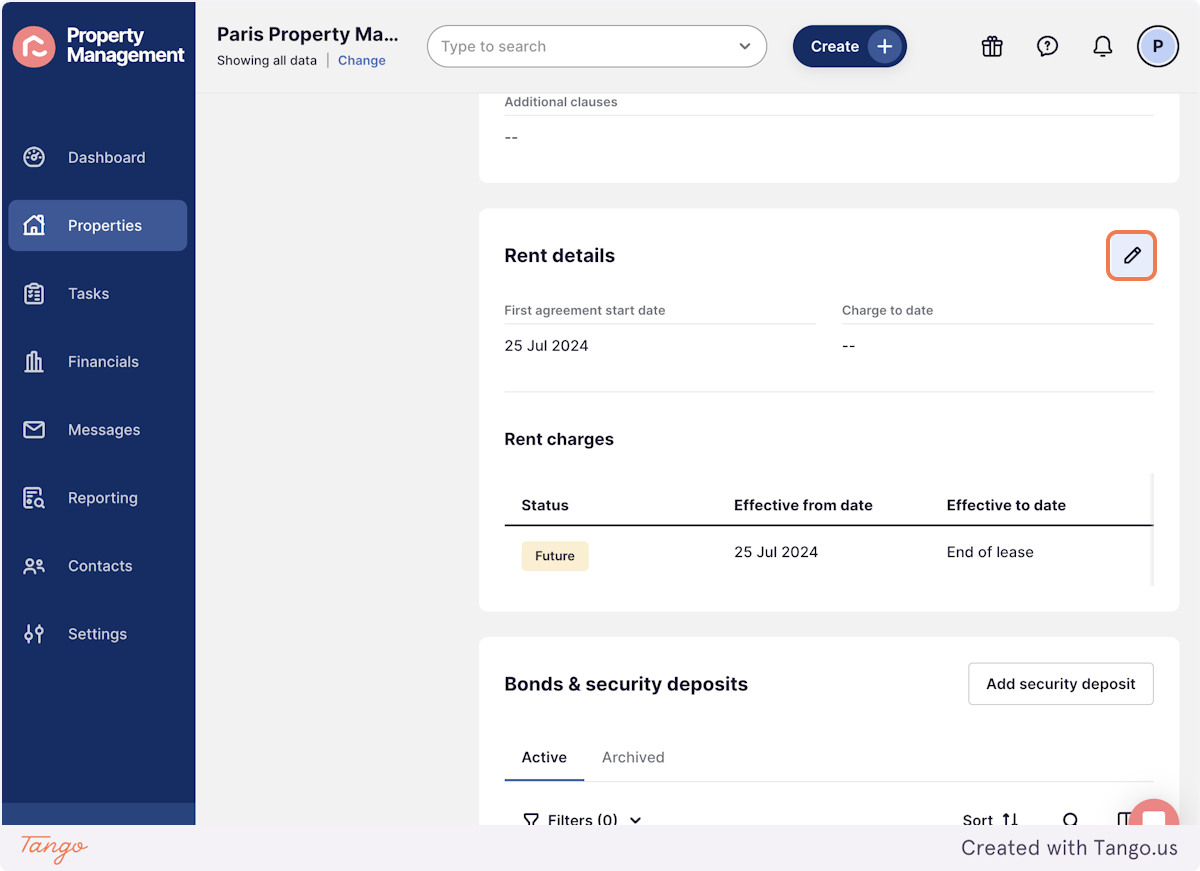
2. Click on the pencil edit button in the Rent details block
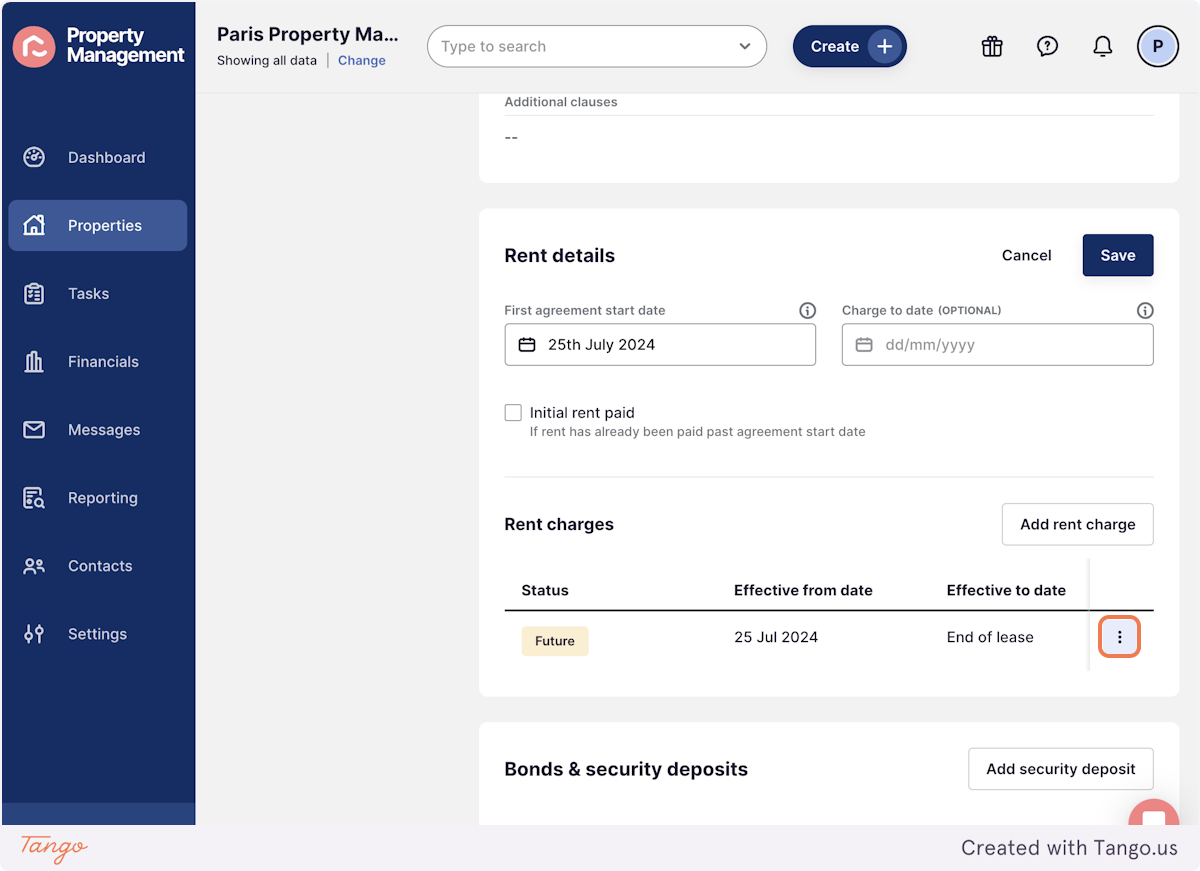
3. Press the three dots next to the rent charges
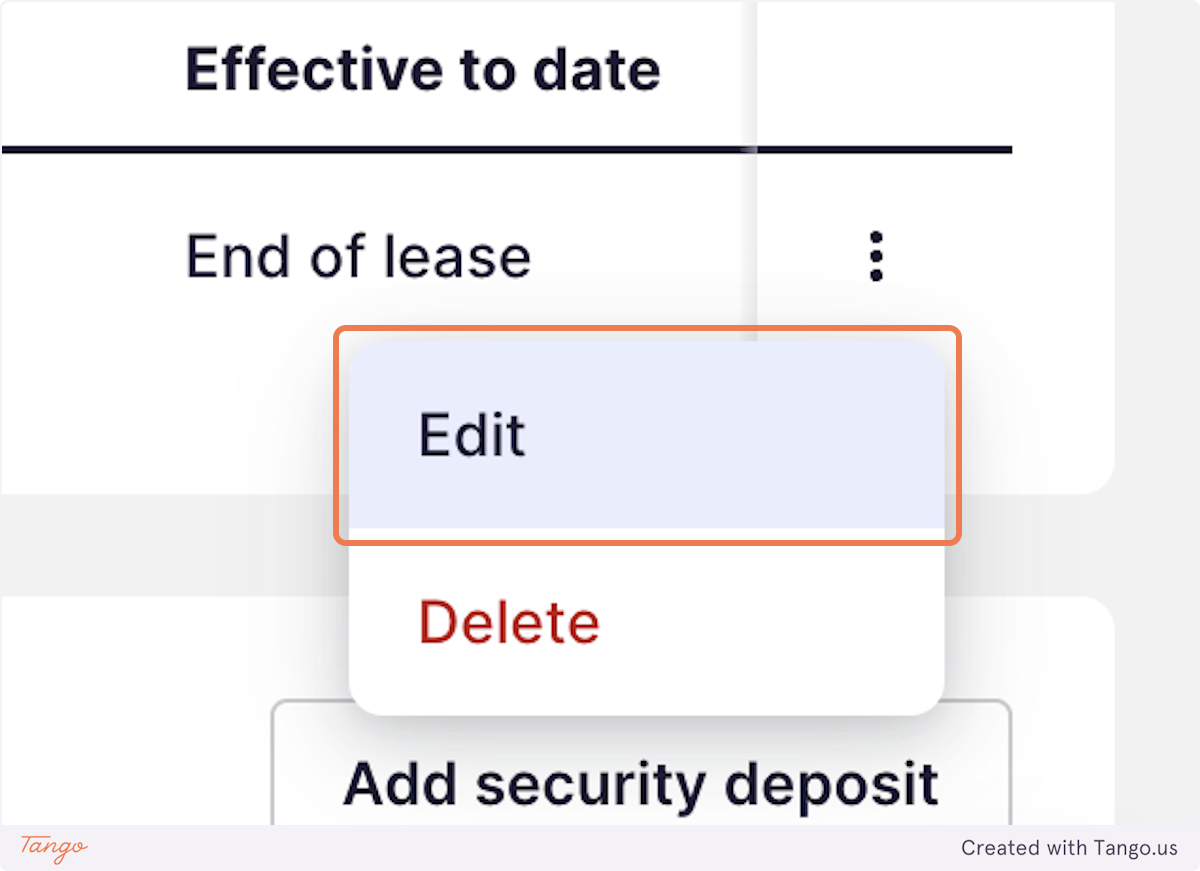
4. Click on Edit
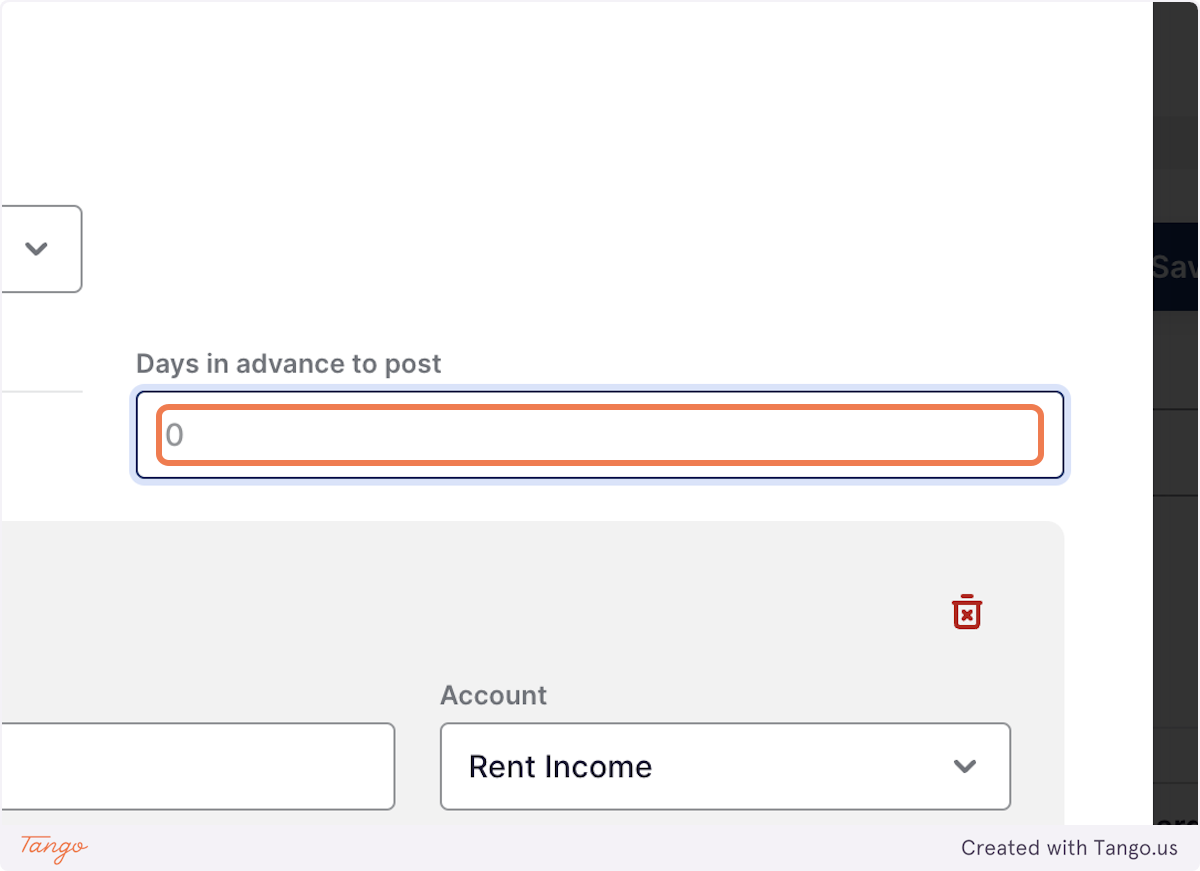
5. Update the 'Days in advance to post' (eg. to 90 or 60)
This is just triggering a change in the rent details so we can regenerate invoices, this can always ben changed back if needed
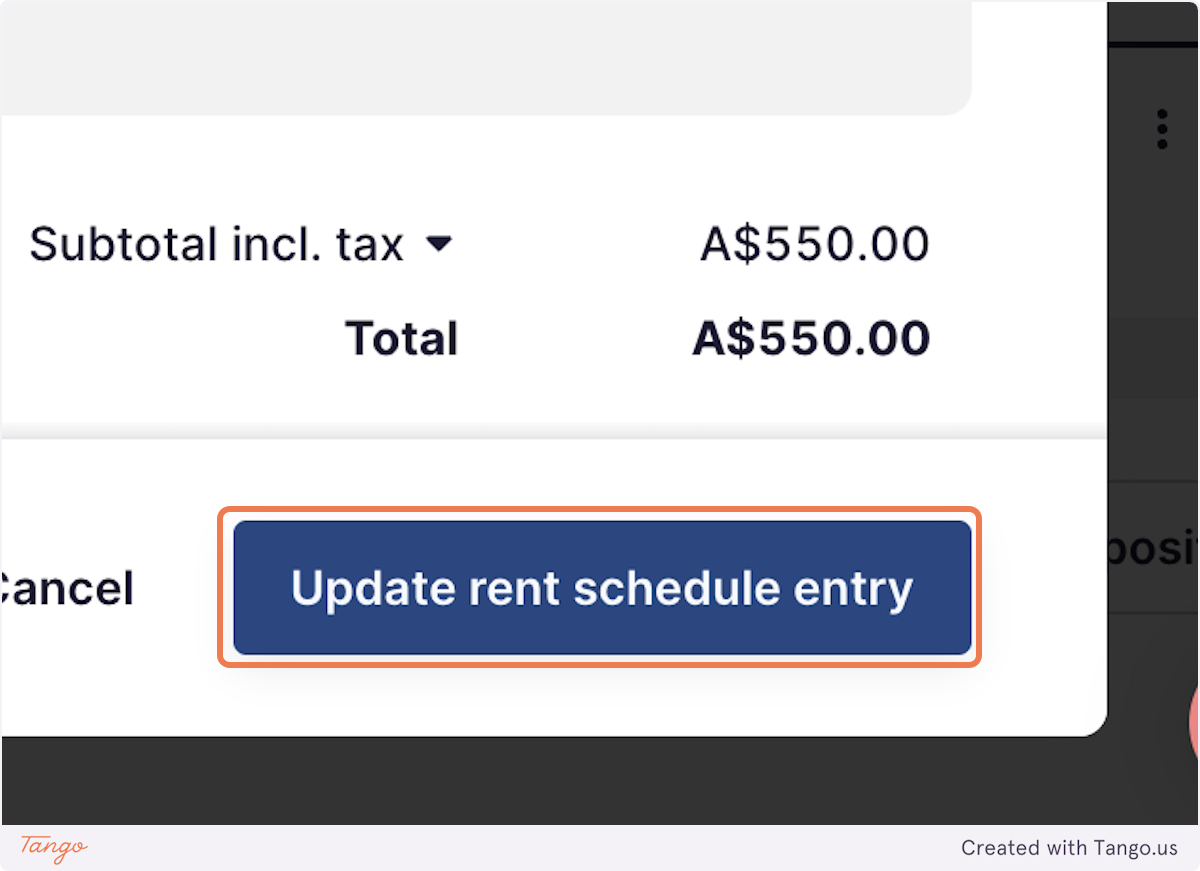
6. Press Update rent schedule entry
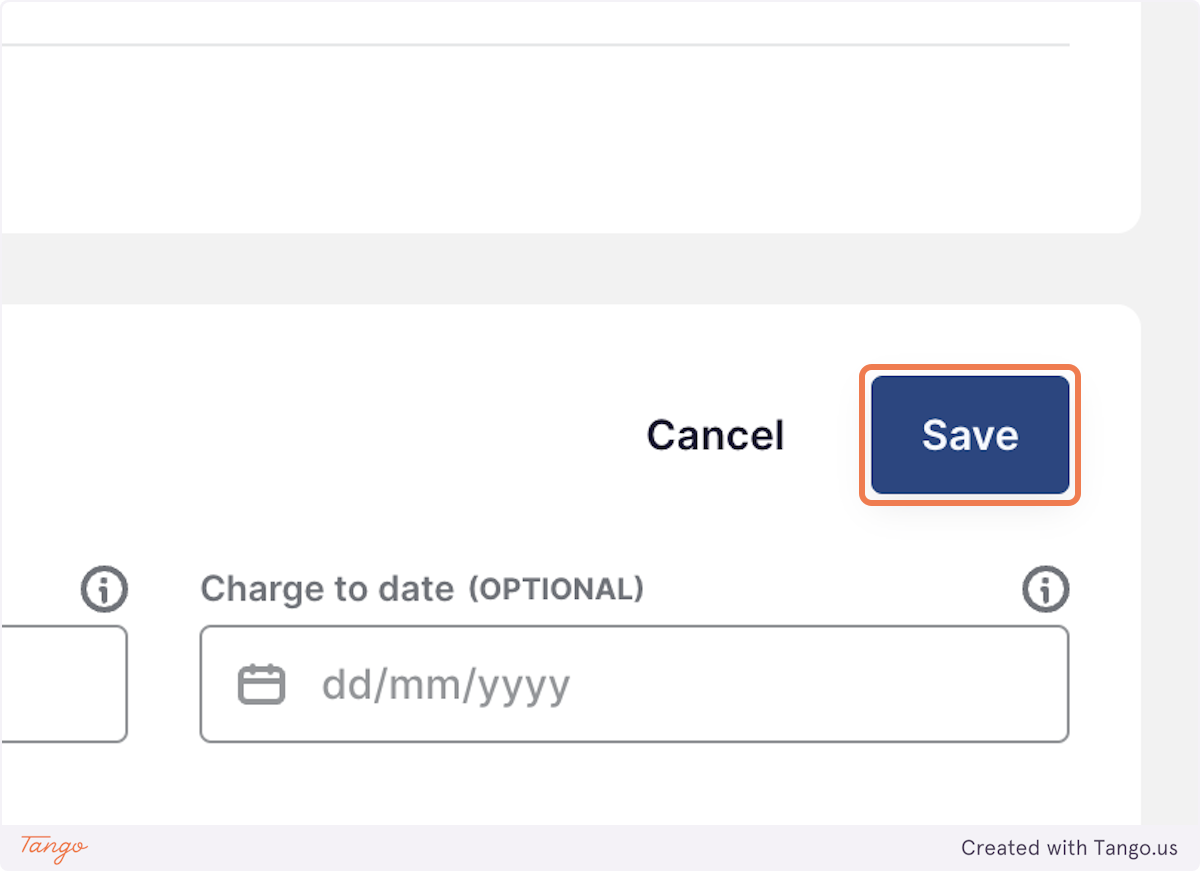
7. Press Save
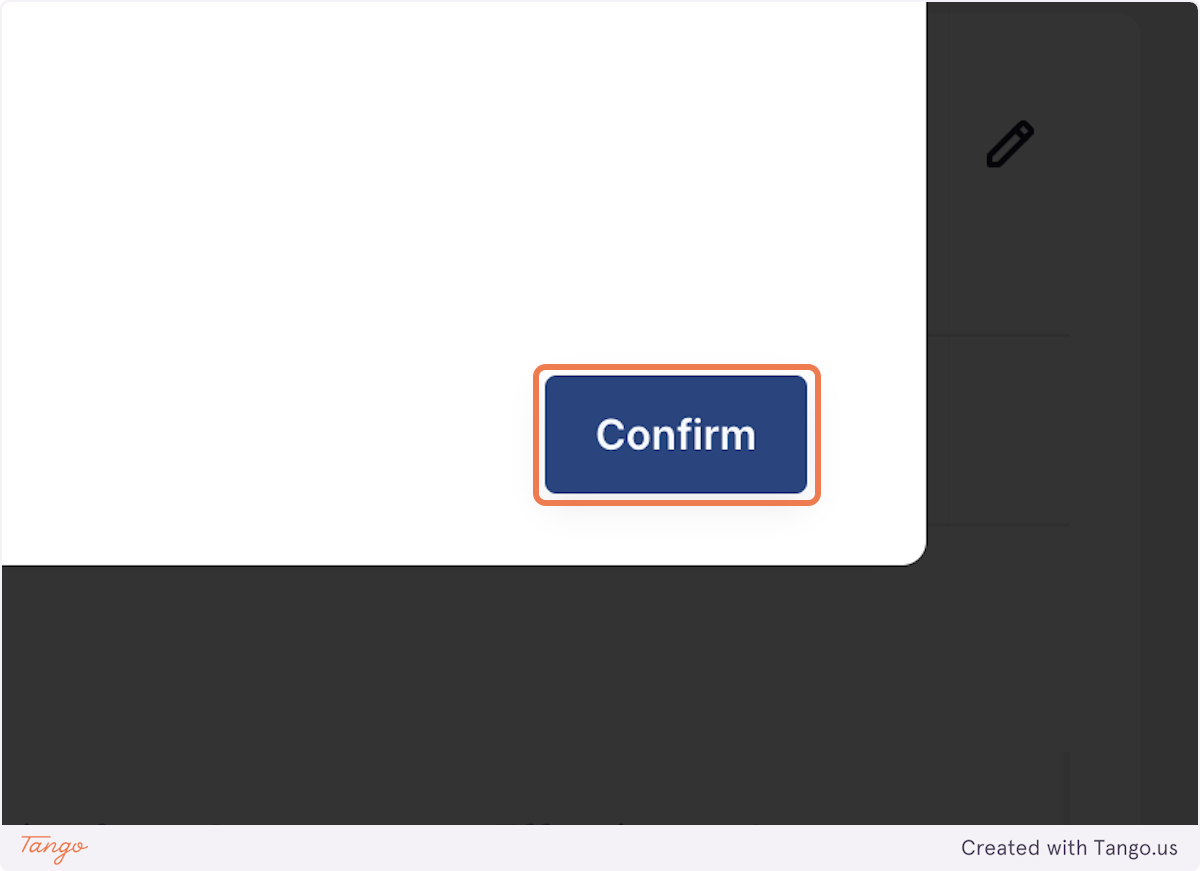
8. Tick the box to Regenerate rent invoices
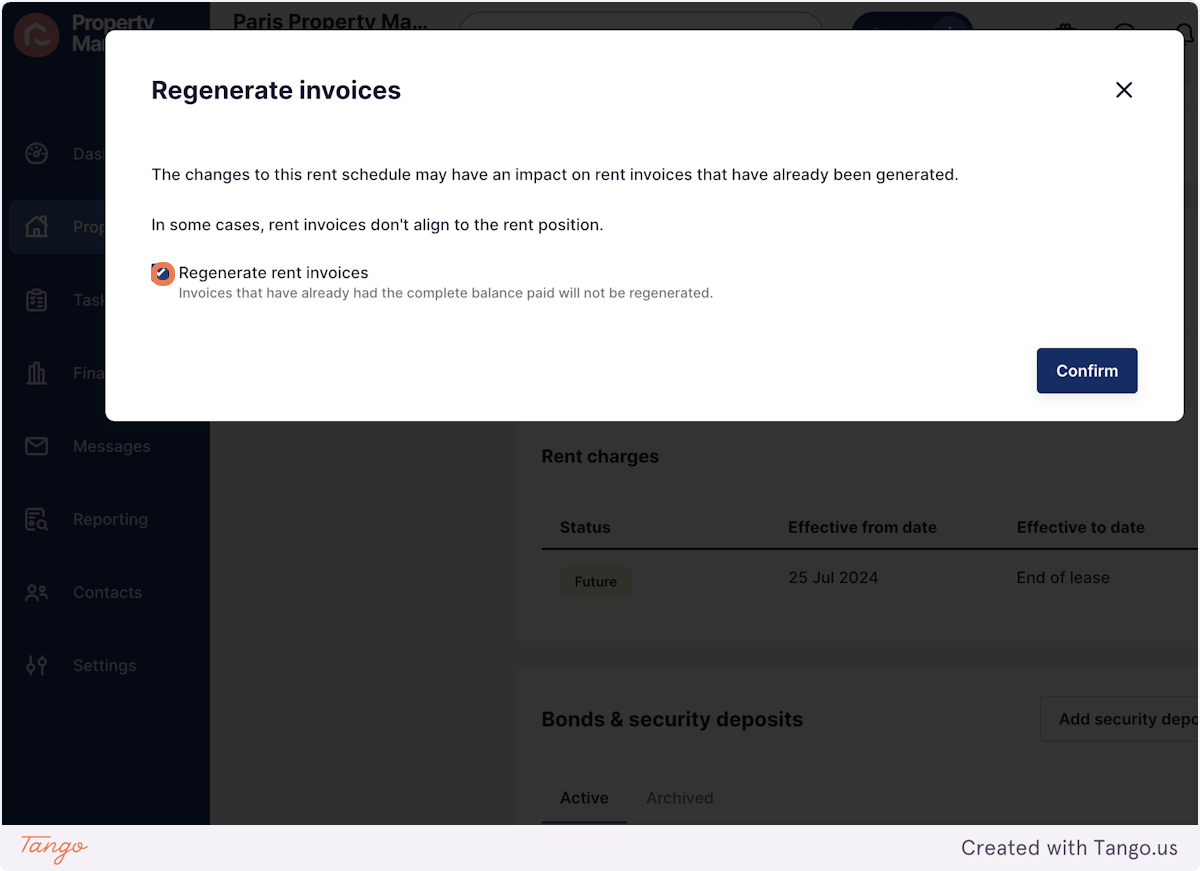
9. Click on Confirm, your rent invoices will now regenerate!