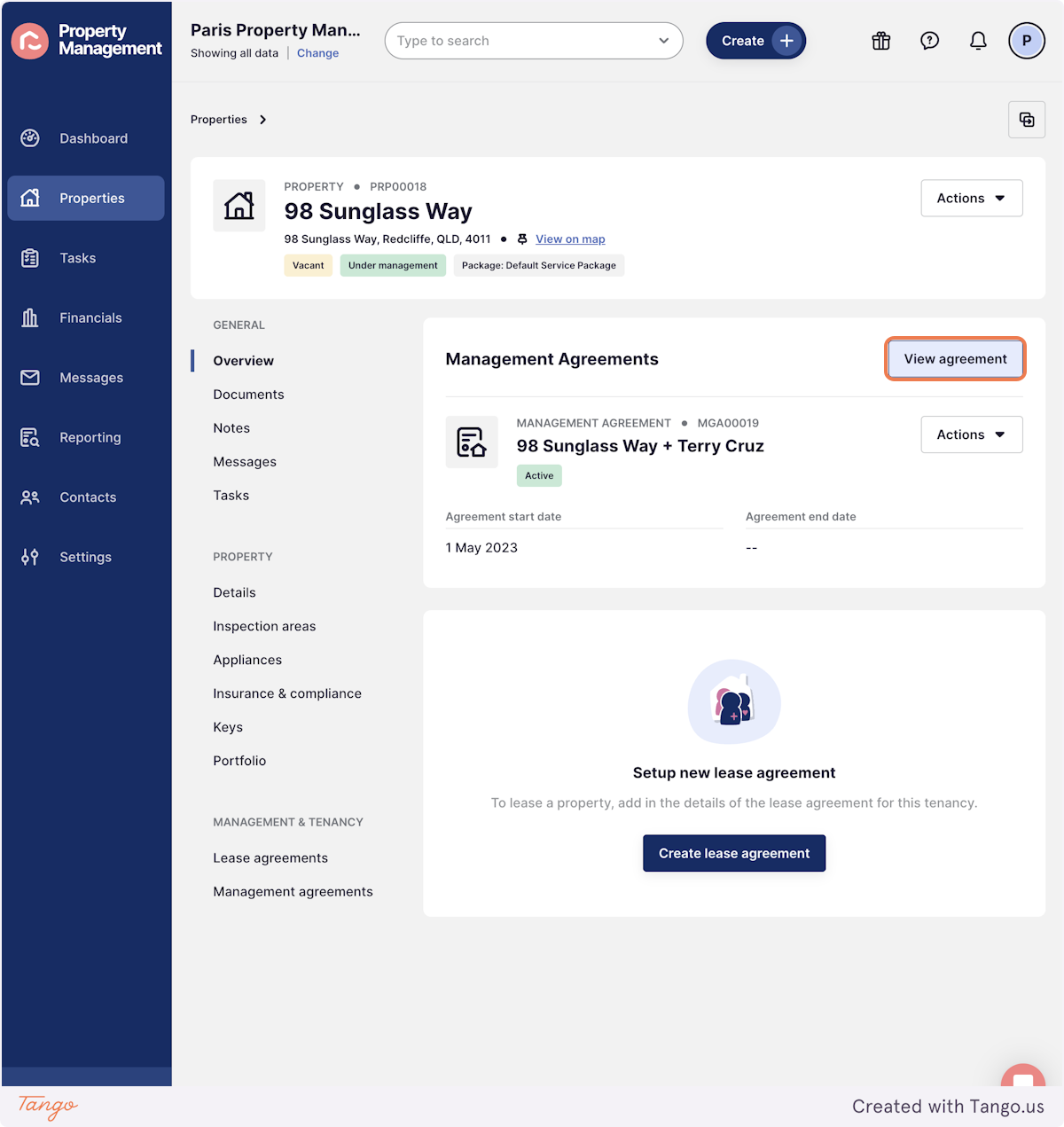
1. Go to the Management Agreement that has ended
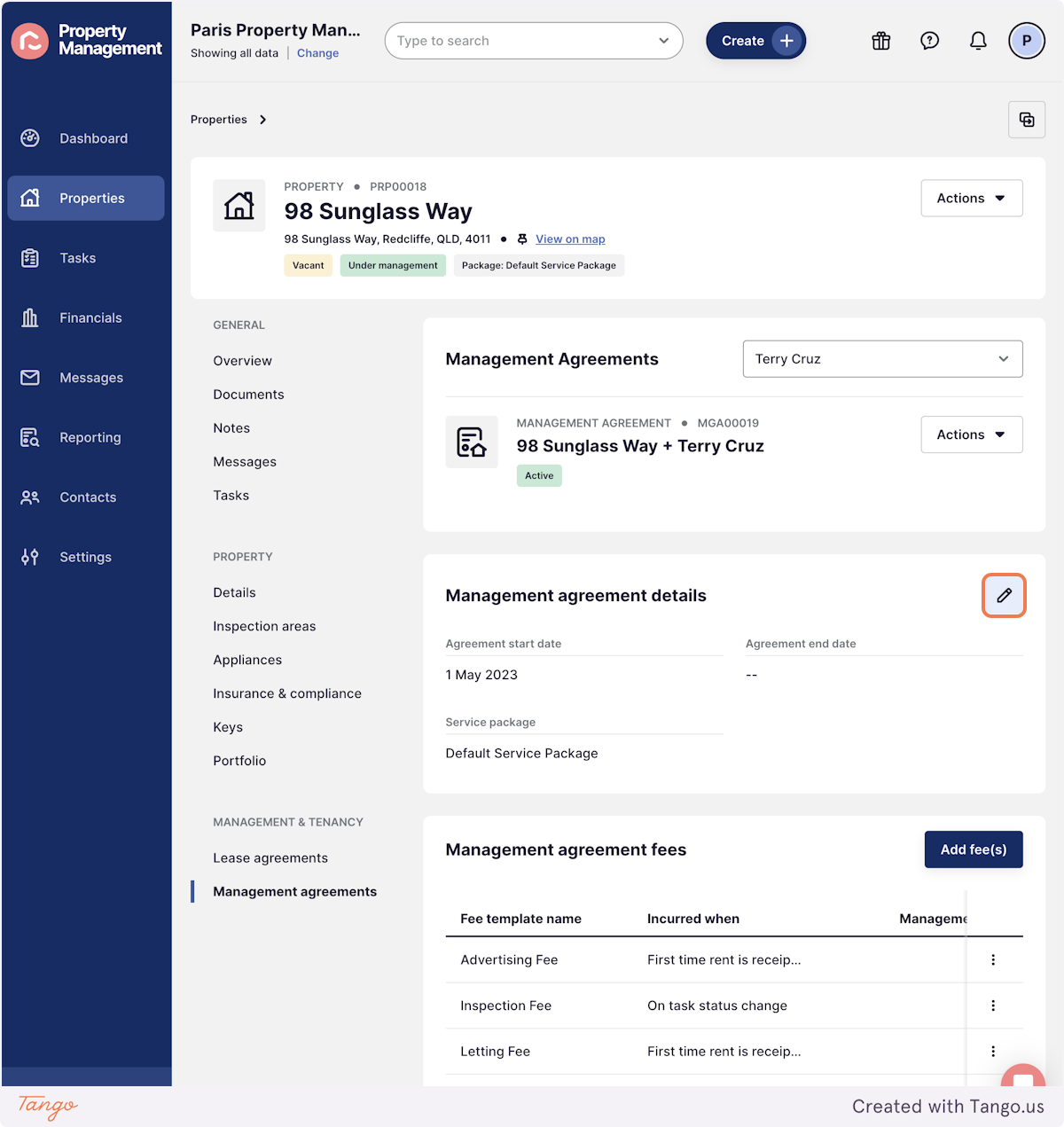
2. Click the pencil edit button in the agreement details block
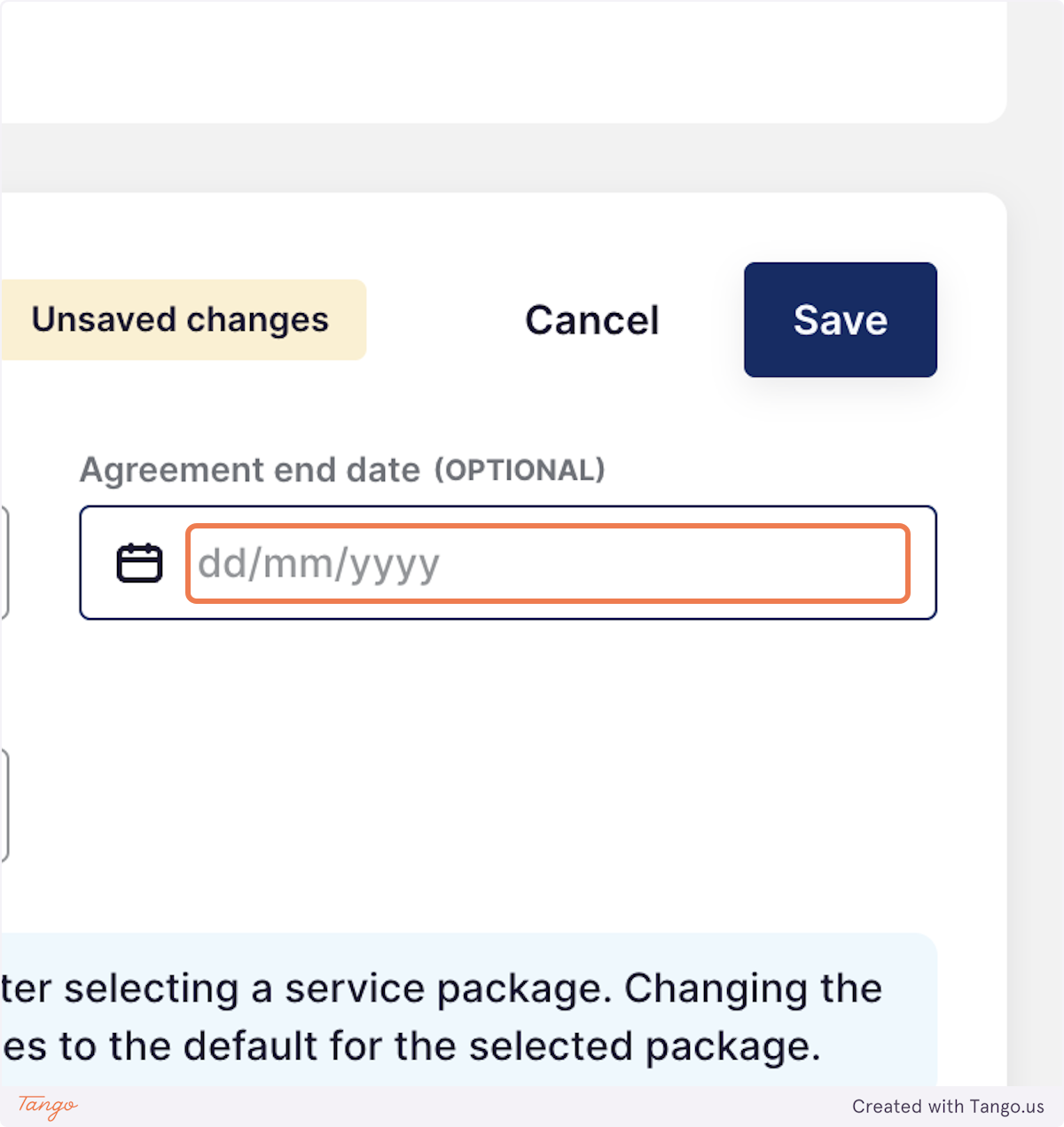
3. Add an agreement end date and save
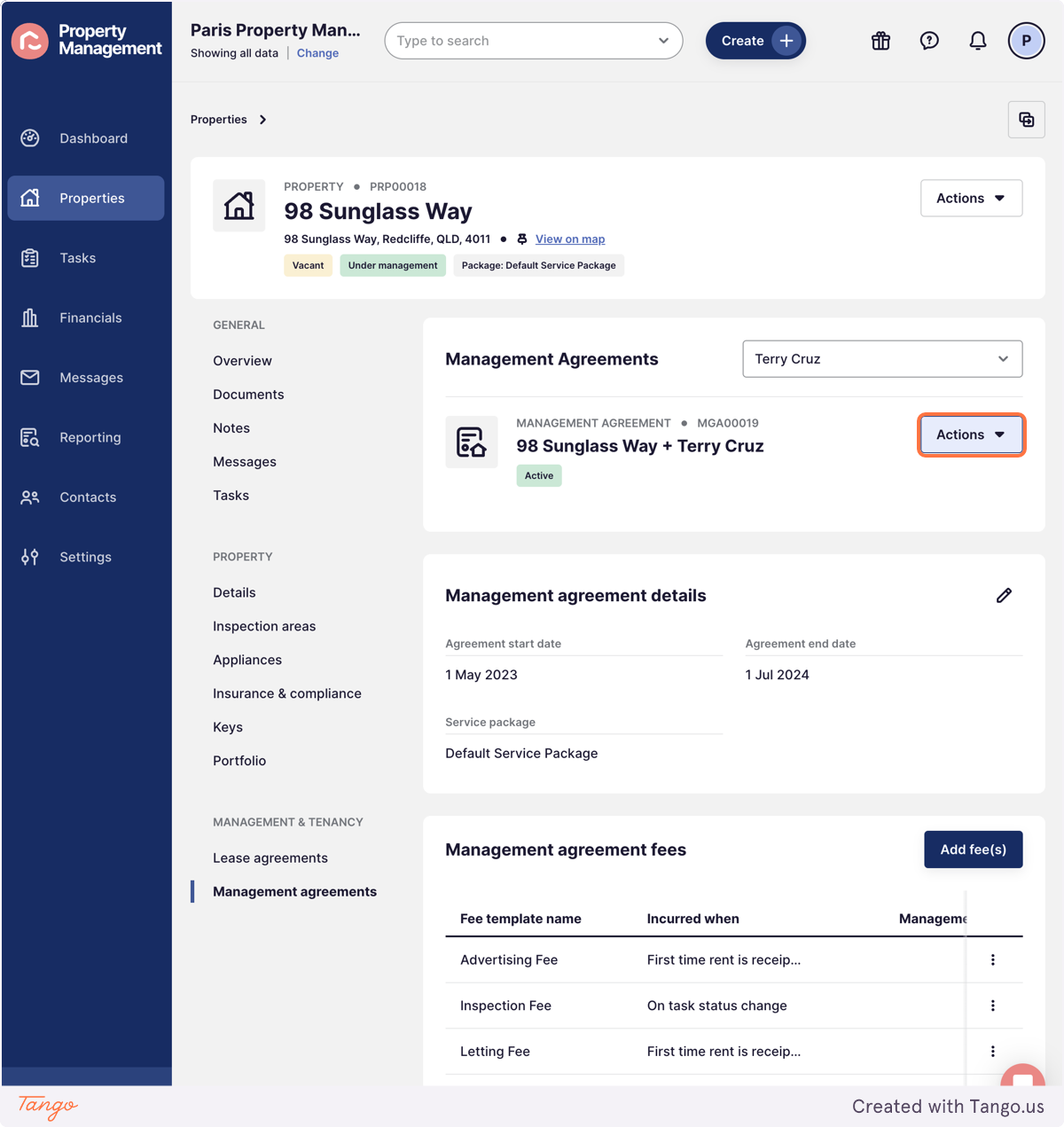
4. Next click on Actions
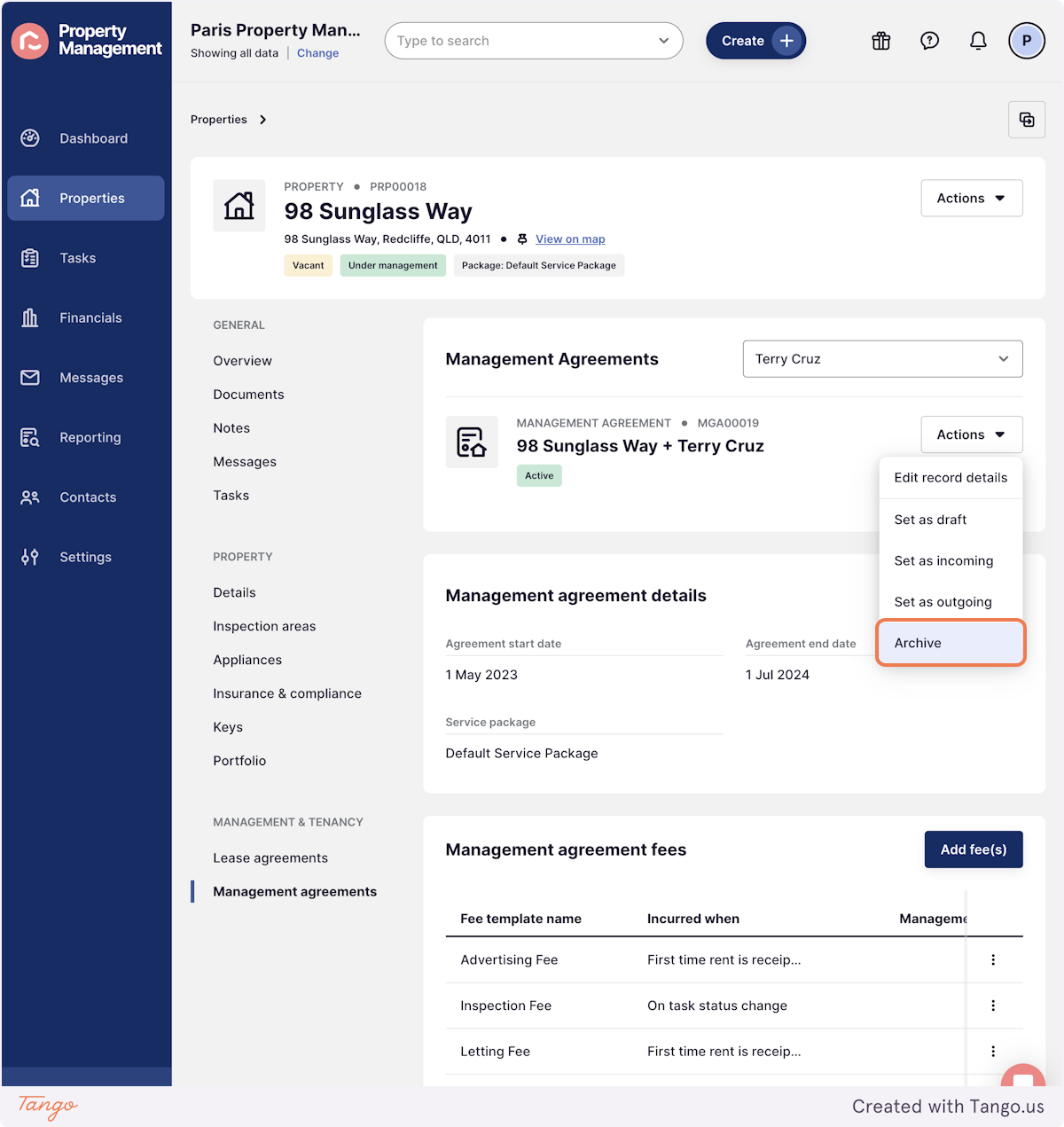
5. Archive the Agreement
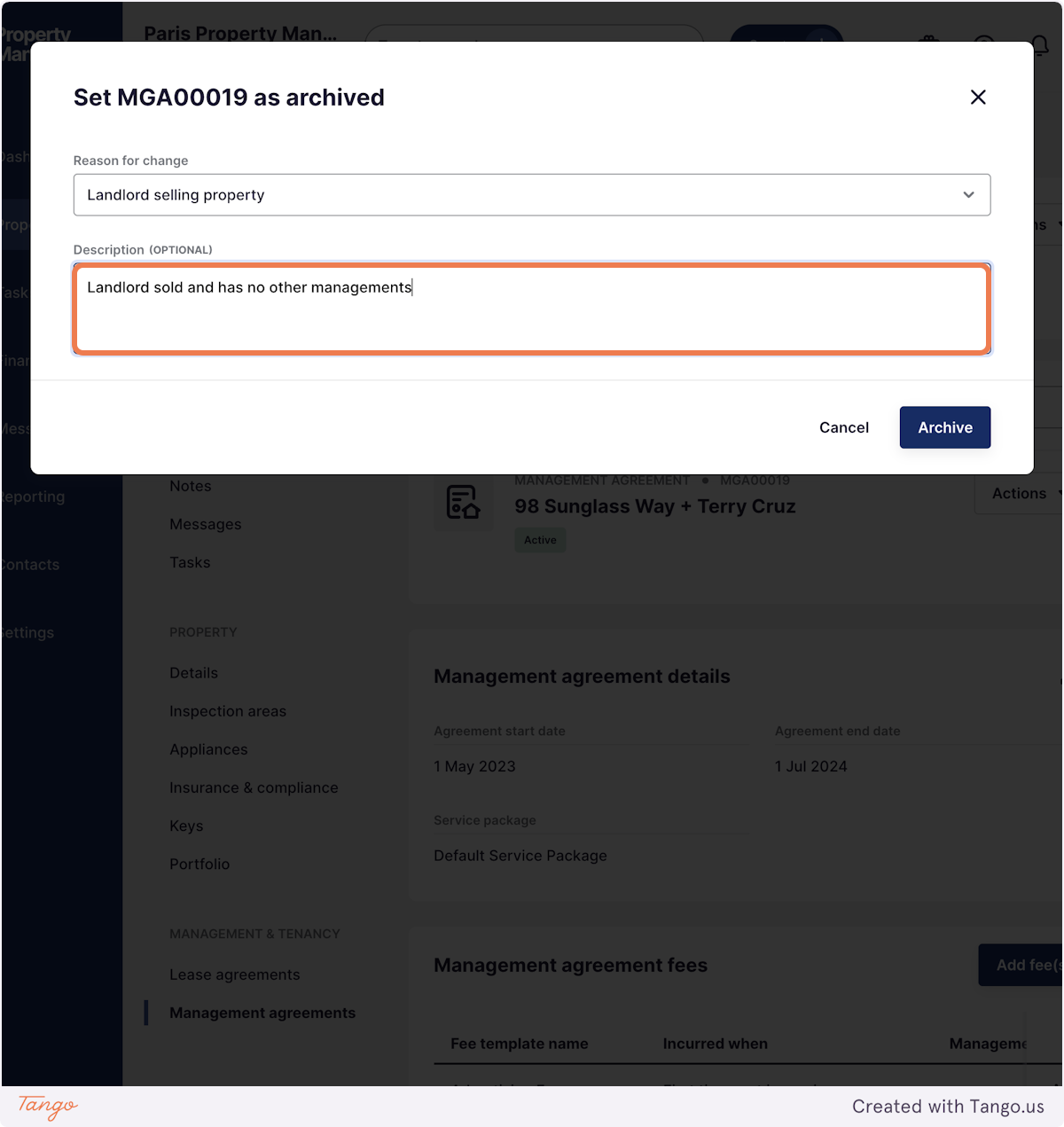
6. Add the reason and a description Press Archive
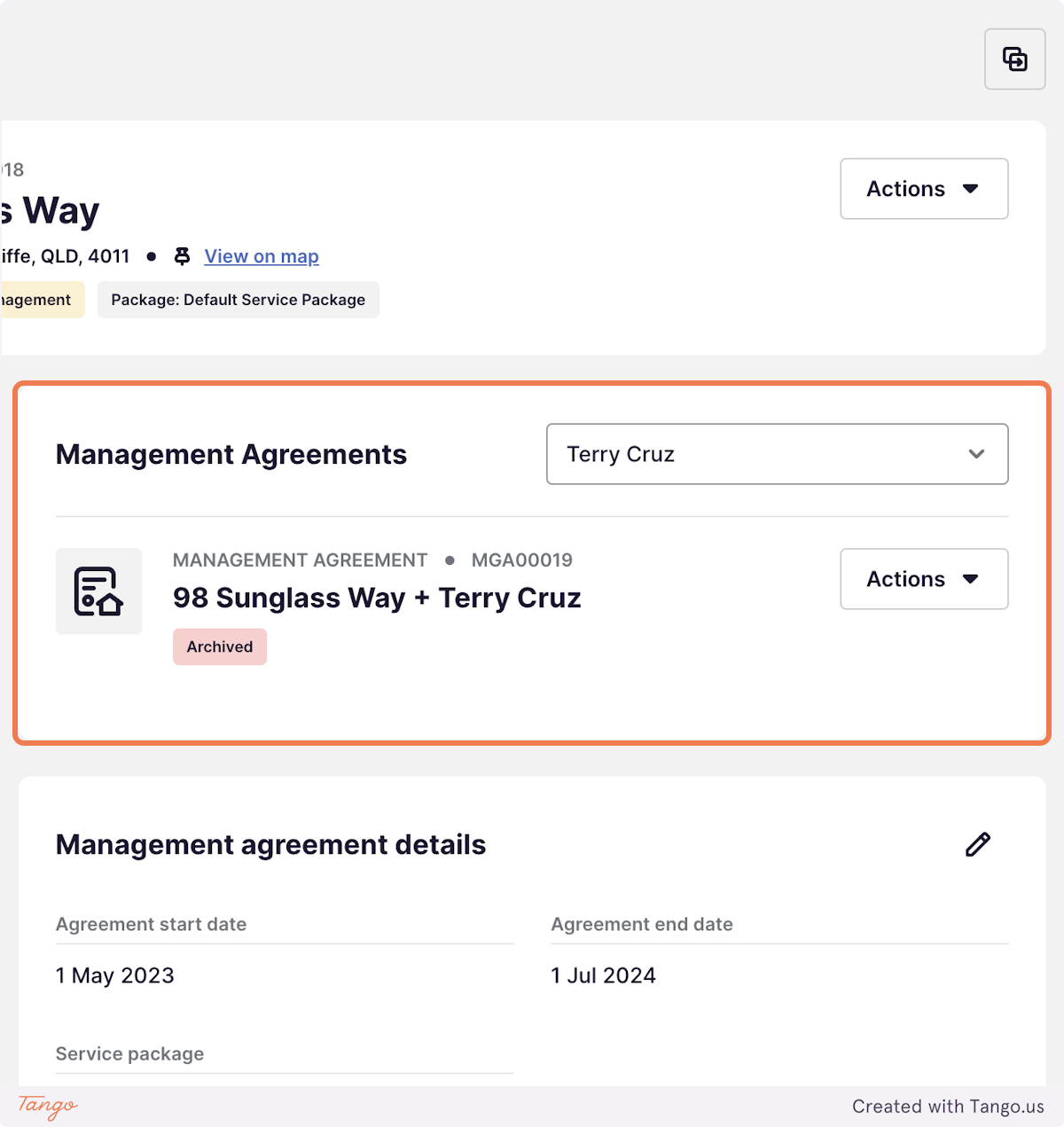
7. You'll now see the Management Agreement is Archived
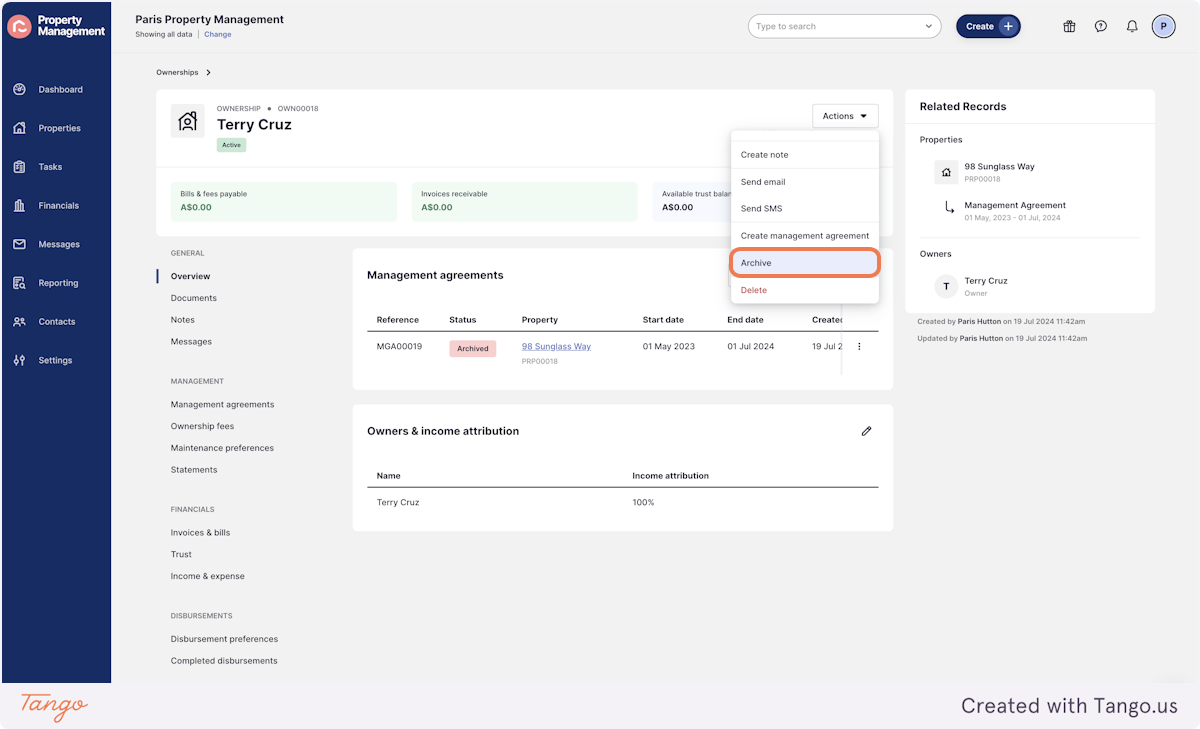
8. Go back to the Ownership Record and press Actions Archive
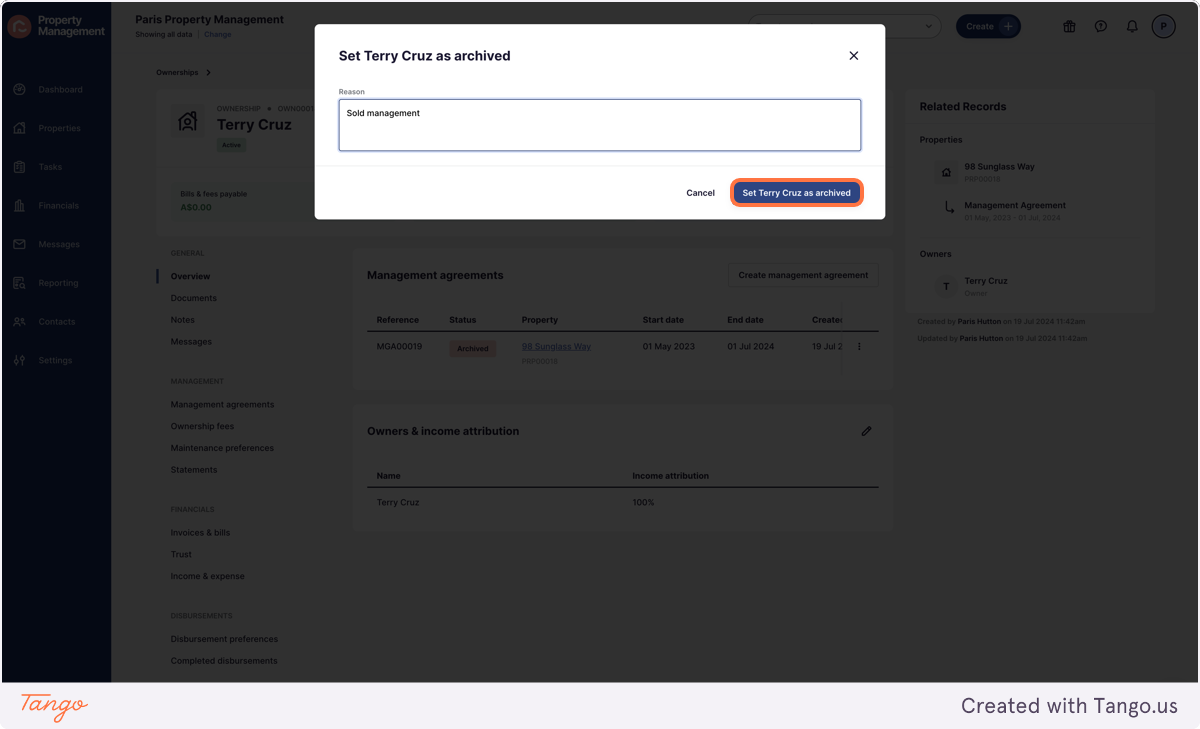
9. Add the reason and set record as Archived