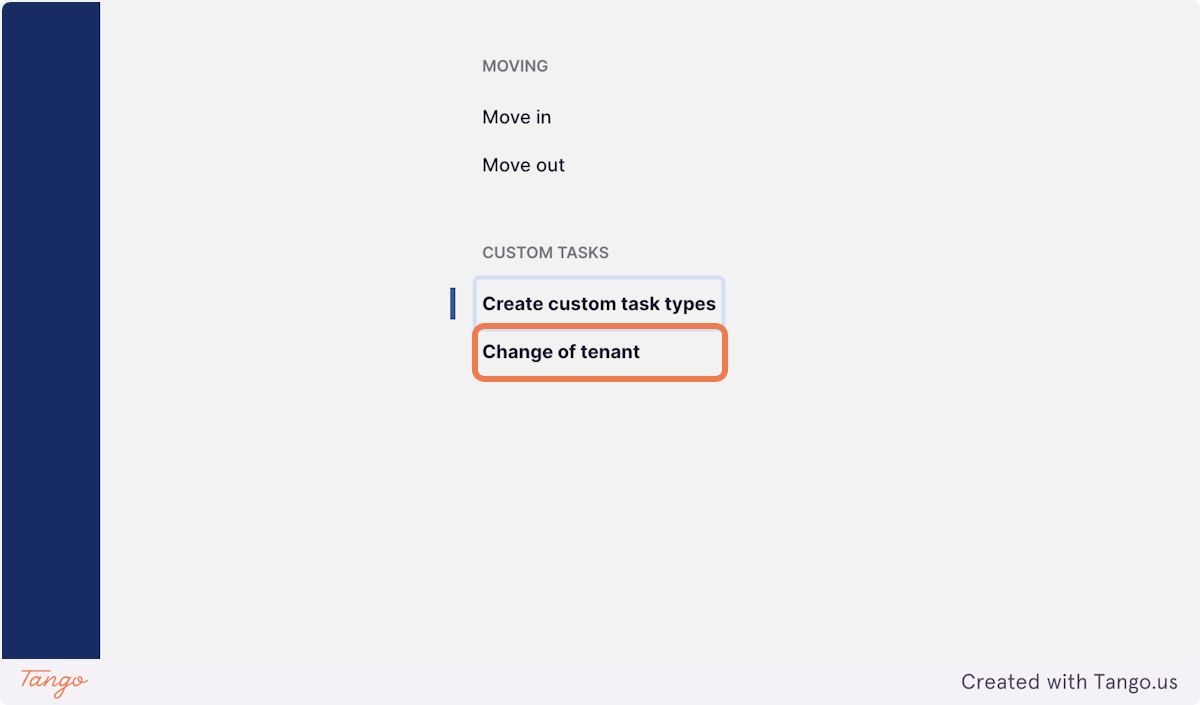
Custom Tasks allows you to create and manage tasks tailored to your agency’s unique workflows. Whether it’s for specific client requests, internal processes, or anything outside the usual property management tasks, this feature provides the flexibility to design, assign, and track custom tasks with ease, keeping your team organised and on top of every detail
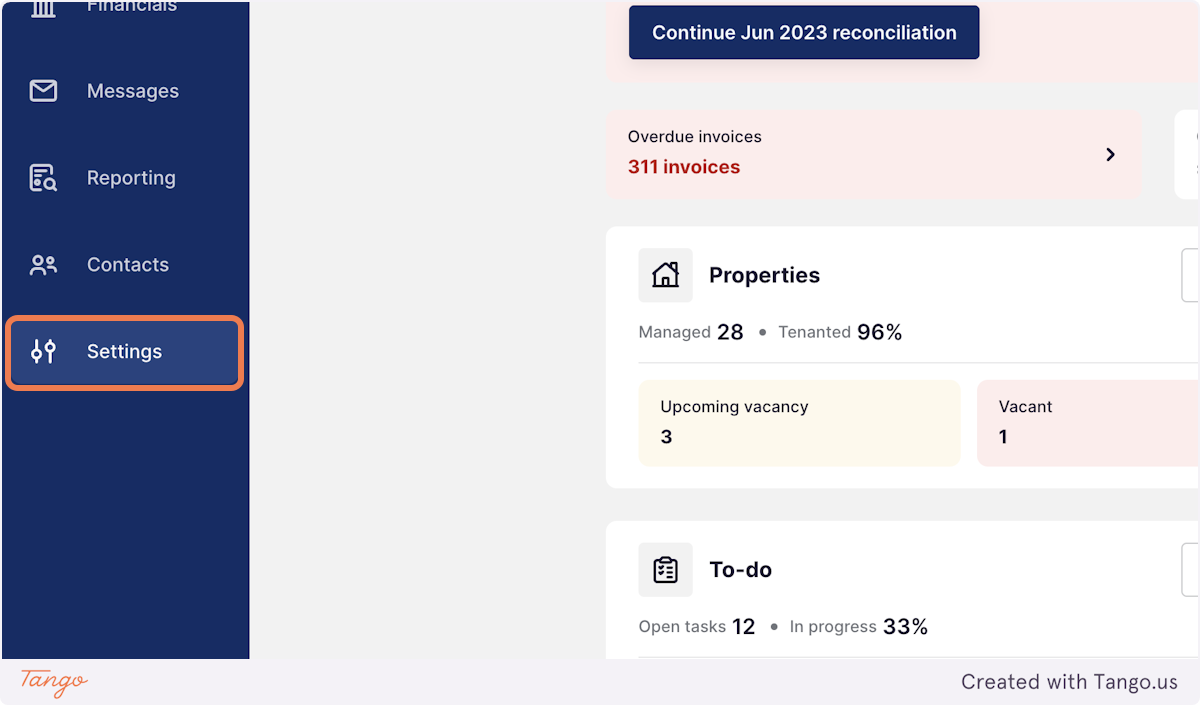
1. Click on Settings
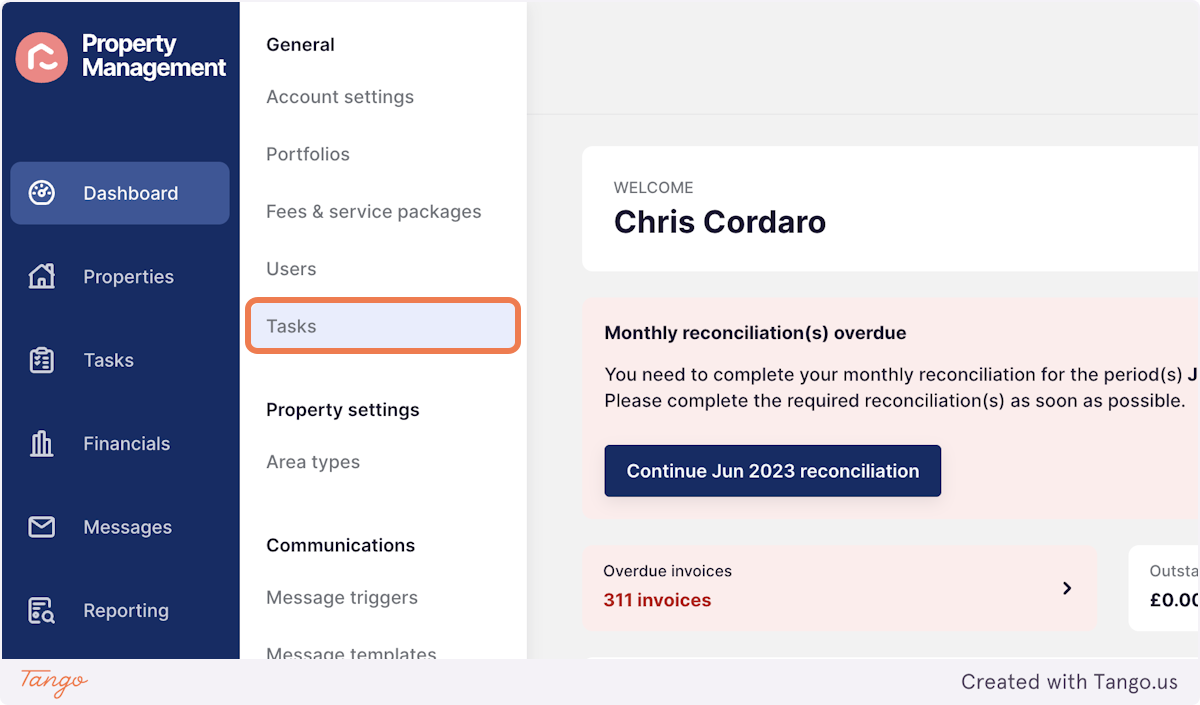
2. Click on Tasks
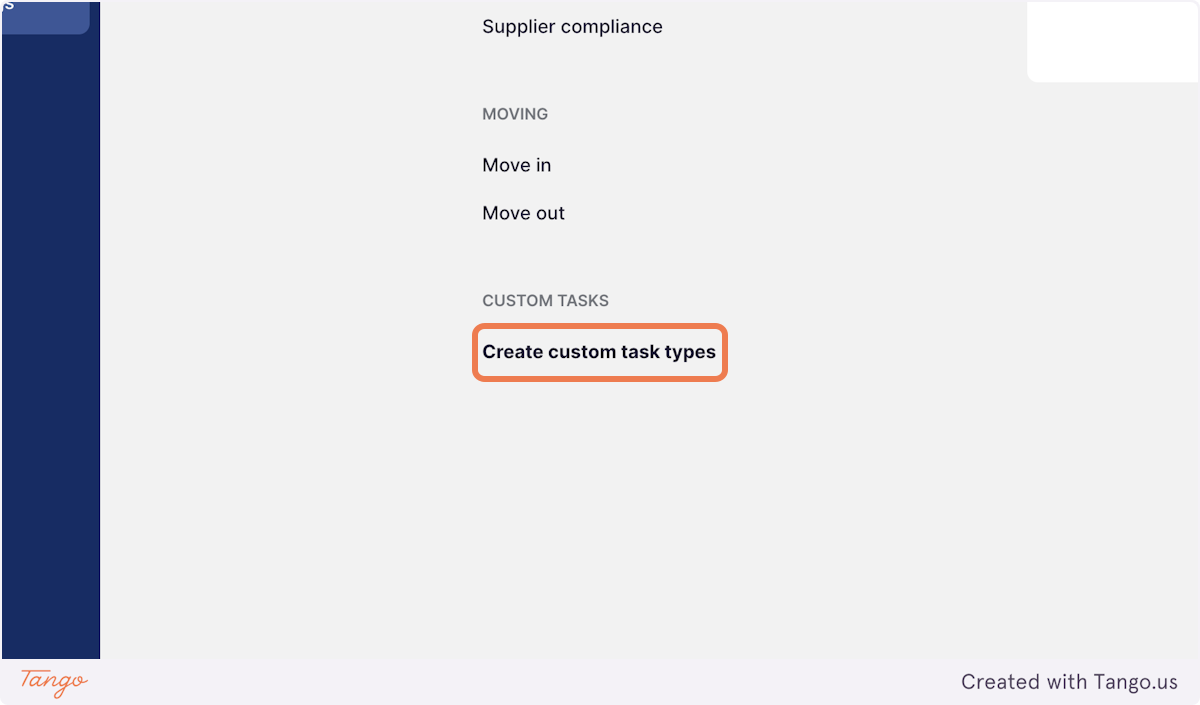
3. Click on Create custom task types
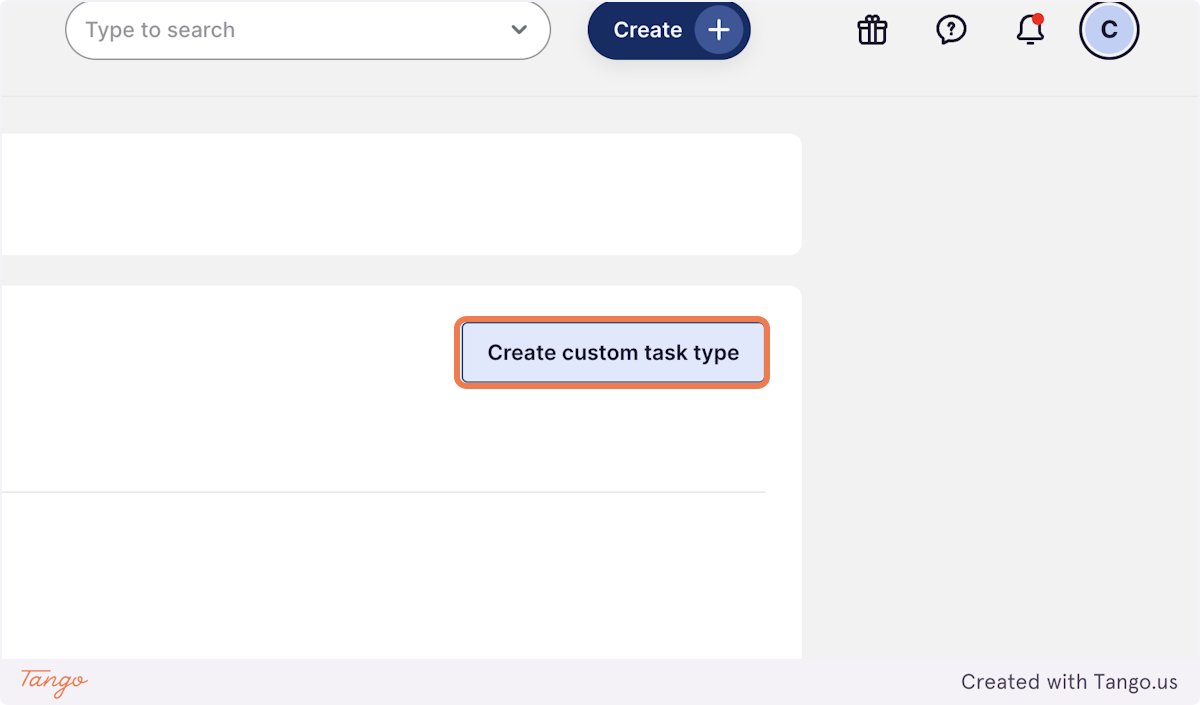
4. Click on Create custom task type
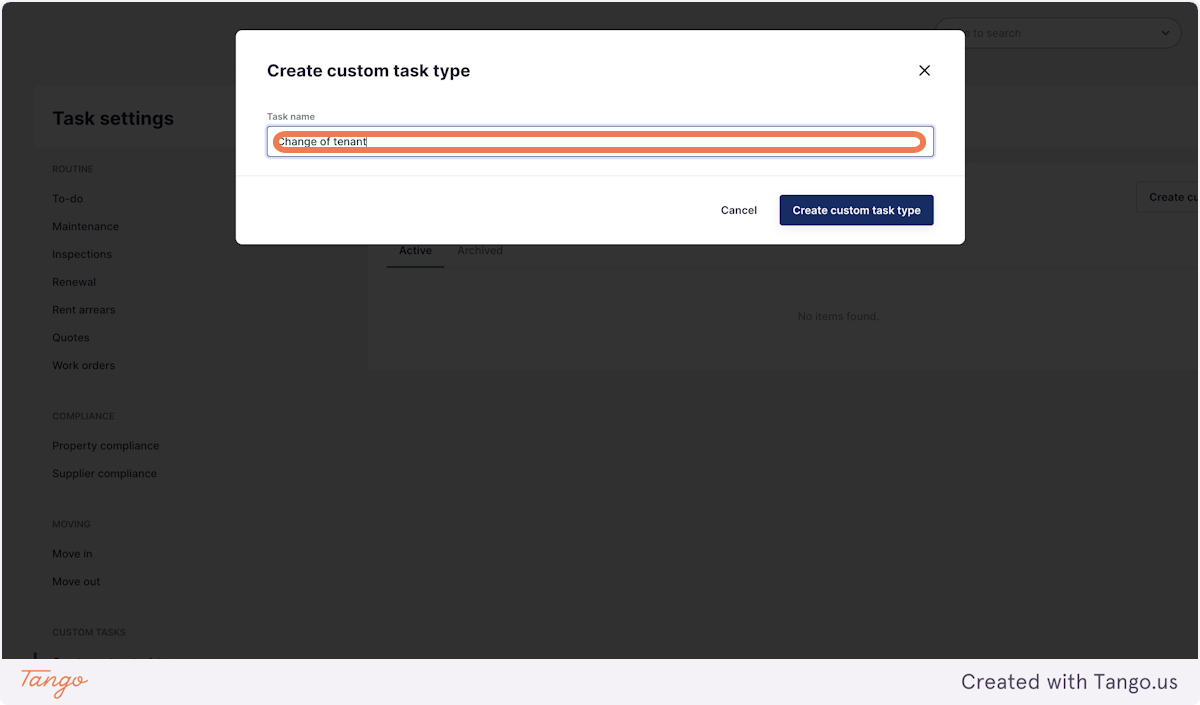
5. Type in the name of the task
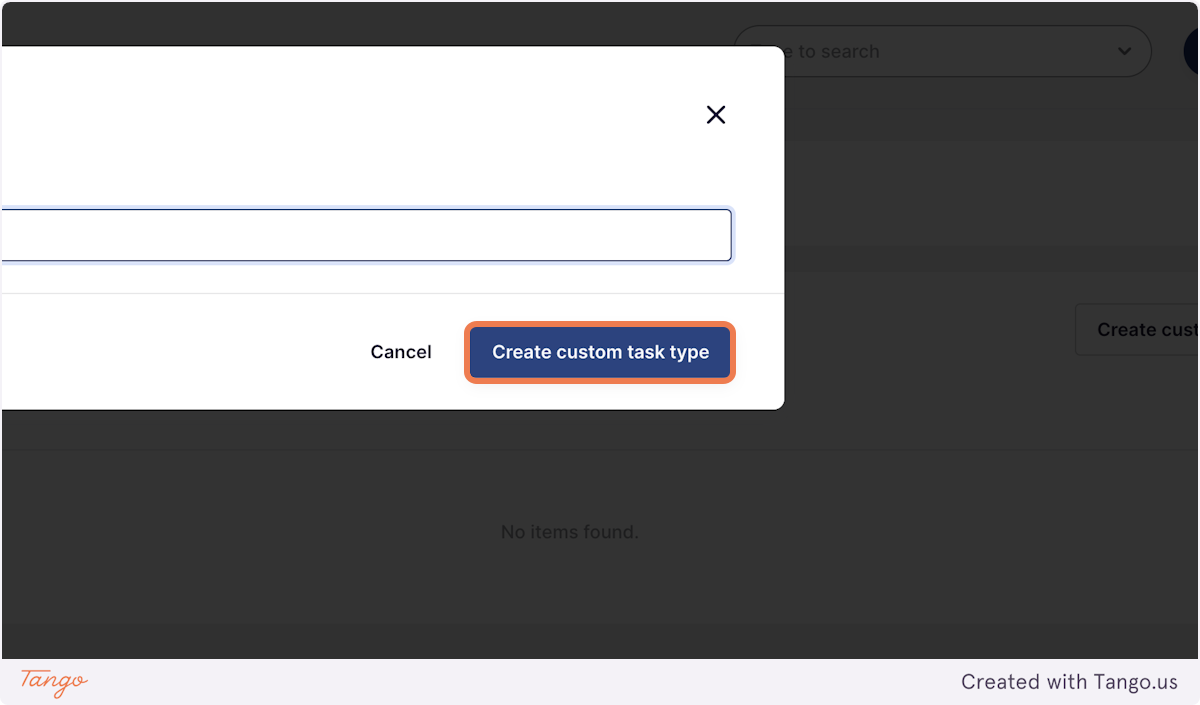
6. Click on Create custom task type
7. Click the name of your new task to create a checklist or to edit the template text