The only invoices we recommend you void are manually created invoices with errors.
The system will only allow you to void an invoice if there has been no payment made against it.
Voiding rent invoices will likely cause data issues in your account so please reach out to our Support team (support@rexpm.zendesk.com) prior to doing this.
To void an invoice, please follow these steps:
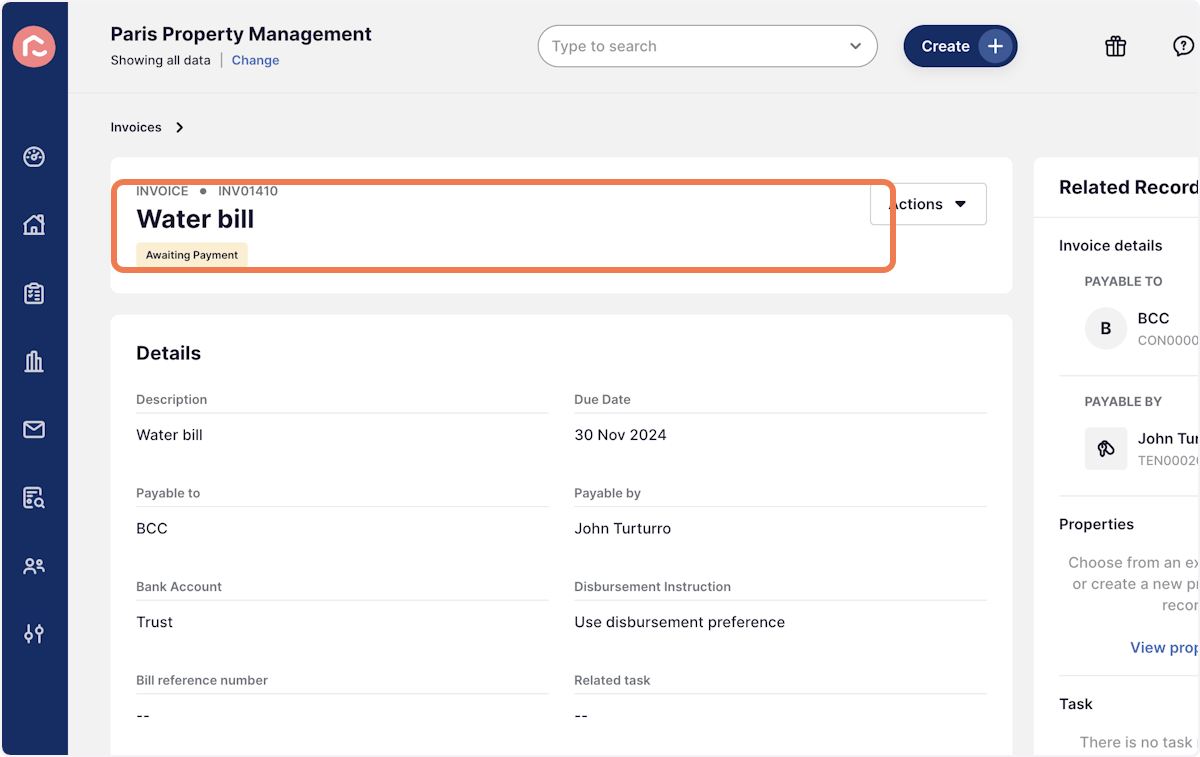
1. Navigate to the invoice you wish to void
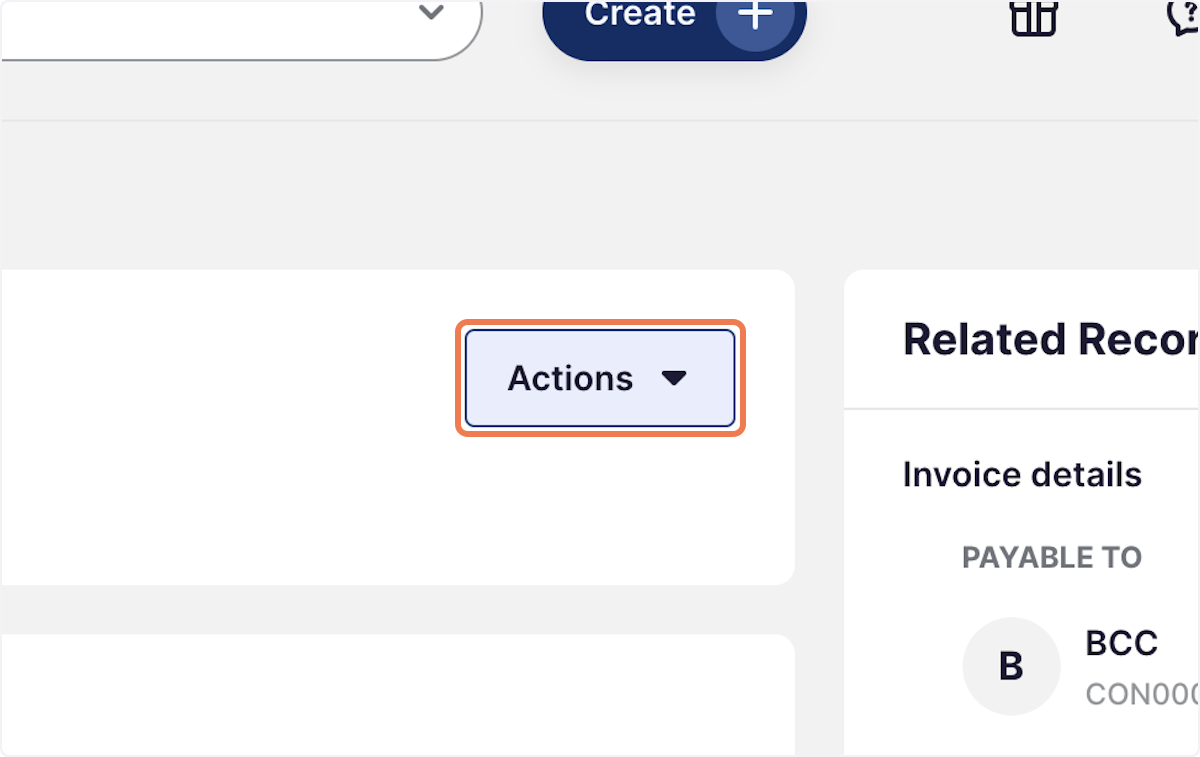
2. Click on Actions
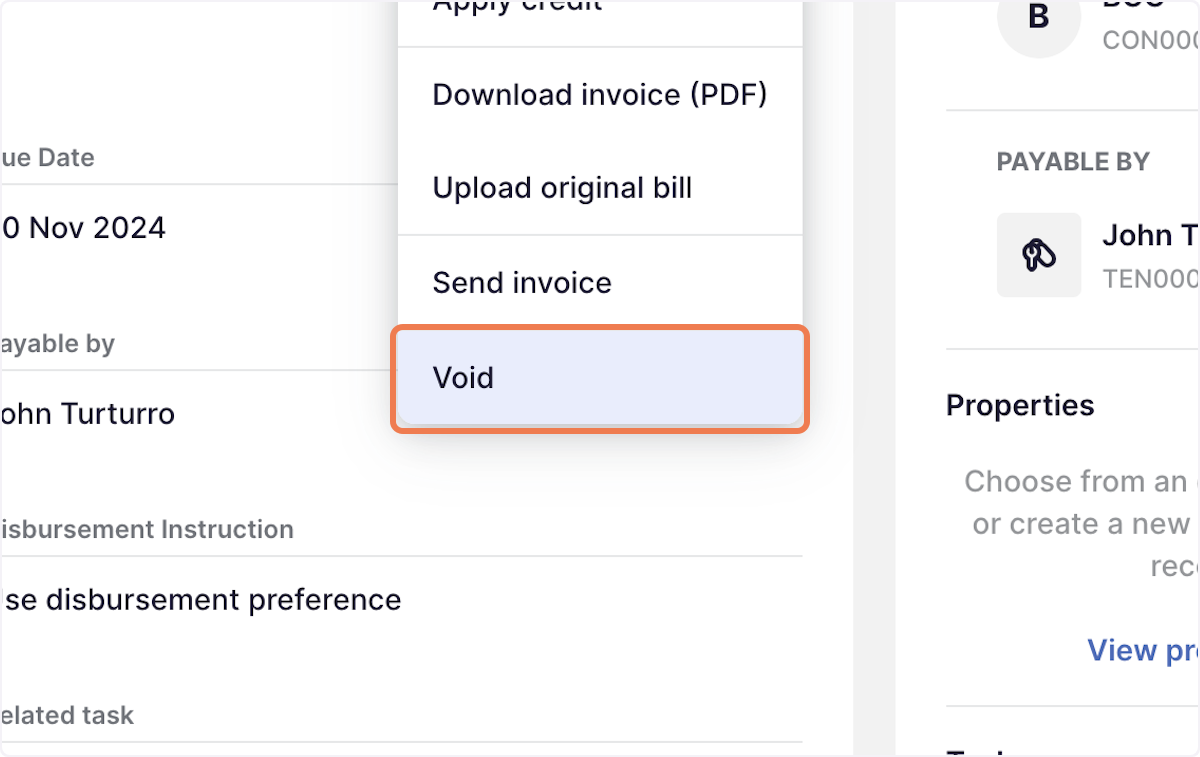
3. Click on Void
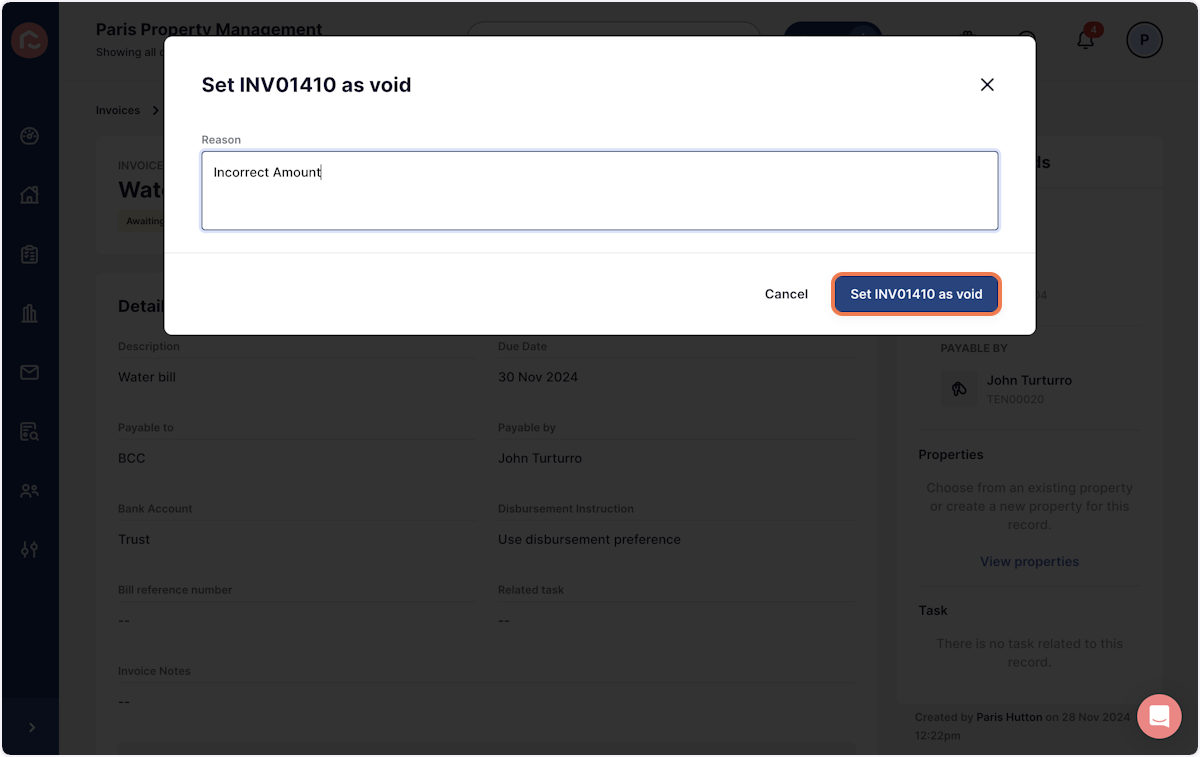
4. Type the reason you need to void the invoice (for internal record keeping)

5. Click on Set INV01410 as void
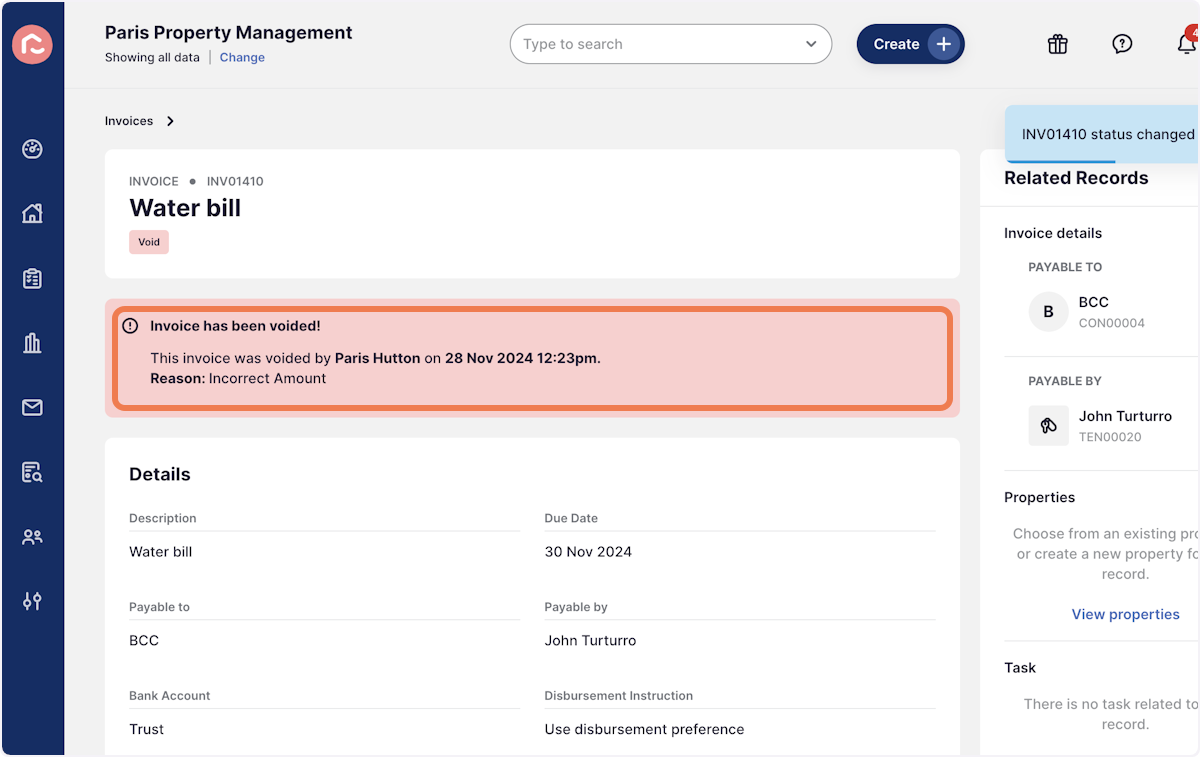
6. Once the invoice has been successfully voided, you will see a red Void baner attached to the invoice.