Rex PM has a default library of 'Property Areas' or rooms that are used in your reports.
Sometimes, you might need to create a new type which is not included in the default list, which is why we have the 'add area type' feature.
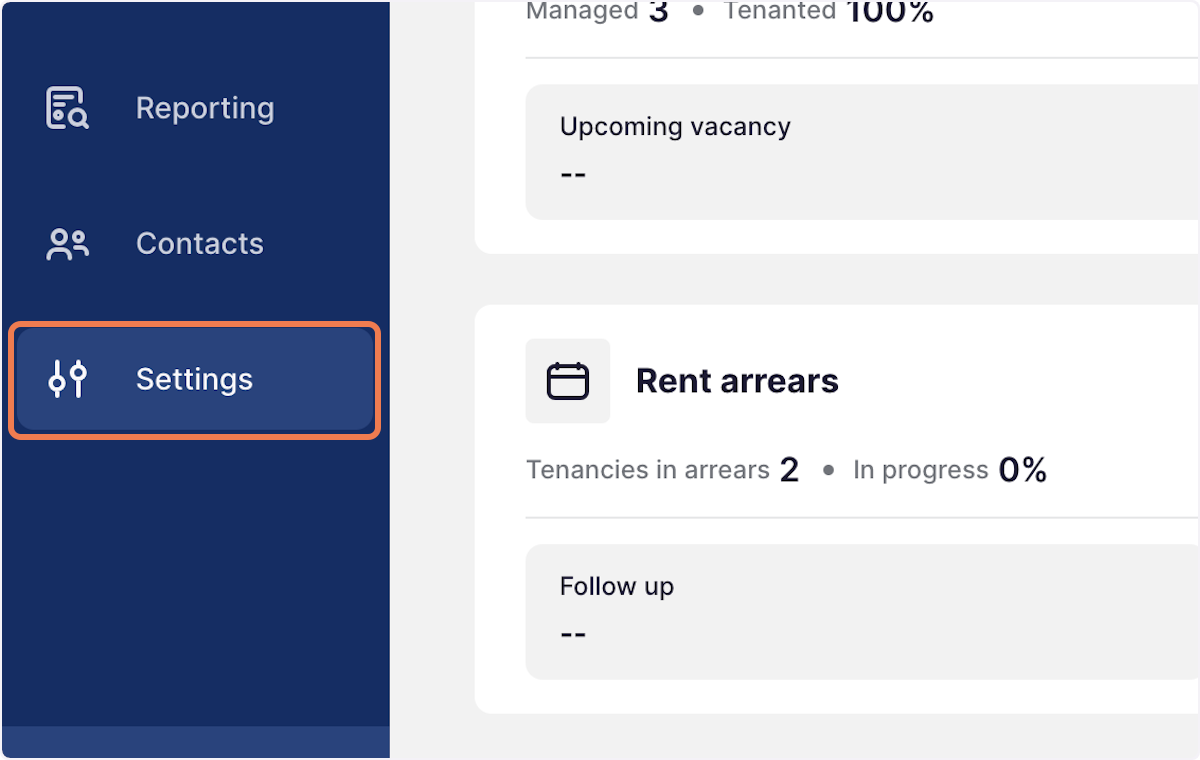
1. Click on Settings
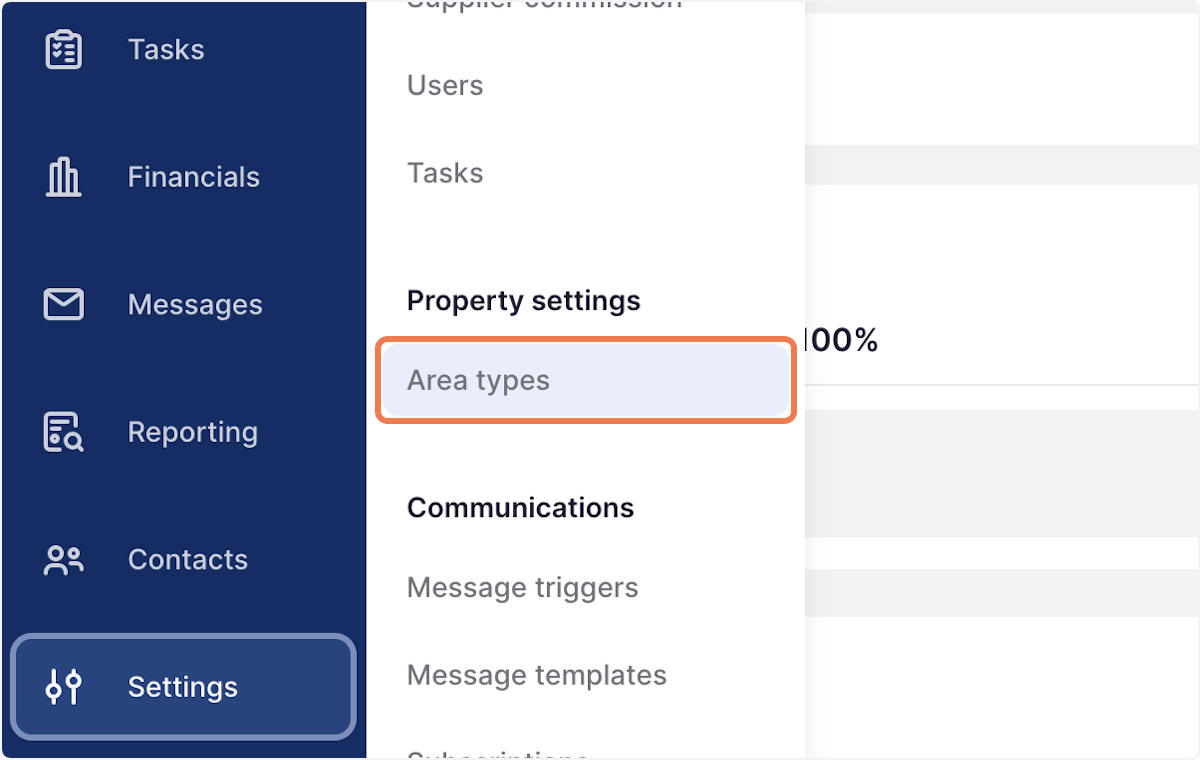
2. Go to Area types
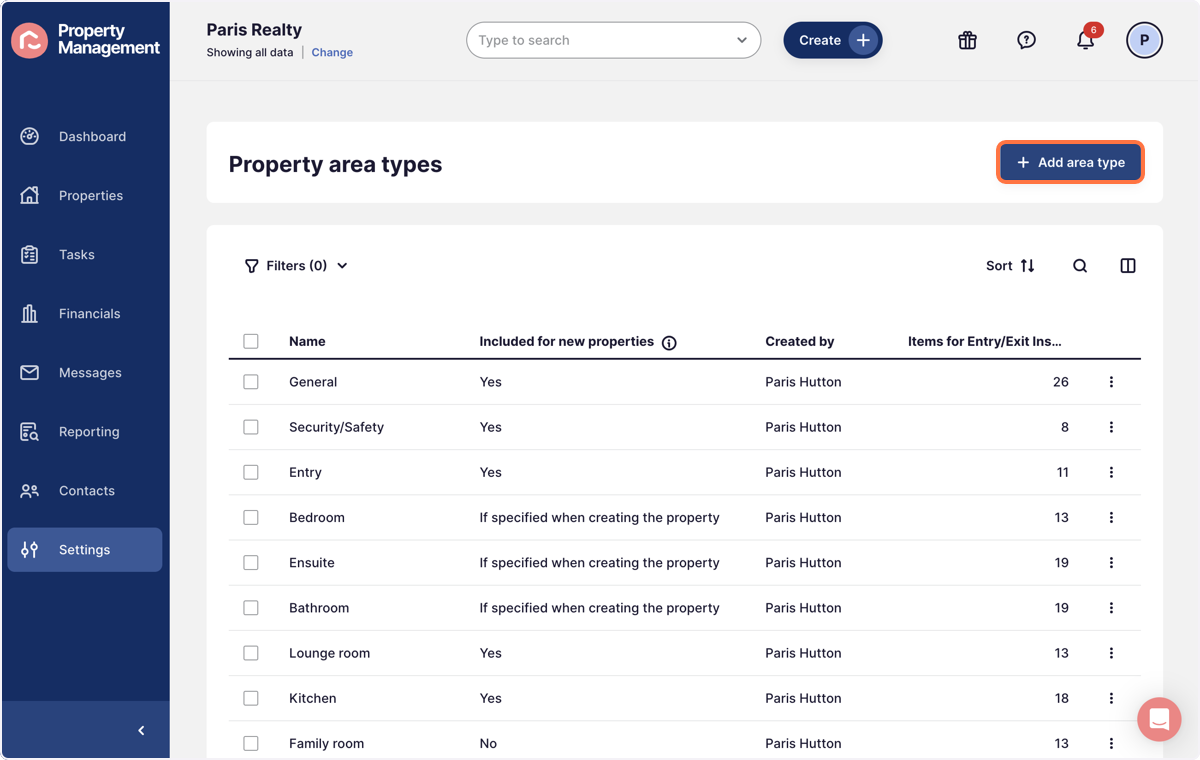
3. On the top right corner, select + Add area type
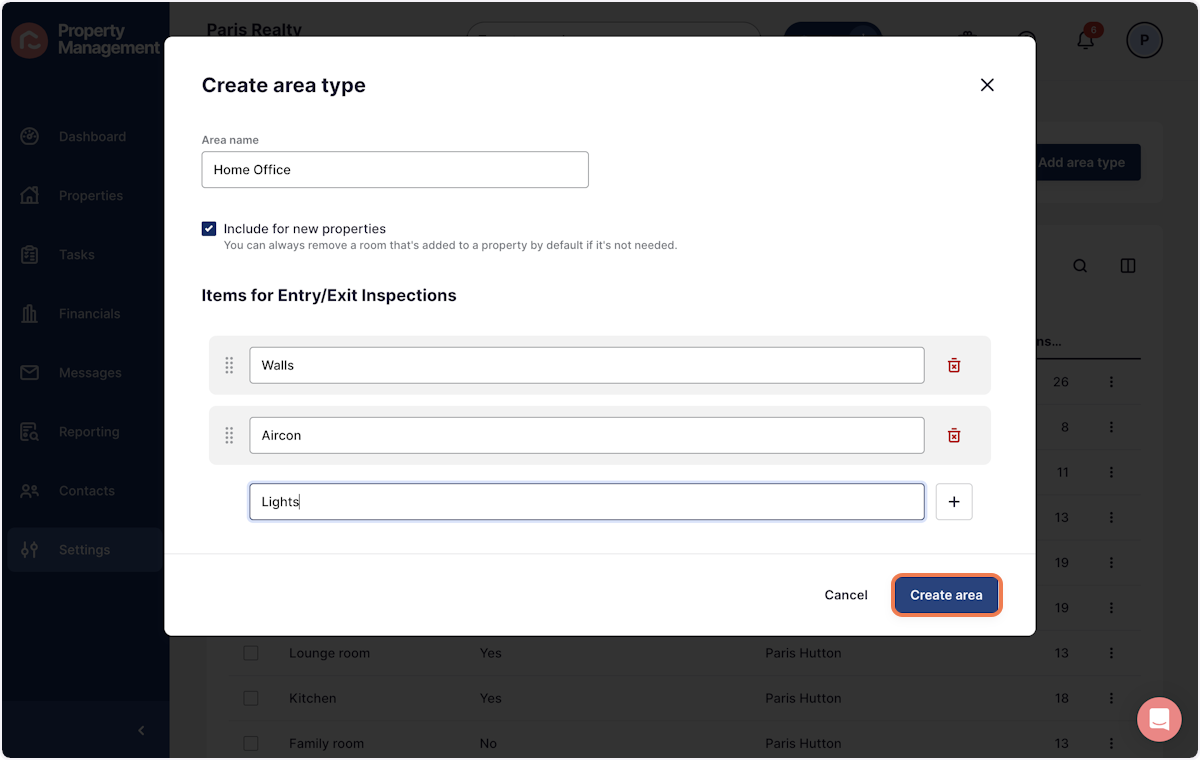
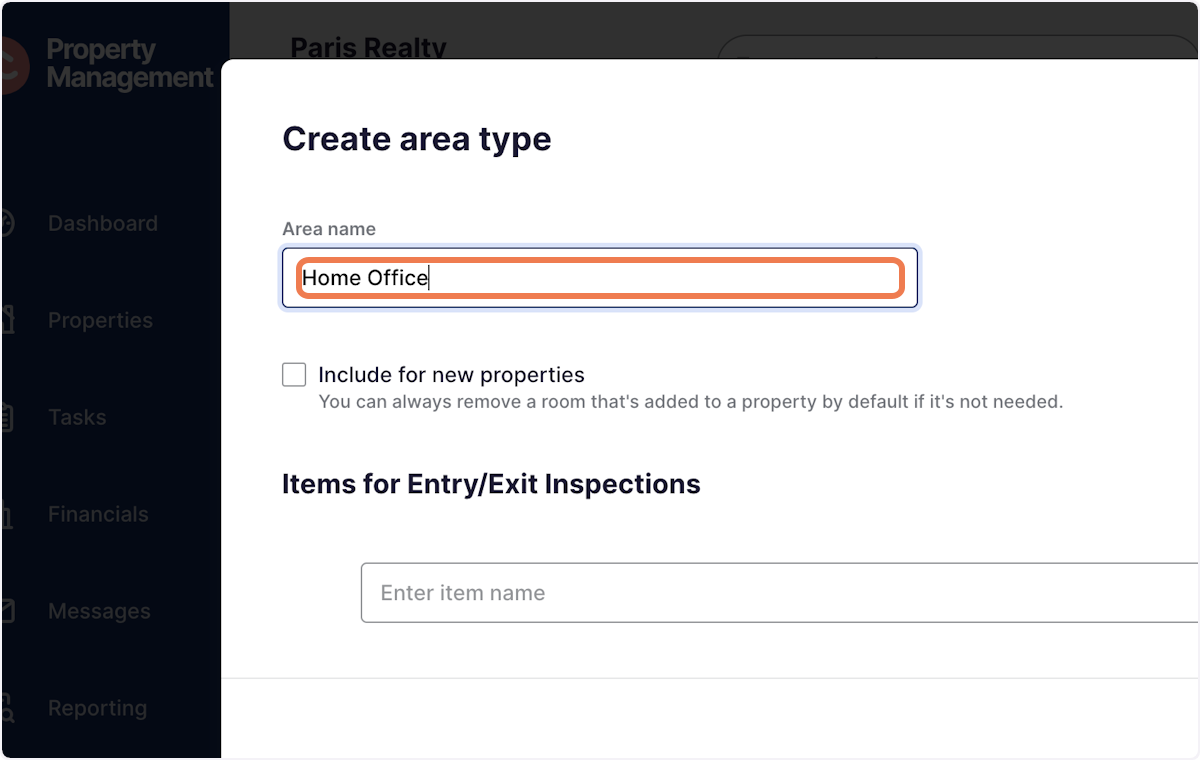
4. Add the area name
Eg, Home office, library, pool house
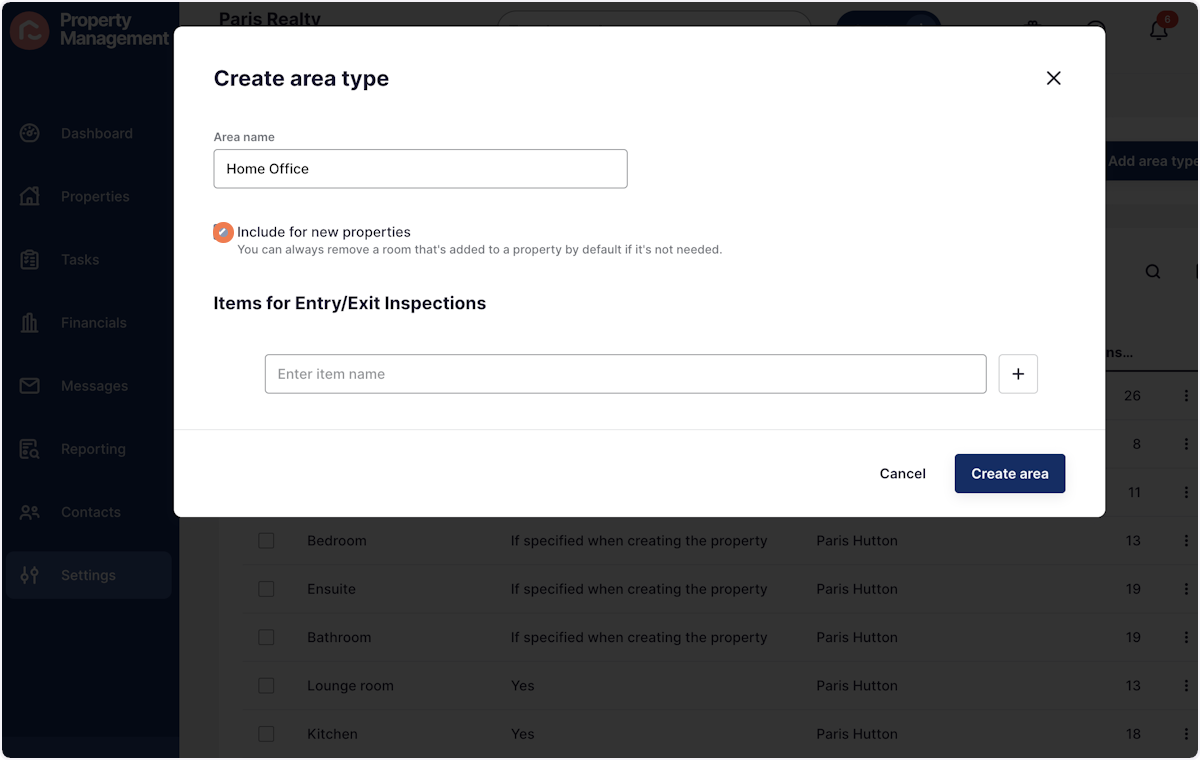
5. Tick or untick to include the area by default for new properties
6. Press the + button to add extra items for the room
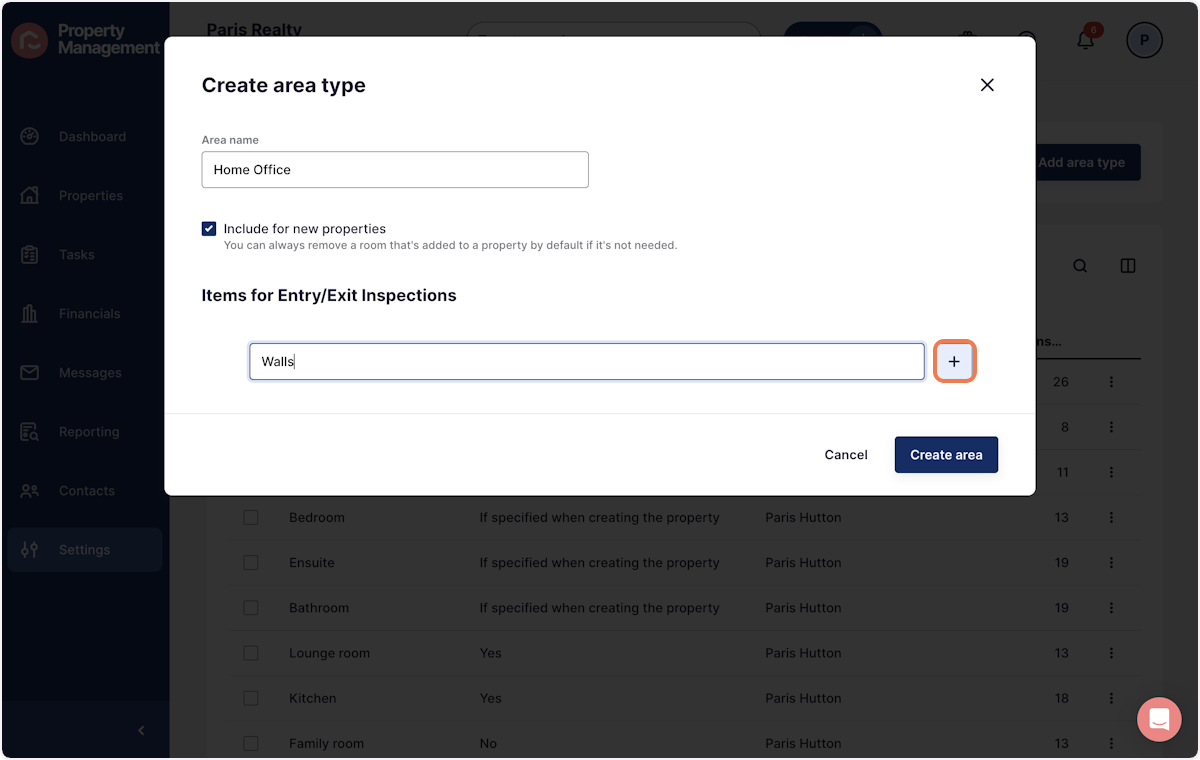
7. Once all items have been added, press 'Create area'