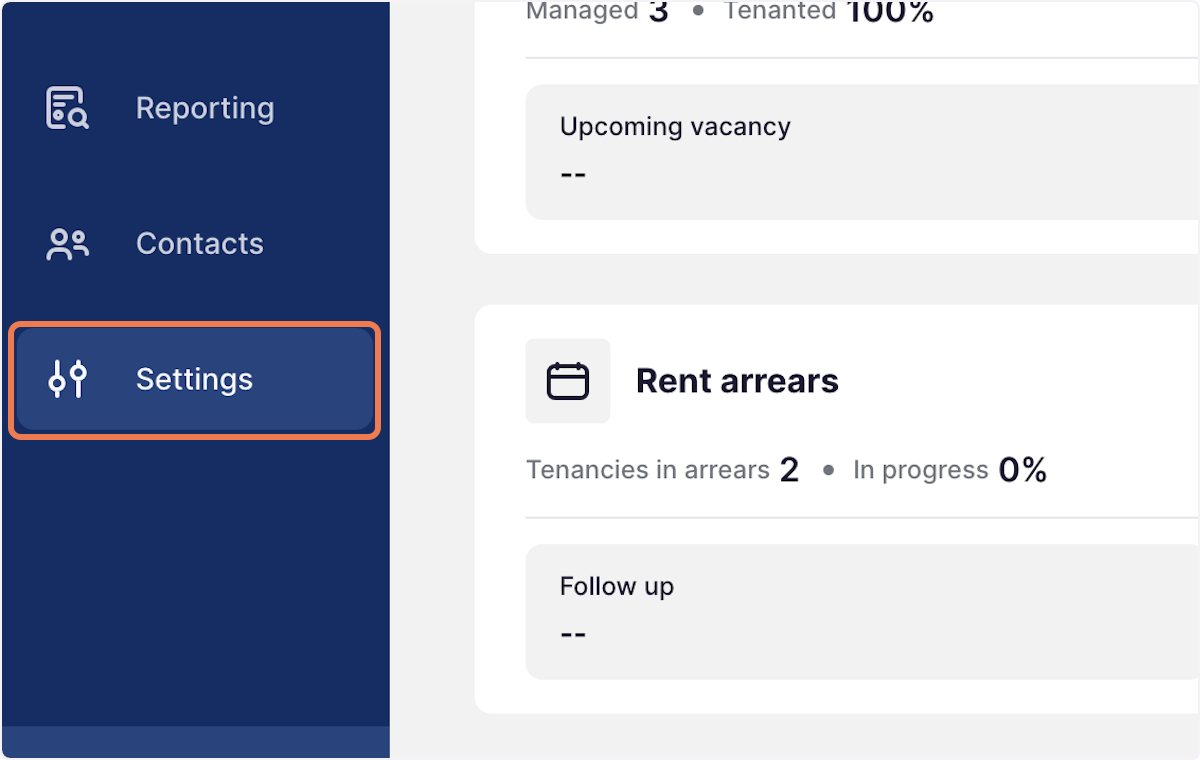
1. Go to Settings
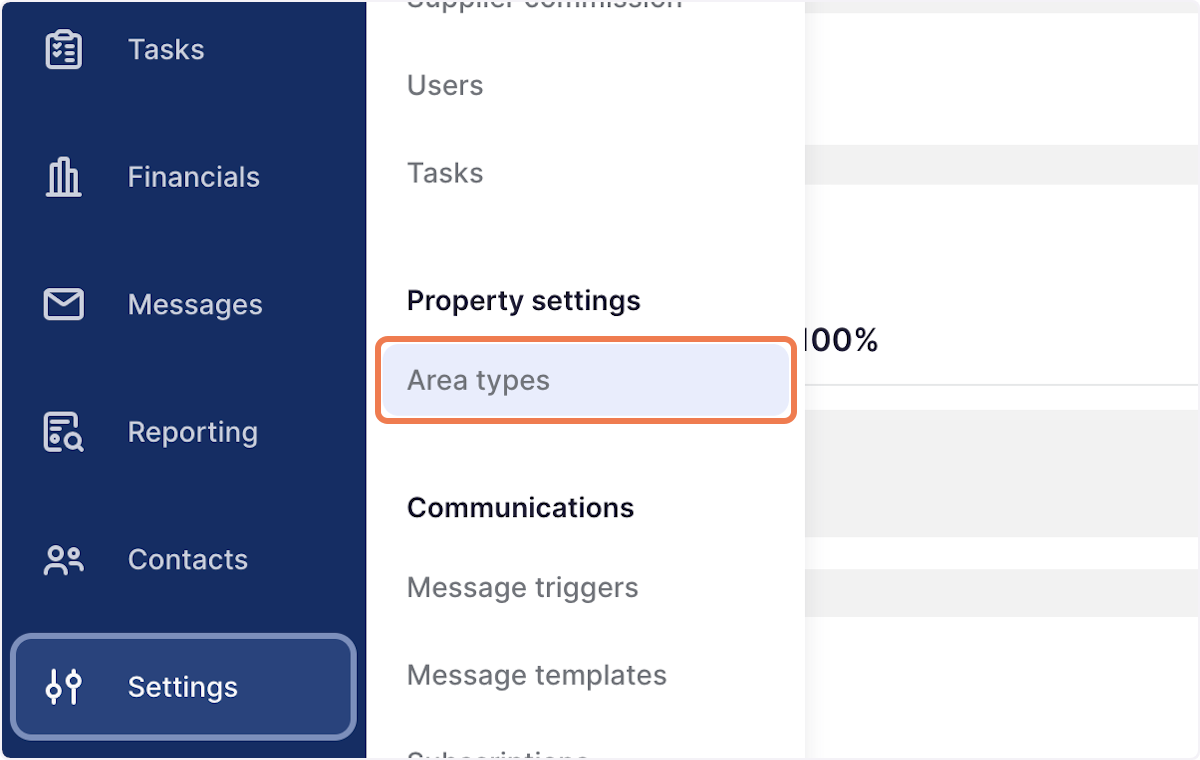
2. Select Area types
3. Press the 3 dots to the right of the area you wish to edit
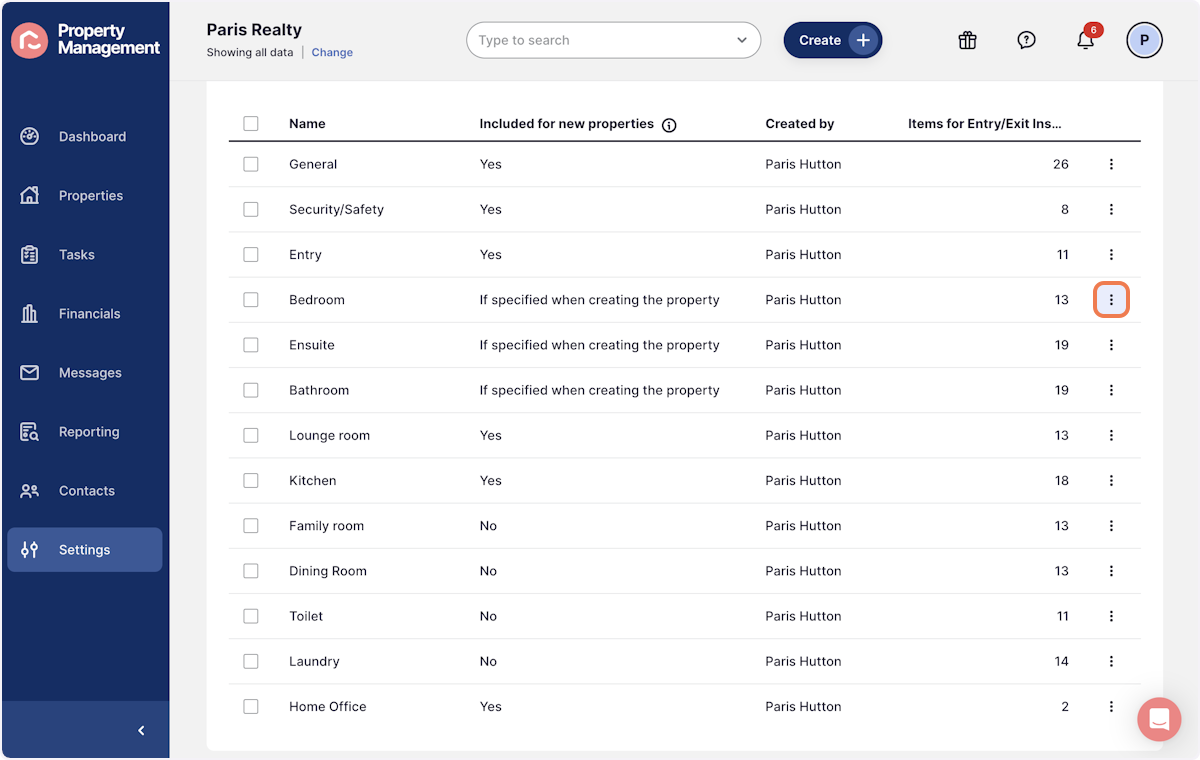
4. Click on Edit
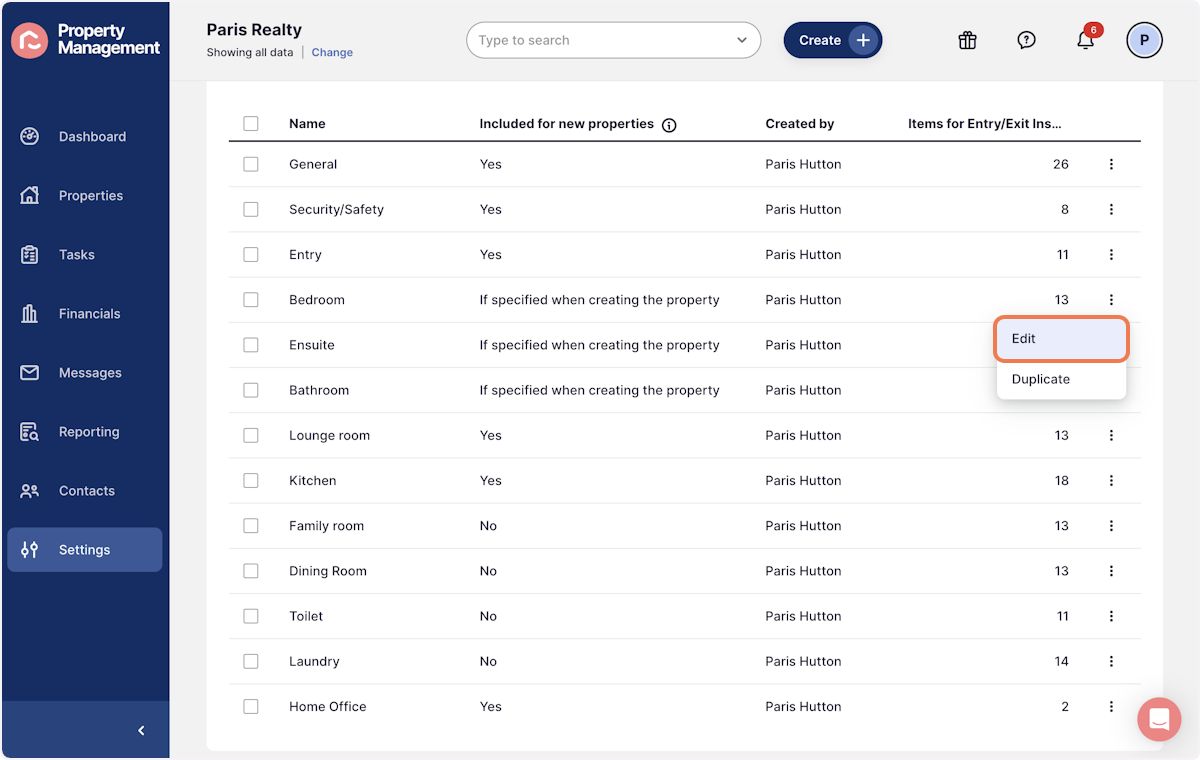
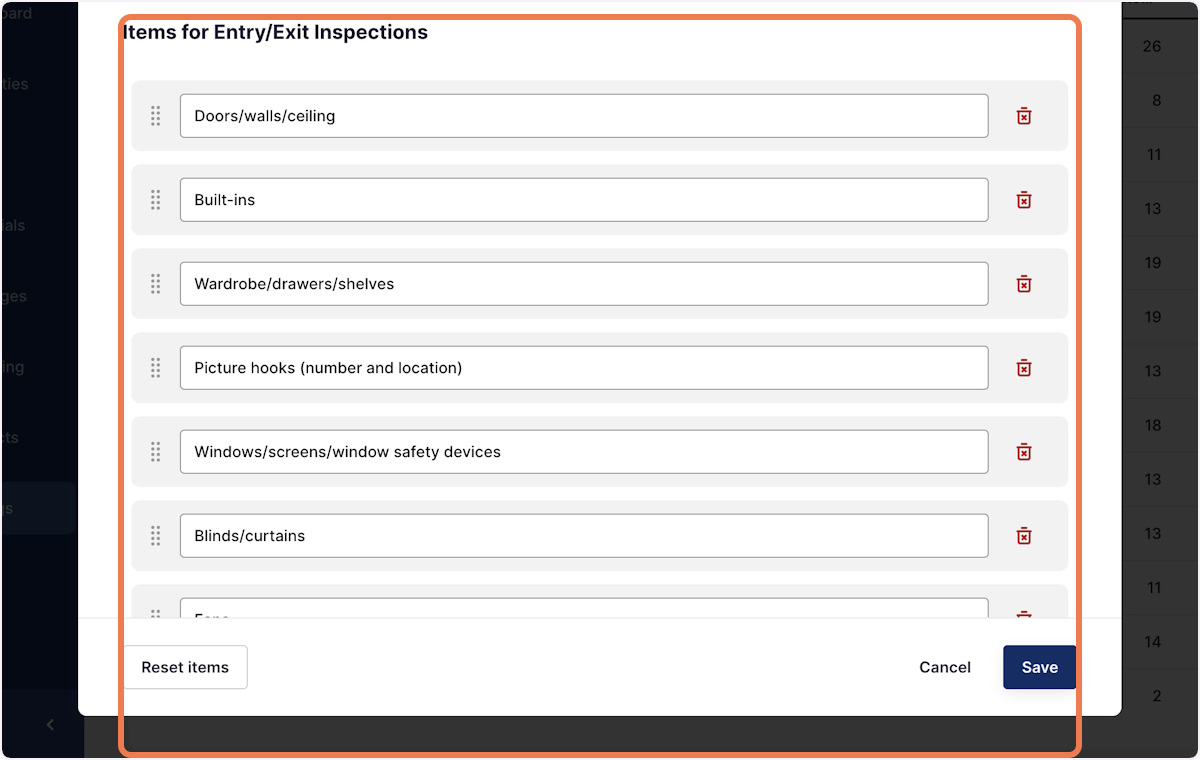
5. This will bring up all room items, which can be edited, deleted or new ones can be added
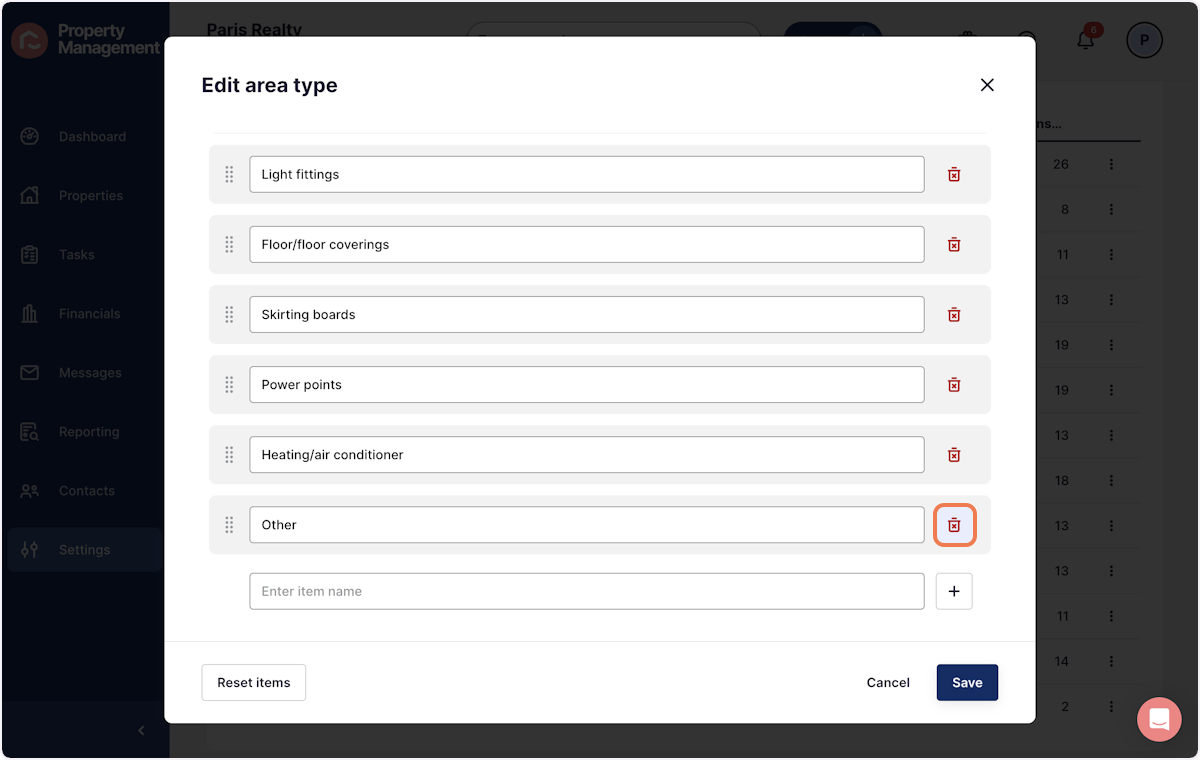
6. To delete an item, press the red trash can
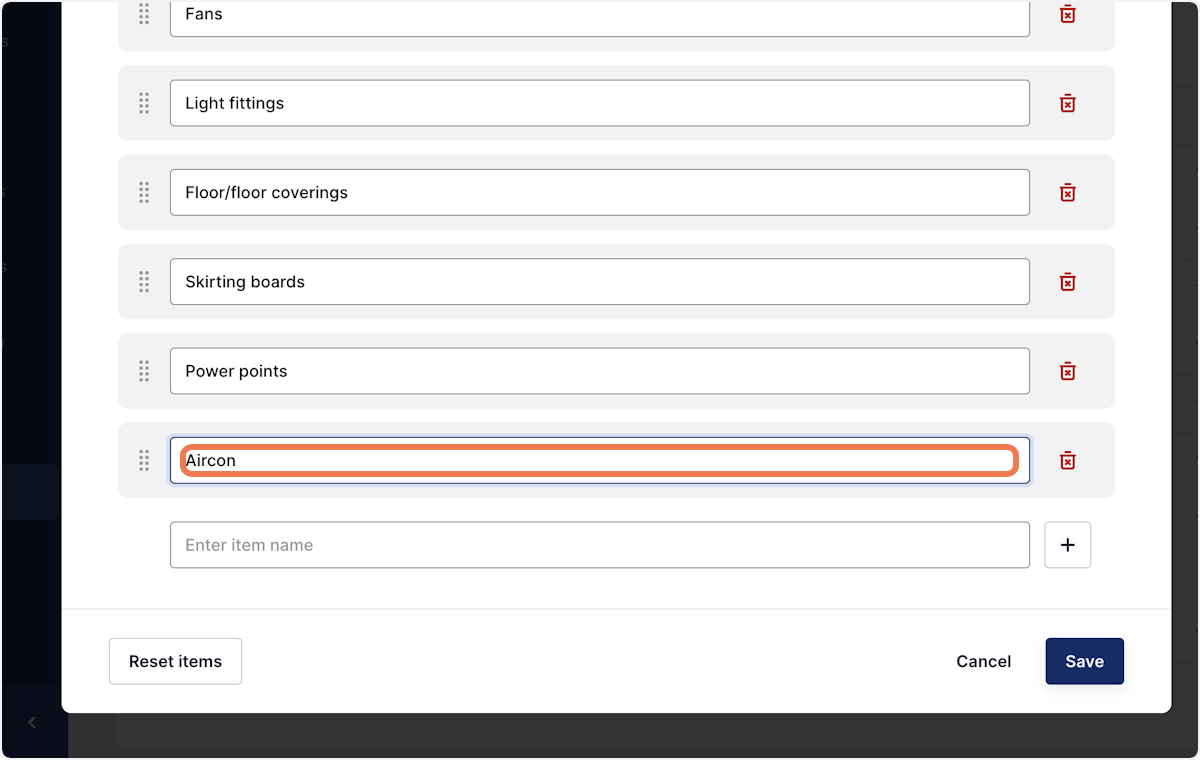
7. To update an exisiting item, simply click into the text box and override the text
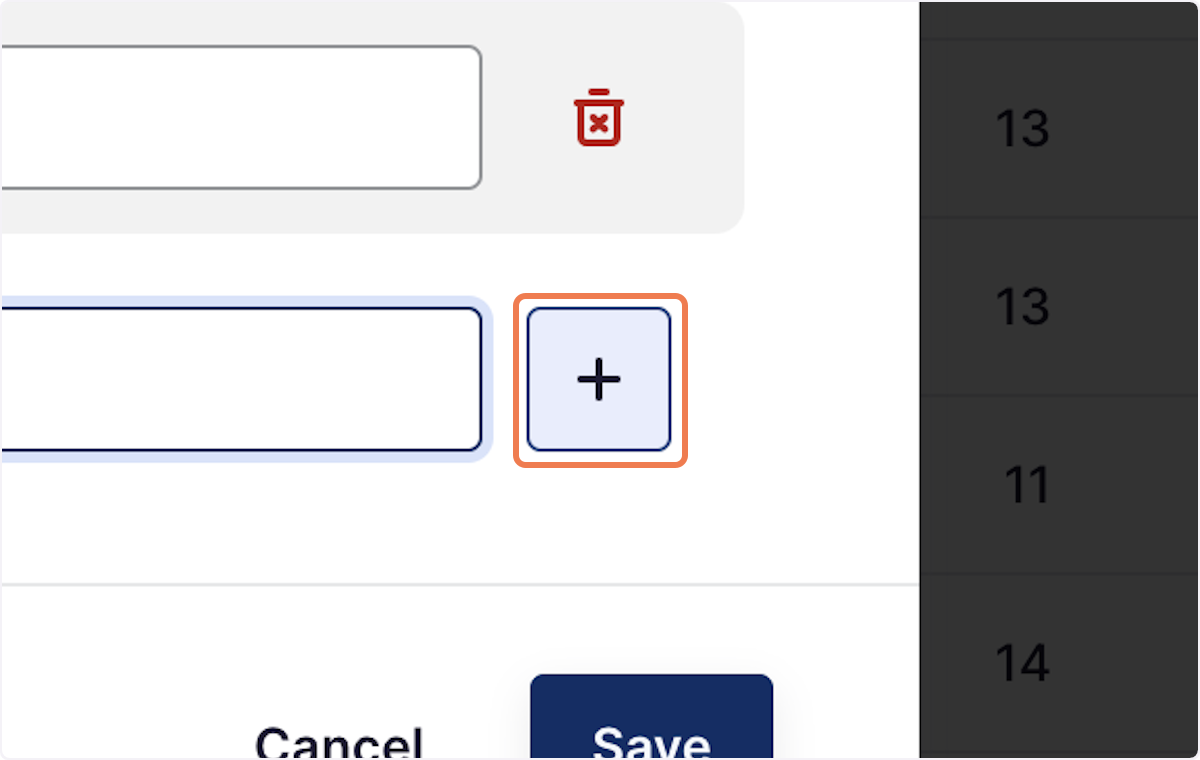
8. To add a new item, press the + button
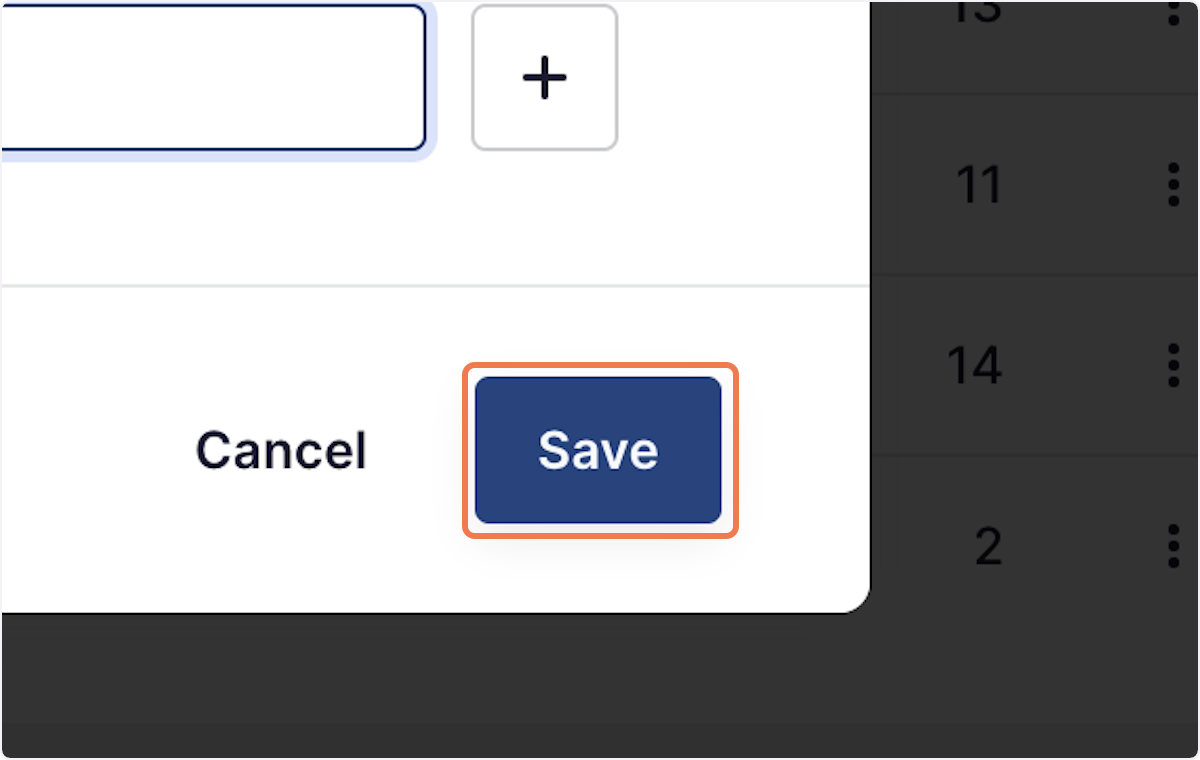
9. Once happy with the changes, press save