In some cases, you will find that a tenants rent has been receipted to their pre-payment bucket instead of being applied to rent.
This generally happens because there were no available rent invoices at the time that the rent was receipted.
To transfer the funds from the prepayment bucket, and apply them to rent, please follow these steps:
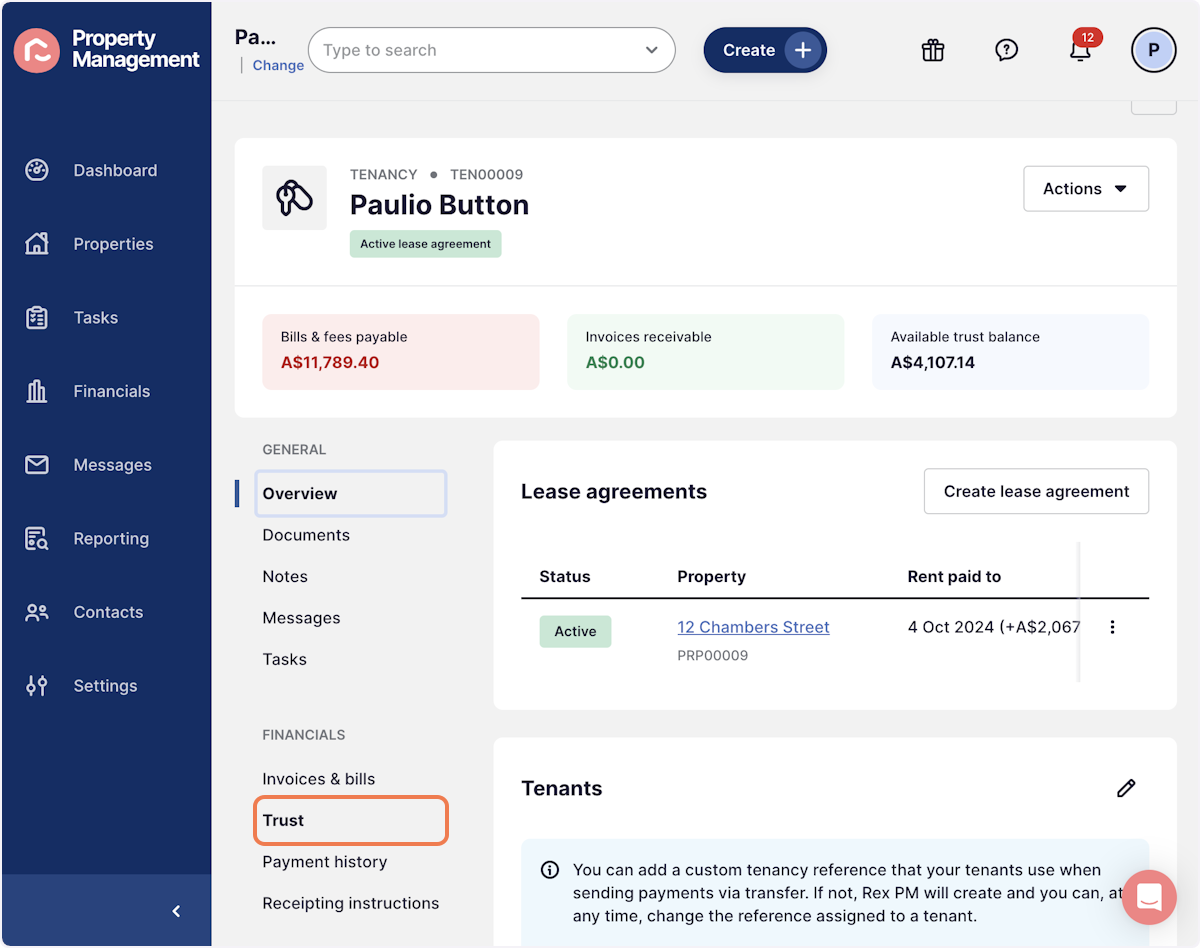
1. From within the Tenancy Record, navigate to Trust
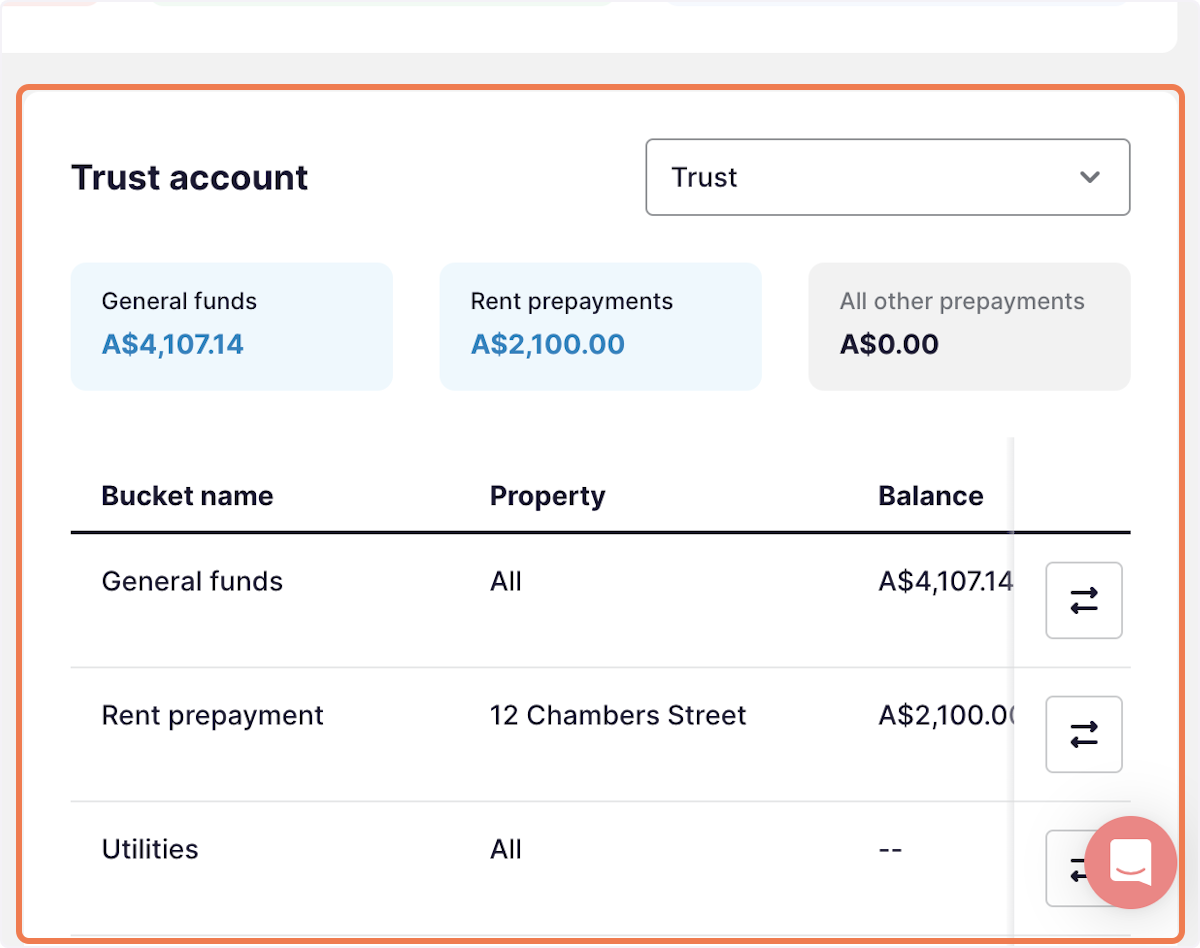
2. This is where you can check whether the tenant has funds in their rent prepayment bucket / or other prepayment buckets
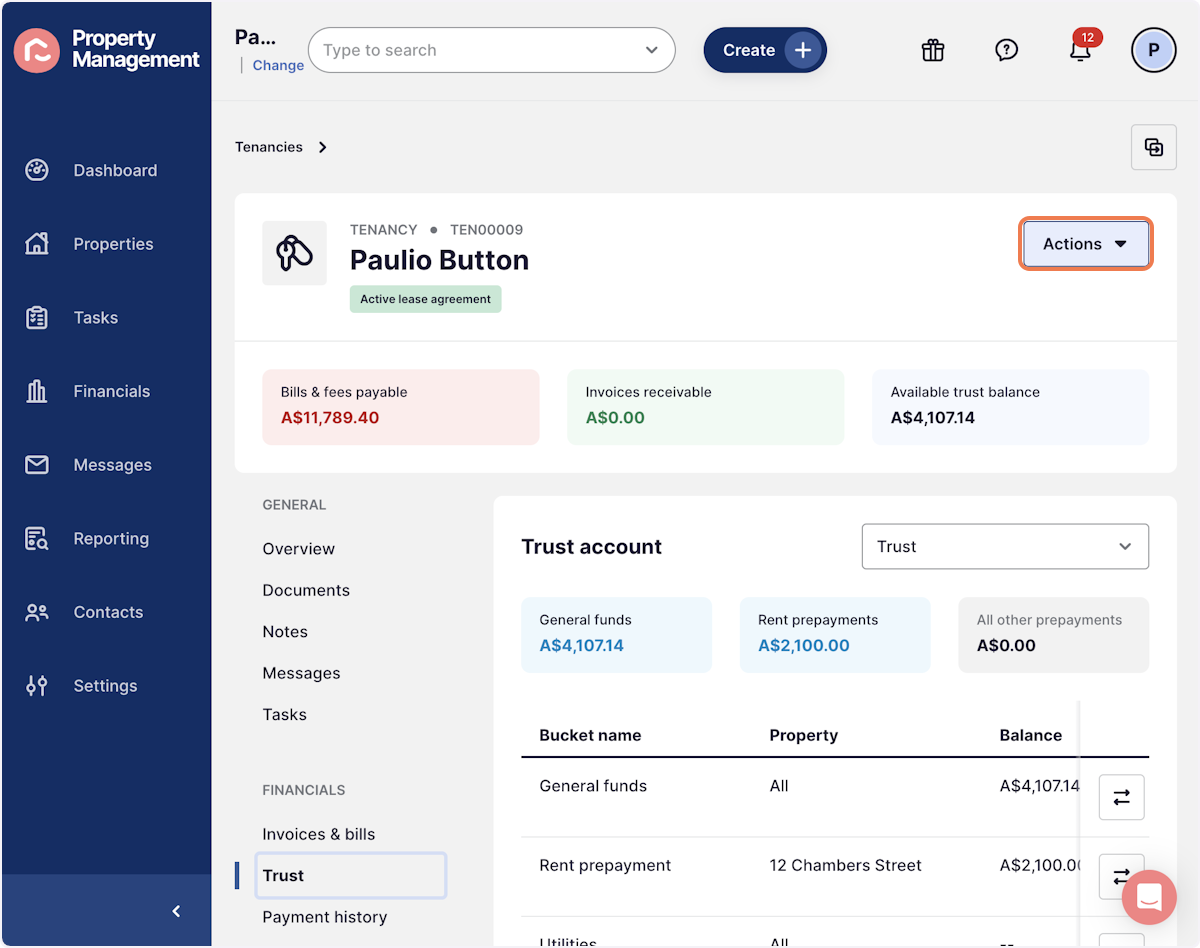
3. To transfer the funds, press Actions
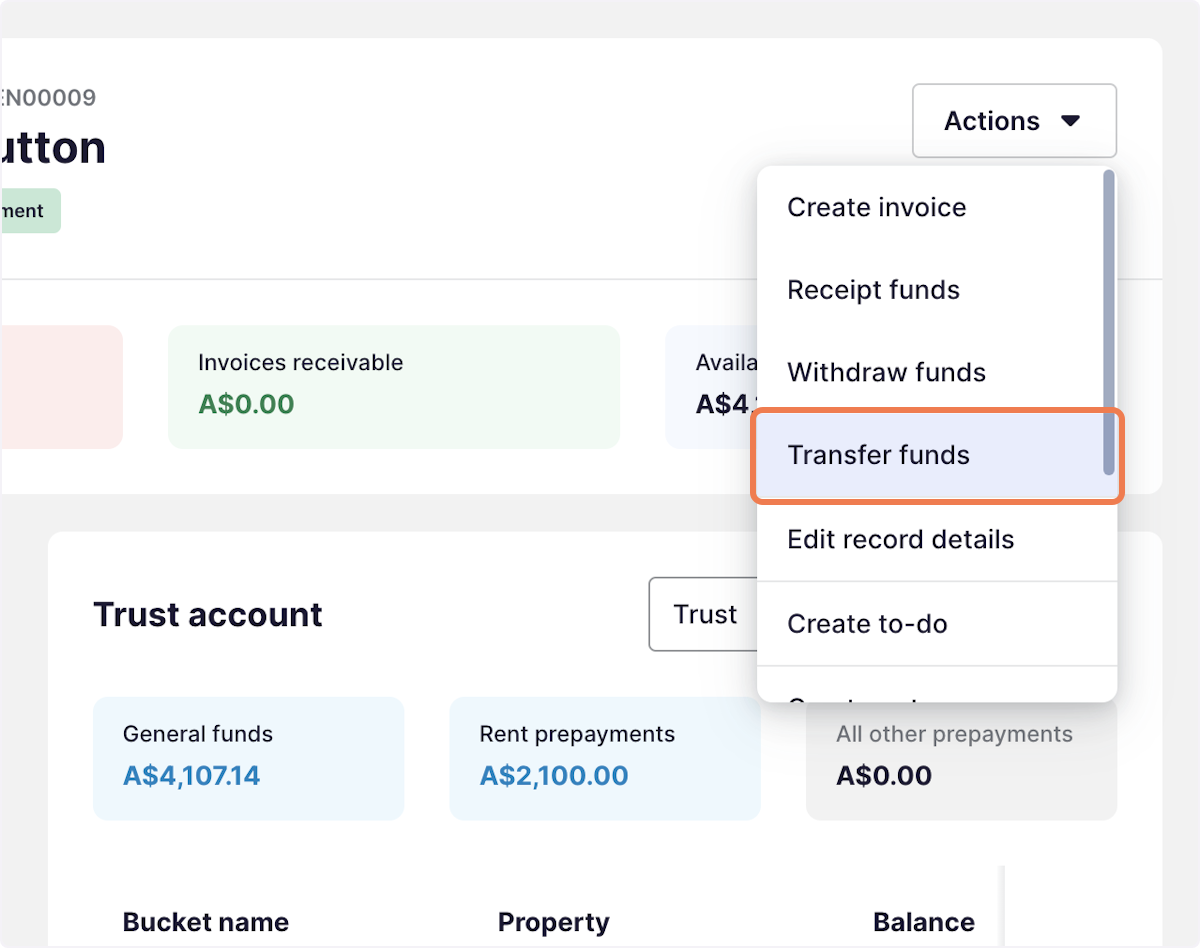
4. Select Transfer funds
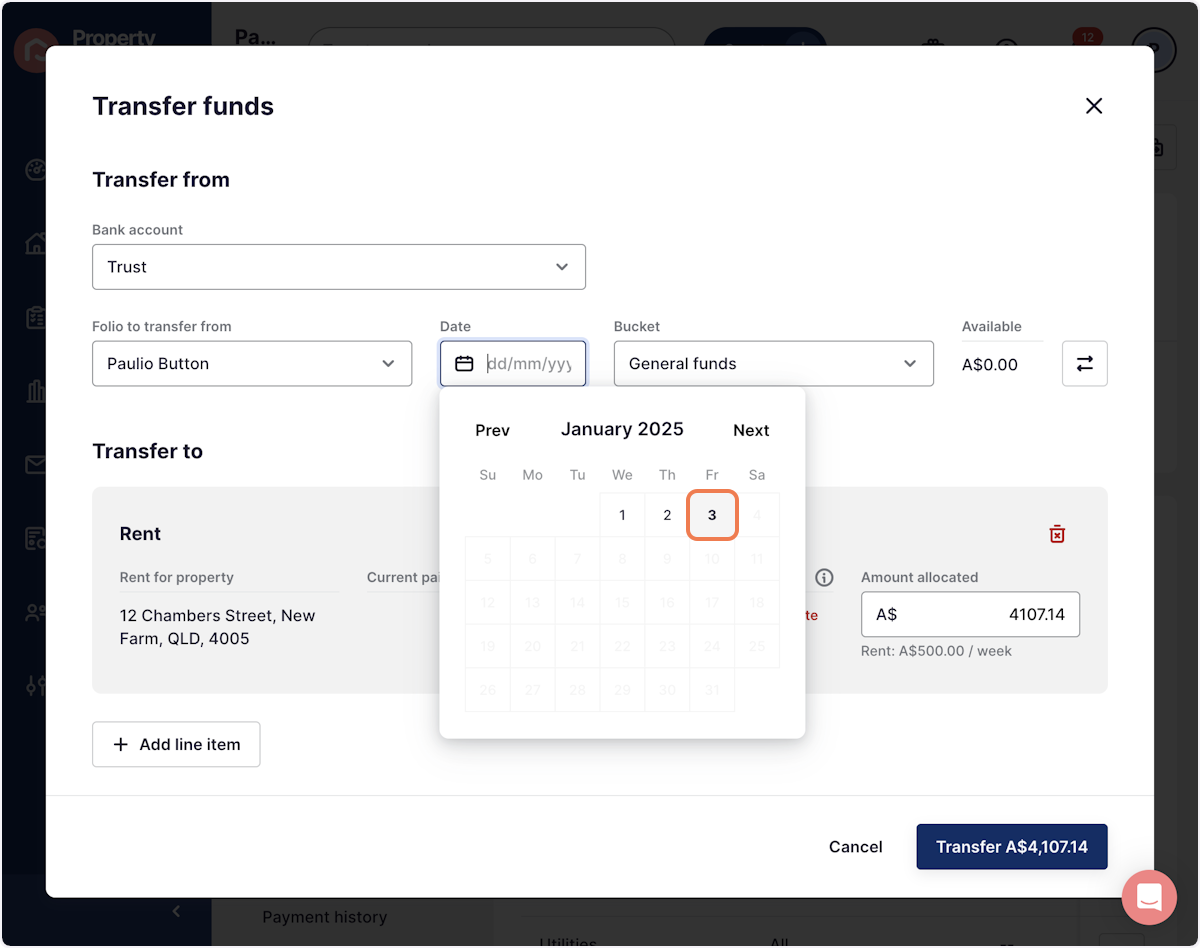
5. Add the date of the transfer
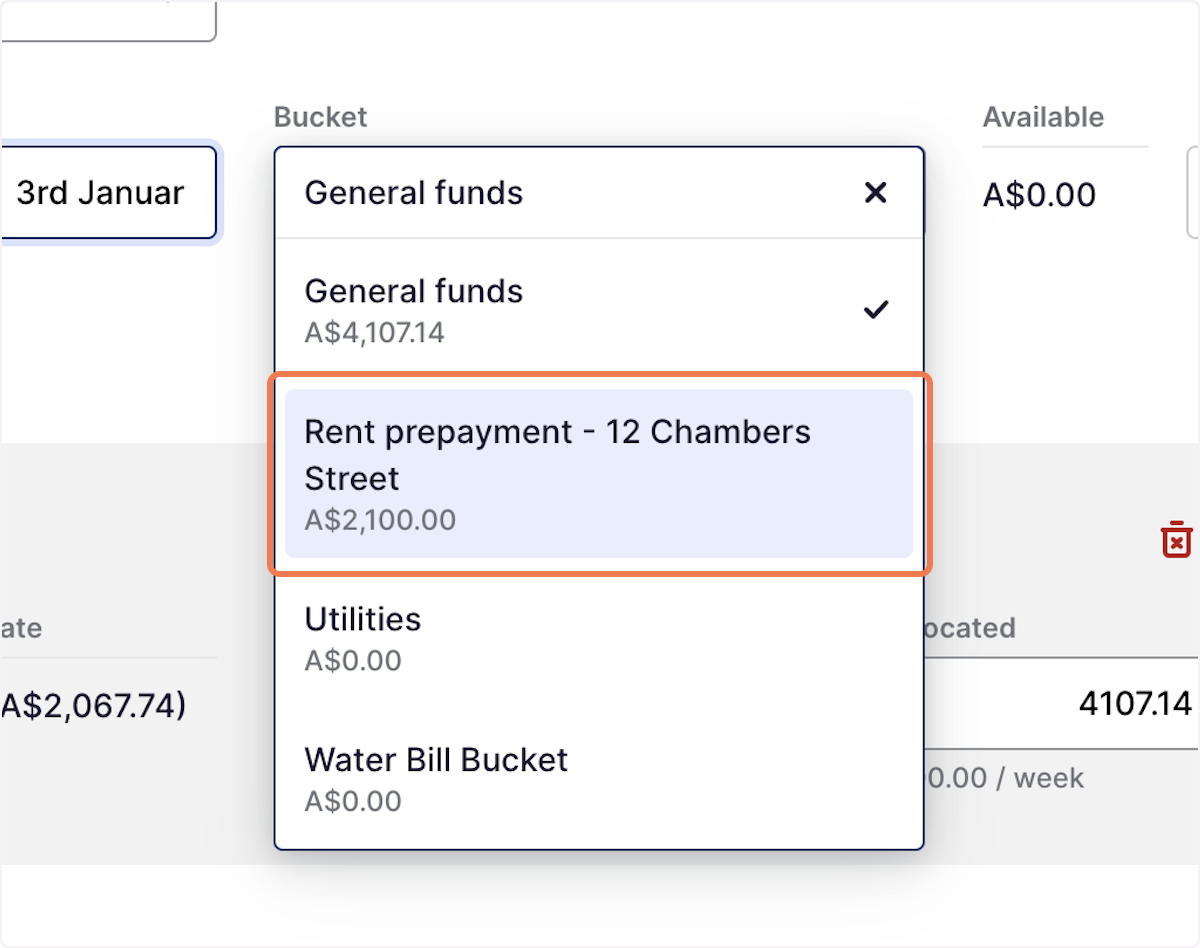
6. On the Bucket, press the dropdown arrow to select the correct prepayment bucket
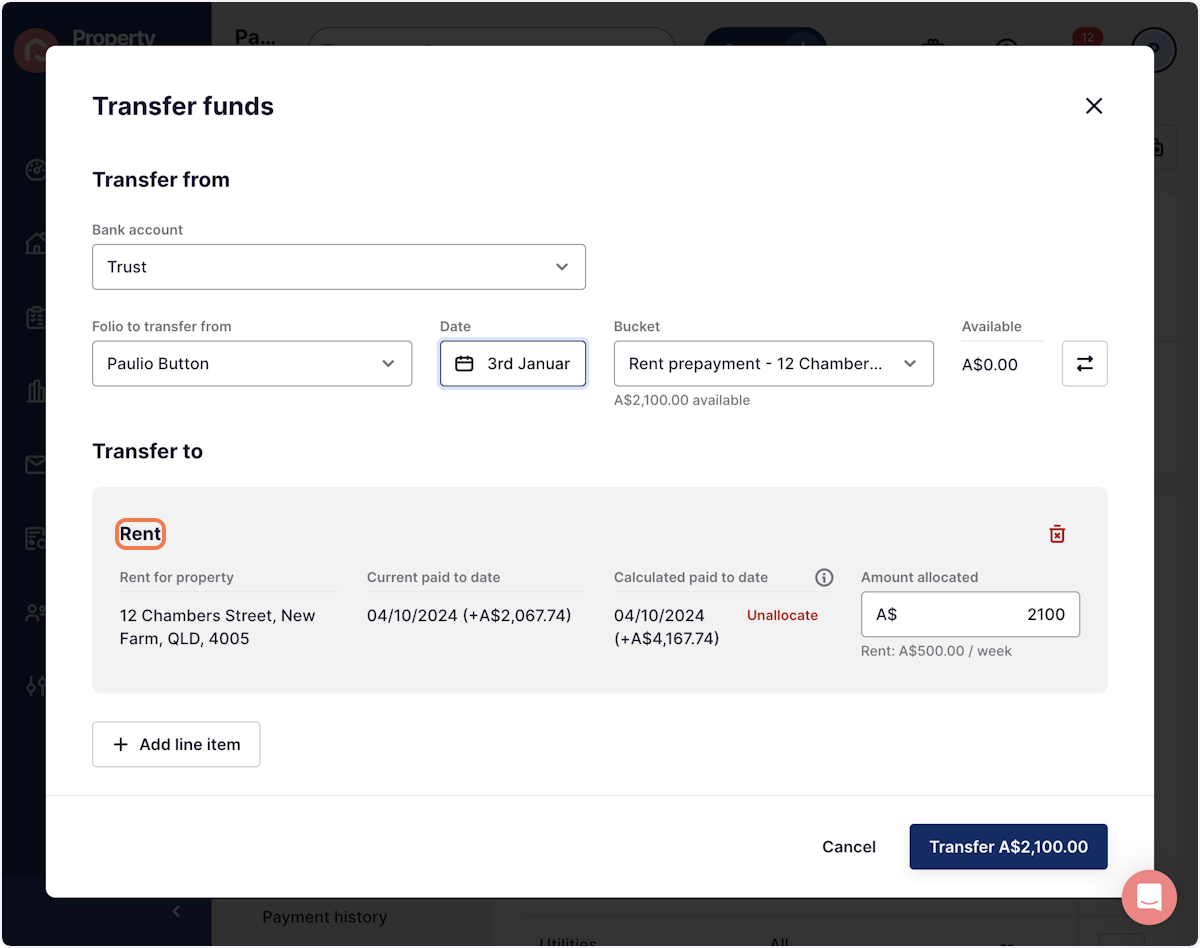
7. Double check that the funds are being transferred to Rent
8. Click on Transfer
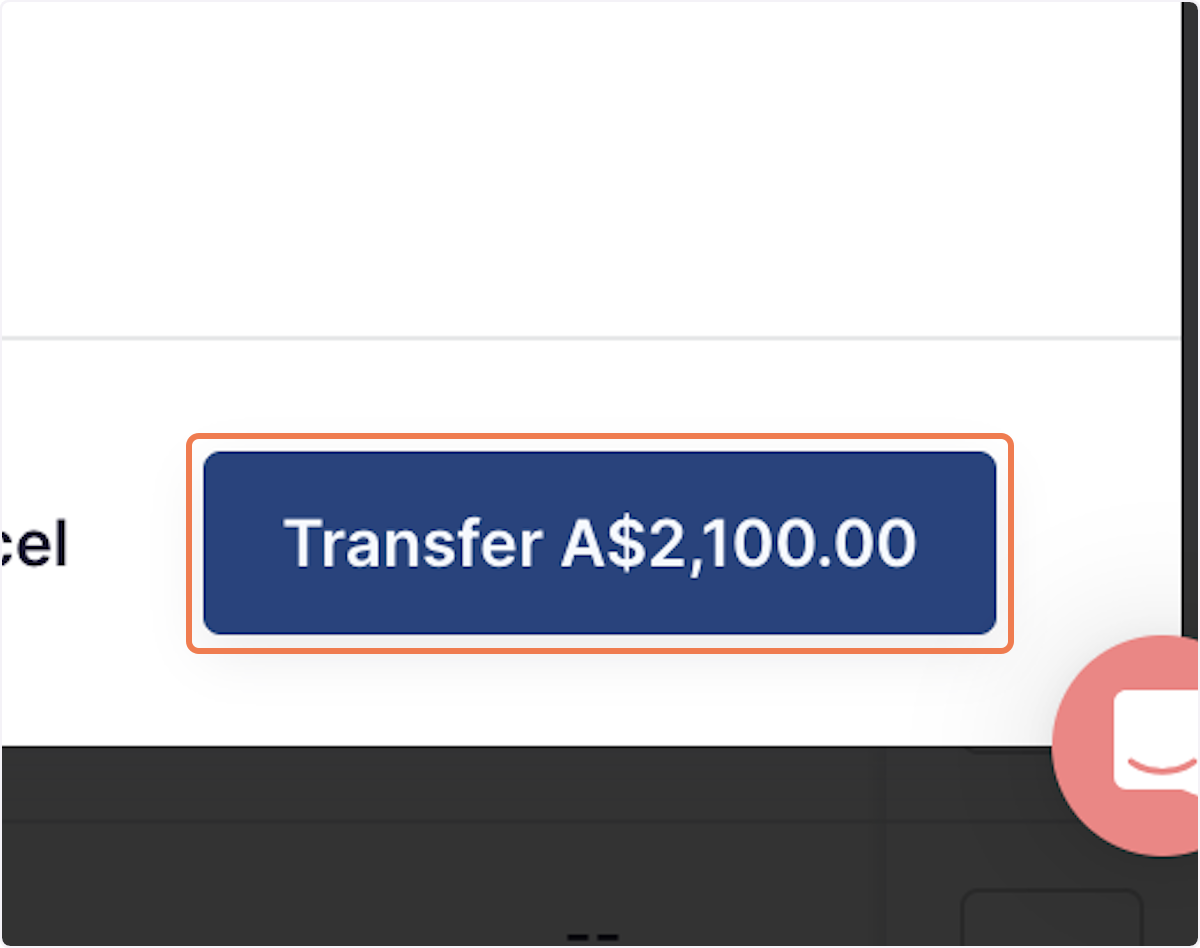
The funds would have now been applied to rent.