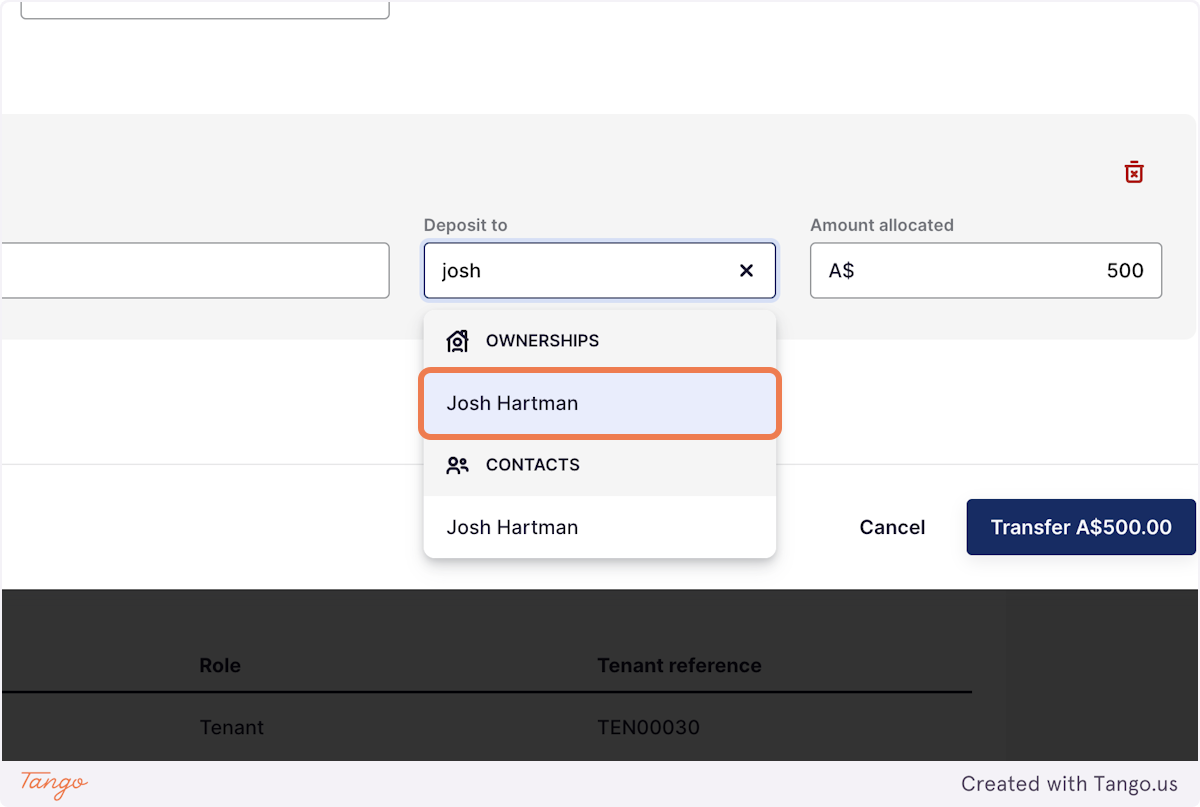
Transferring Funds in Rex PM
Transferring funds in Rex PM lets you move money that's already in your client account from one place to another — such as between tenancies, properties, or contacts — without creating a new receipt or payment.
Unlike receipting funds, which records new money coming into your client account, transferring funds simply moves money that's already there to the correct location.
It's a simple way to fix allocations or shift funds that were received into the wrong place. Rather than refunding or re-receipting money, a transfer keeps your records tidy and your client account balanced.
What is Transferring Funds?
When you transfer funds, you're reallocating money that's already recorded in your client account. No new money is coming in or leaving your account — it's simply being moved between records inside Rex PM to correct or adjust where it sits.
Think of it like moving money between two of your own bank accounts — you're not gaining or losing anything, just putting it in the right spot.
You might use a transfer when:
- A payment was receipted against the wrong tenant, property, or contact.
- A tenant has overpaid and you want to move the extra amount to their rent or another upcoming invoice.
- You're shifting funds between one ownership to another.
- You're adjusting balances for internal accuracy.
How to Transfer Funds in Rex PM
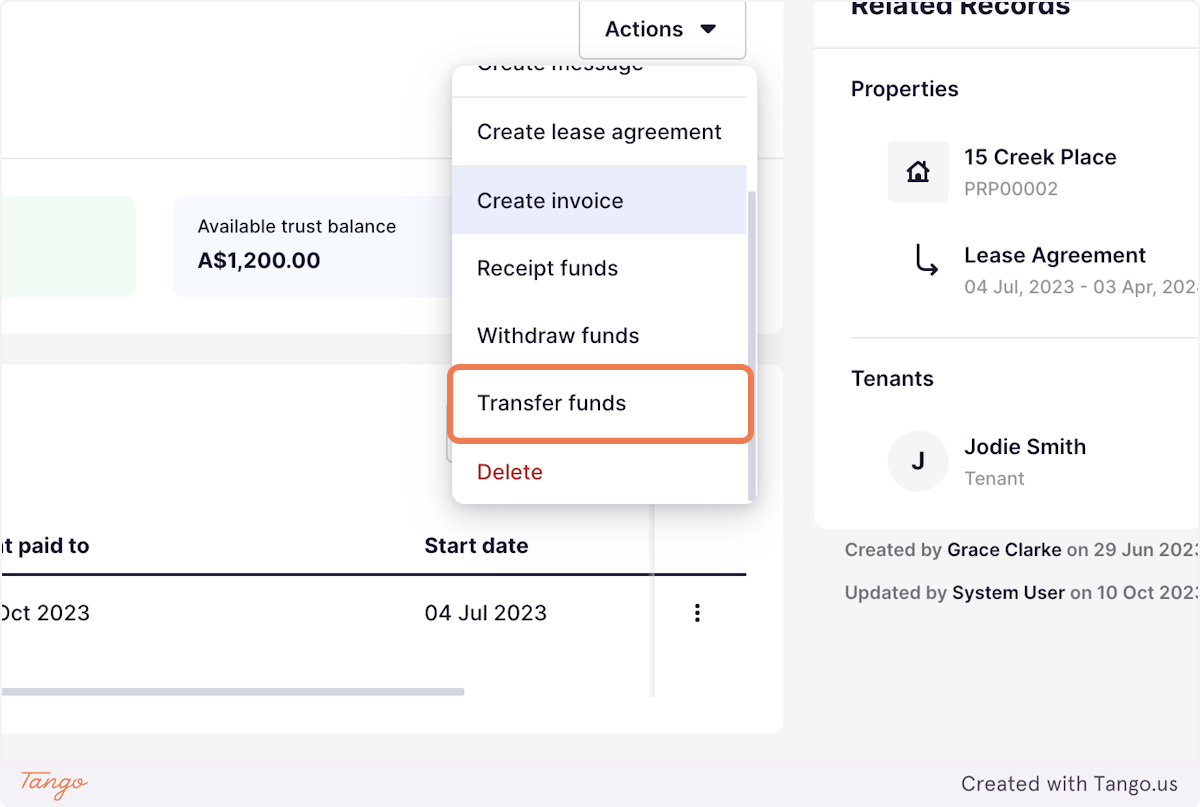
2. Click “Actions” → “Transfer Funds”
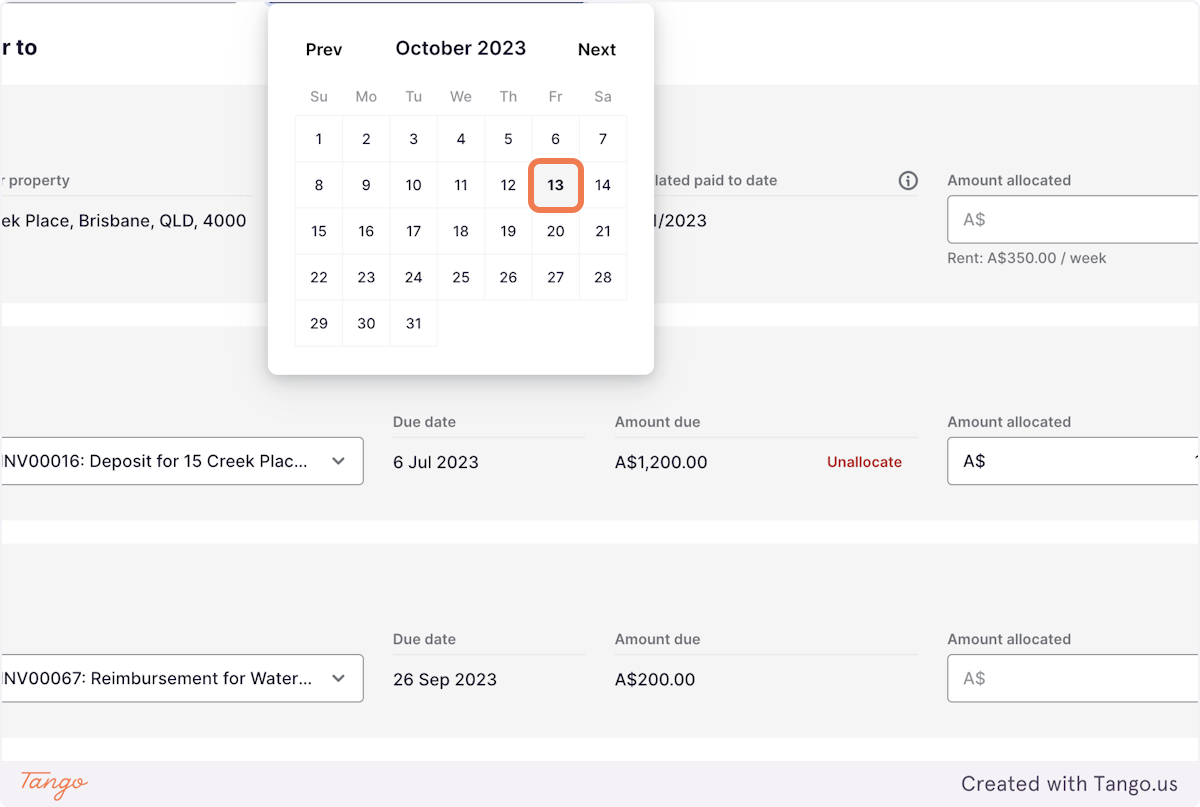
3. Enter the date you want the transfer to appear in your records.
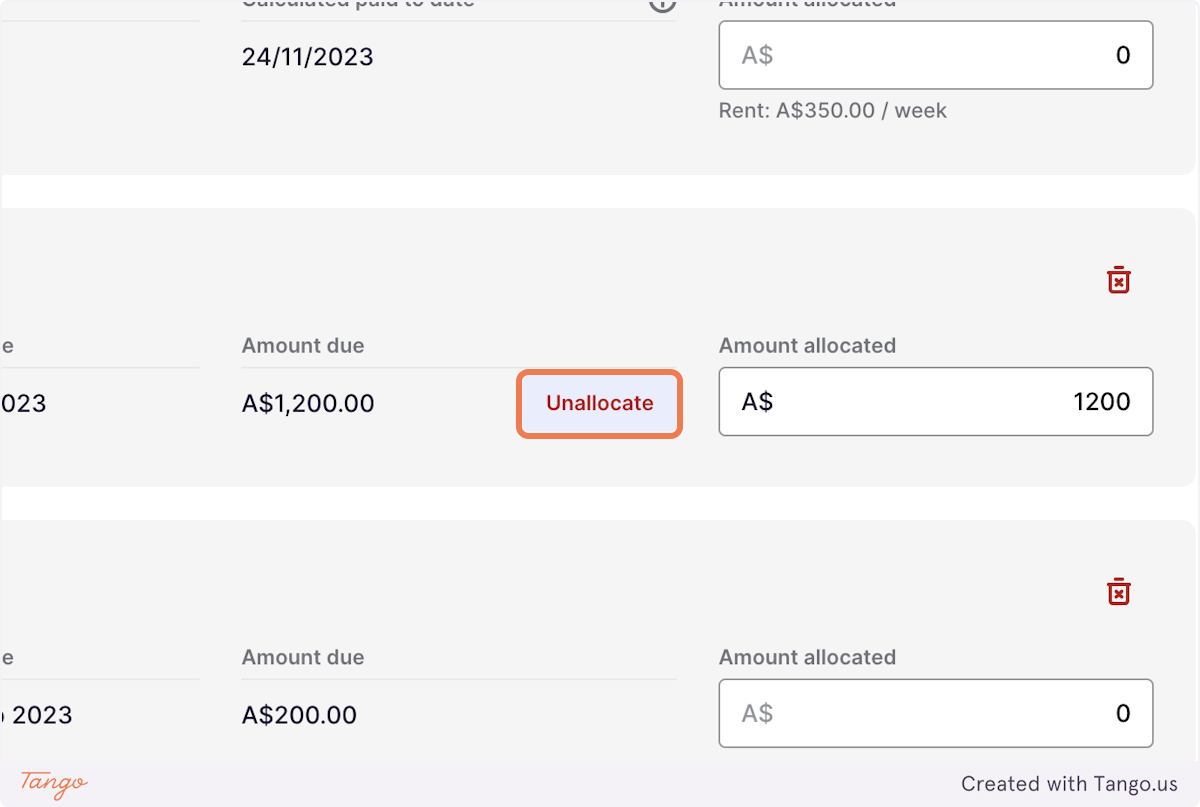
5. Allocate the funds to the according to owning invoices by selecting Allocate/Unallocate
Please note: Rex PM will auto-allocate the funds to the invoice with the highest priority and closet due date.
6. Click on Remove for any invoices that are not to be included in the transfer
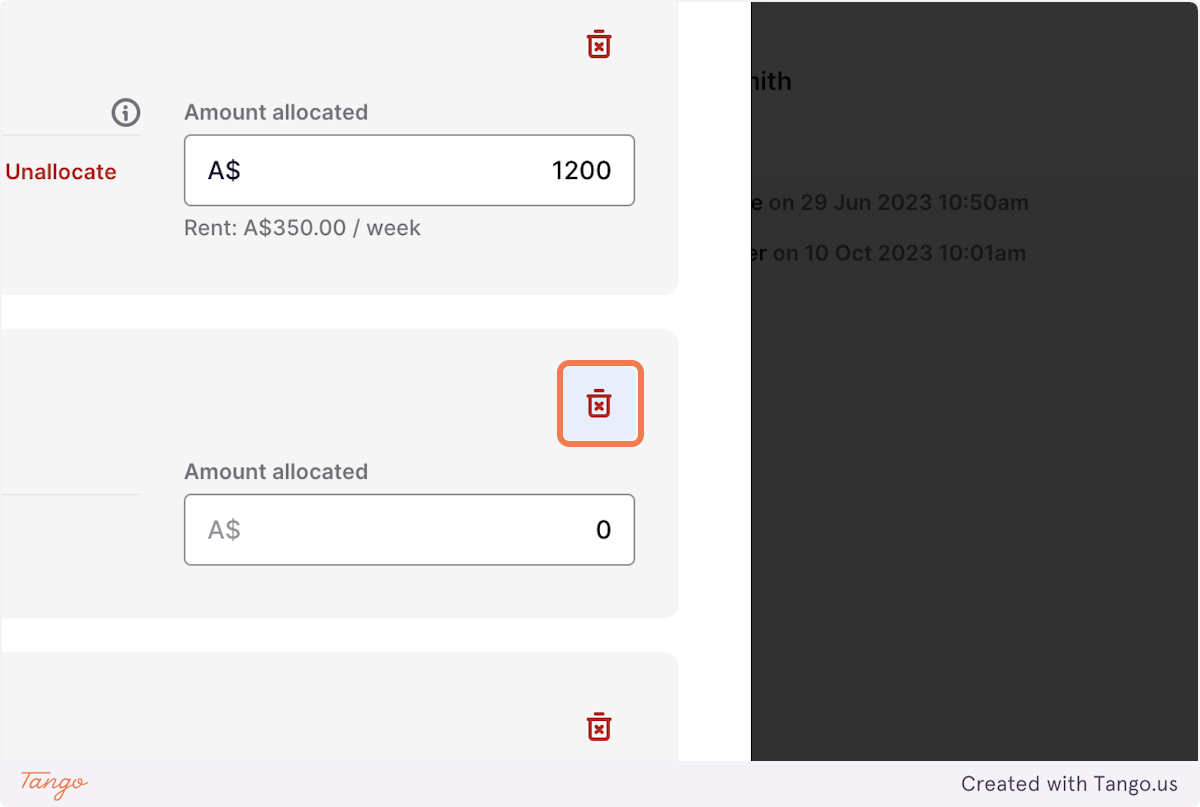
7. Once you've allocated all the necessary funds, click Transfer
To Add a Deposit Line Item:
If the funds you're transferring are not related to an invoice payment you can add a deposit line item using the below steps:
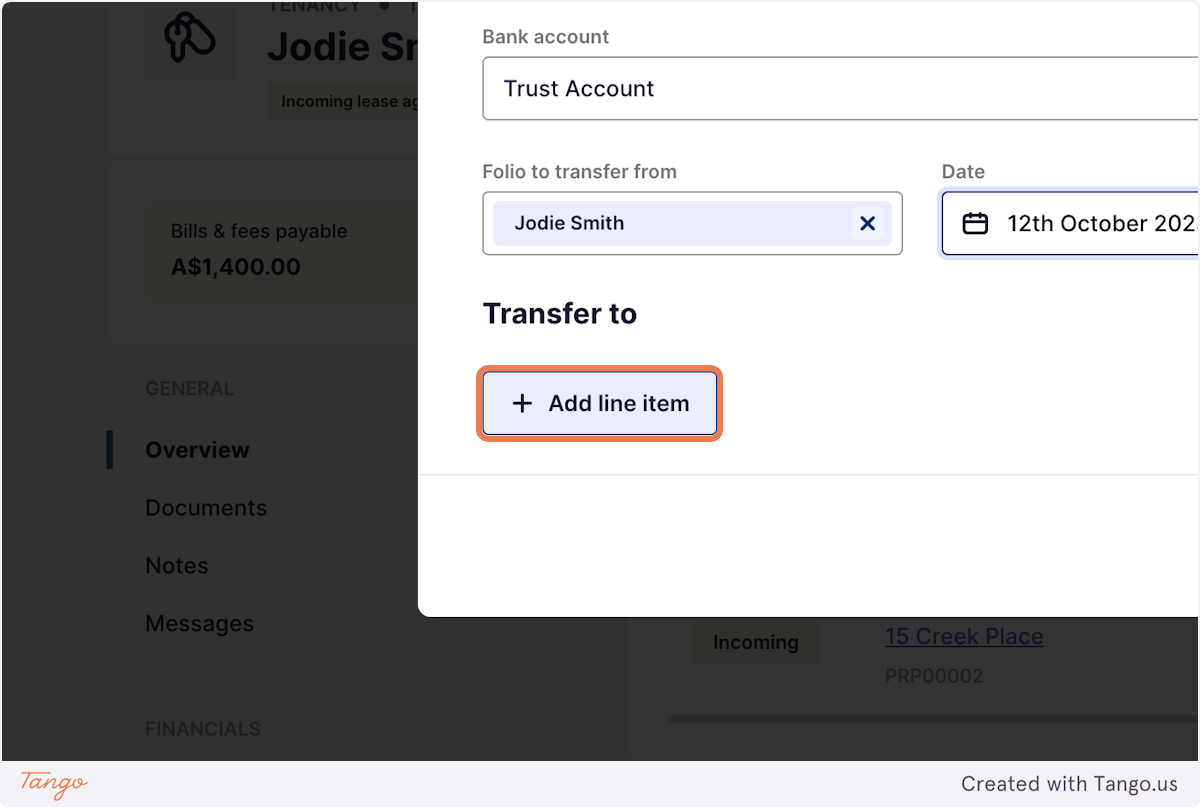
1. Click on Add line item
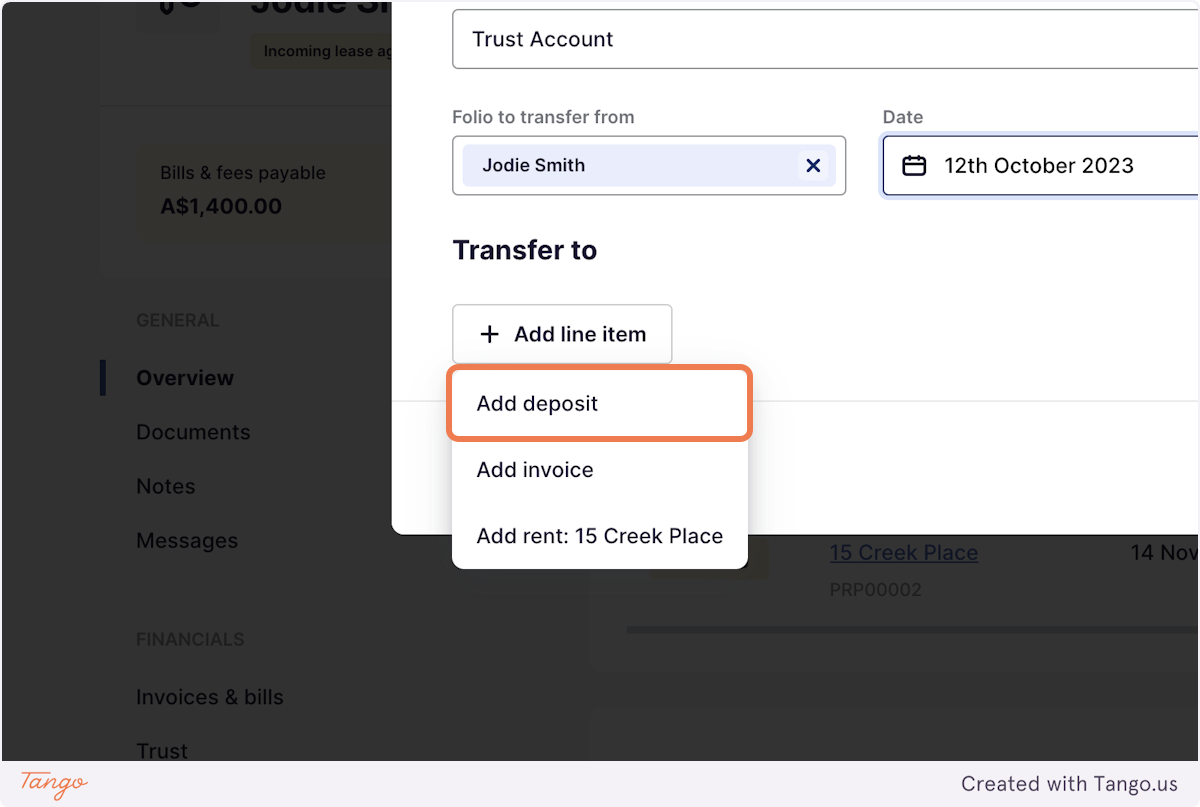
2. Click on Add deposit
3. Enter a Description for the Transfer of Funds
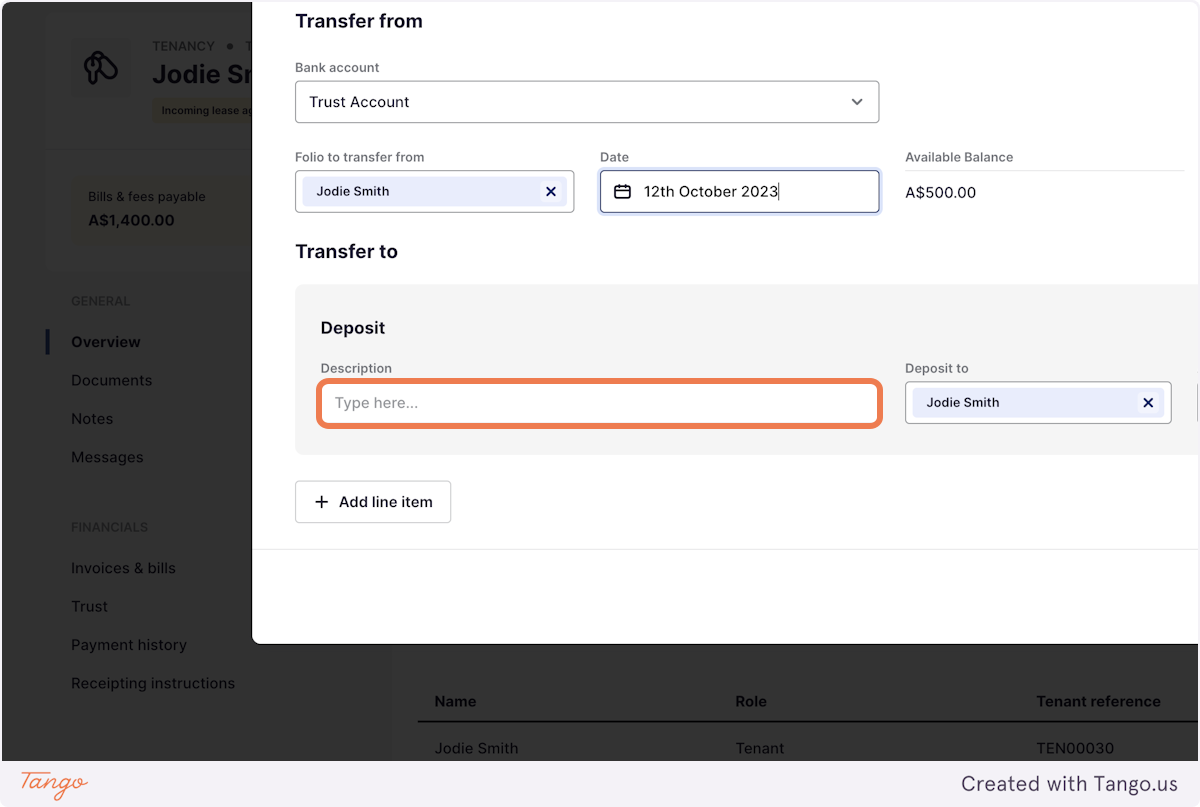
4. Select a Ledger for the funds to be transferred to